It fills in the boring bits.

Paste a link and Savepad gets the title, takes a snapshot, pulls out the colours, checks the SEO and keeps the text for search. There's no AI in any of it.

Metadata01 / 07

Paste a link and it looks like the page.

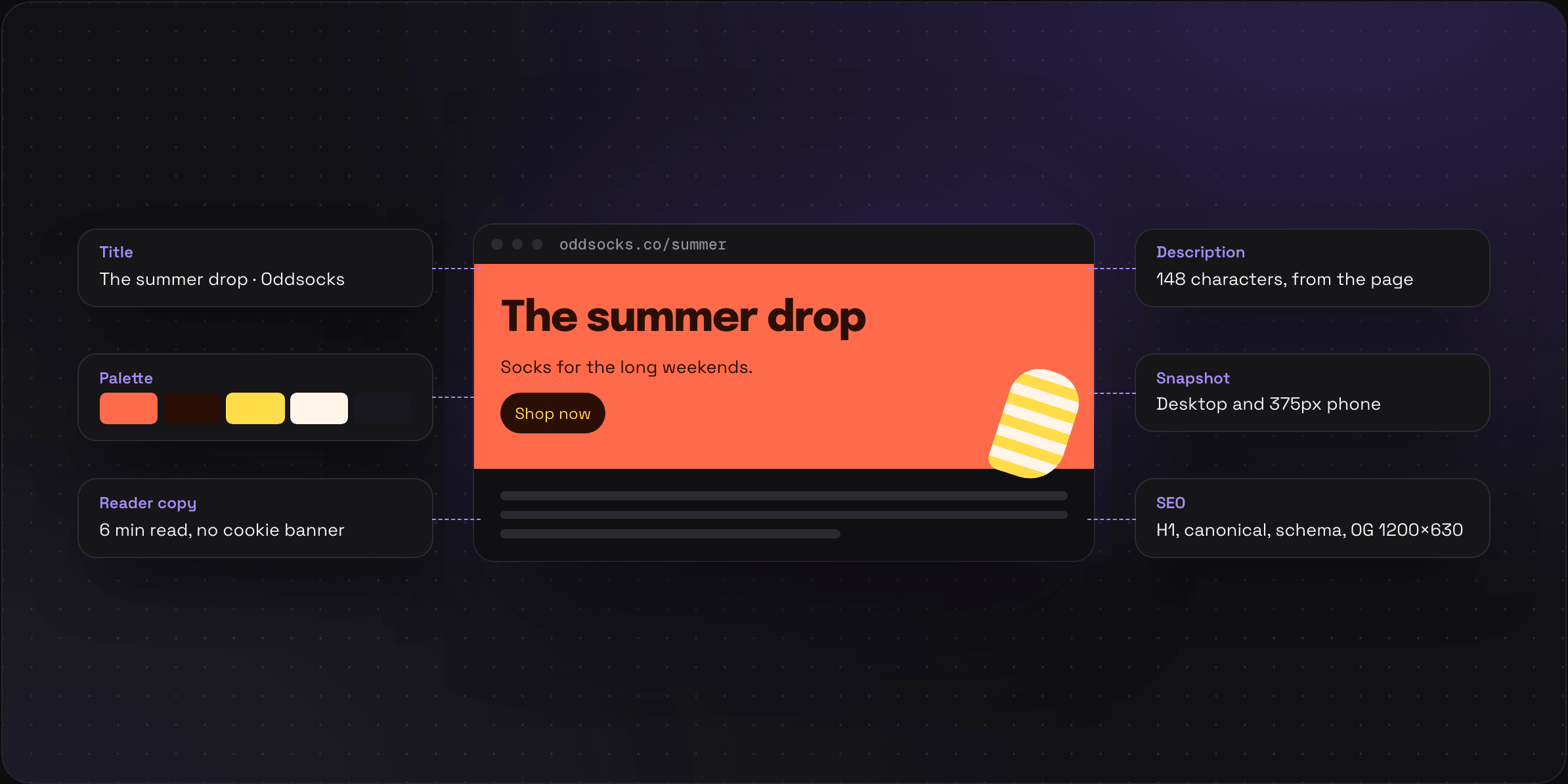
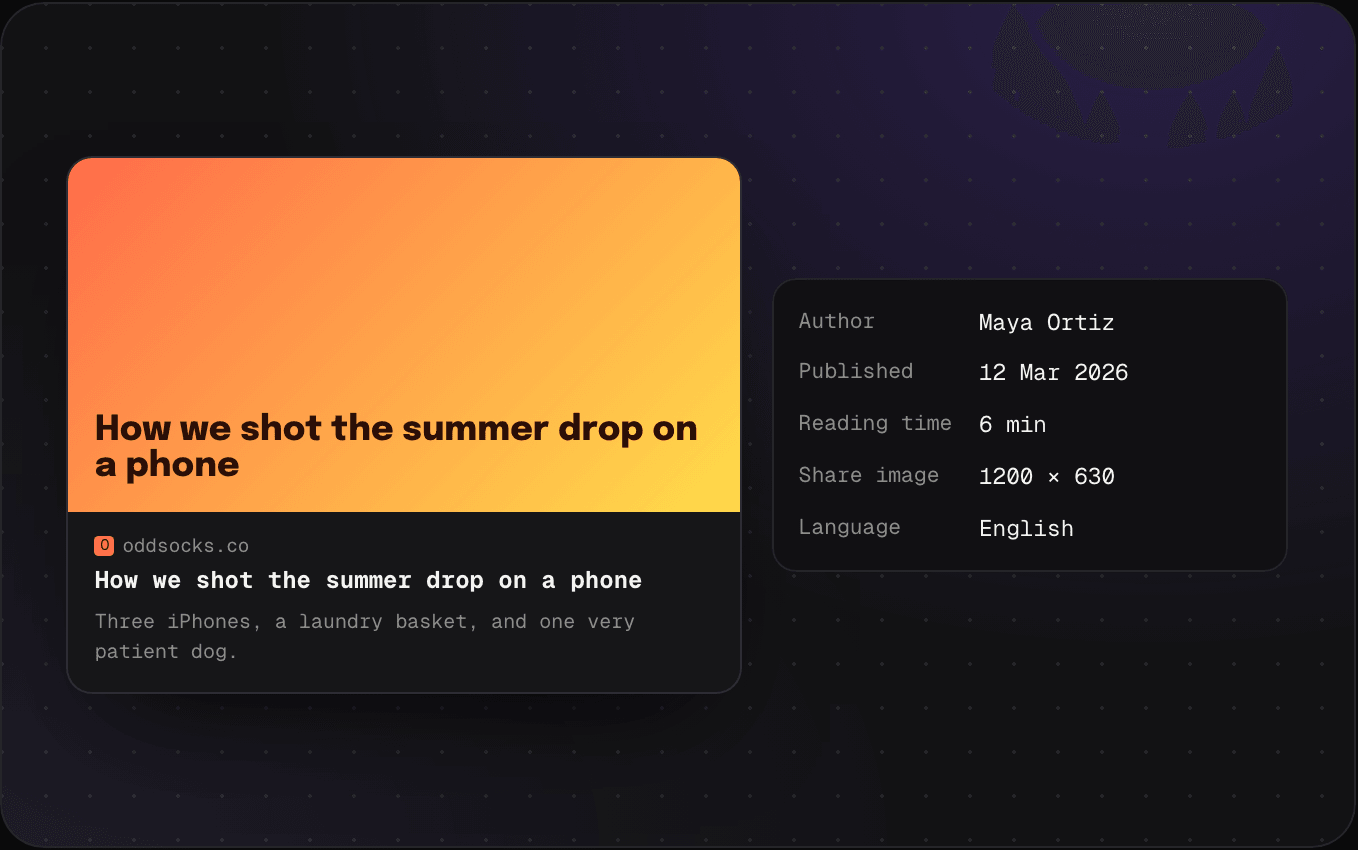
Savepad reads the page the way a browser would and pulls out its title, description, author, publish date, favicon and share image. So the card in your folder shows the picture and the headline, and you never type any of it.

  • Reading time on articles
  • Fix the title or description if the page got it wrong
Snapshots02 / 07

Keep the landing page you liked, even after they redesign it.

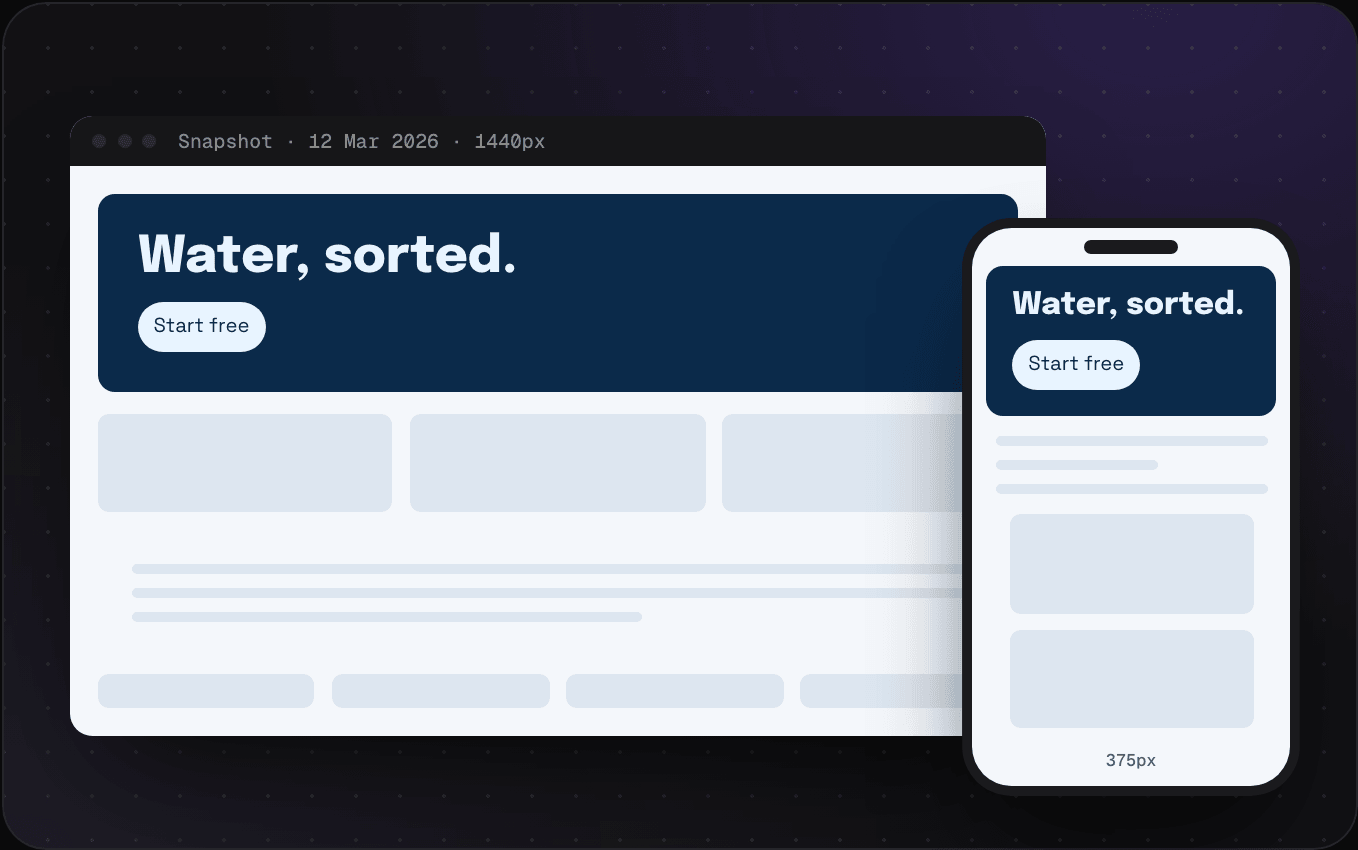
Every good landing page gets redesigned eventually. When you save a page, Savepad takes a full-page screenshot at 1440px and at 375px, and keeps a reader copy without the cookie banner. You still have the version you liked in March.

  • Switch between Live, Reader and Snapshot on any saved page
  • On Pro, page history takes a new snapshot every month when the page changes

SEO panel03 / 07

The stuff you’d open dev tools for.

Title and description length against Google's limits, the canonical, how many H1s, the structured data and the share image size, on every page you save. Handy when you're saving competitors' pages. Weirdly satisfying when yours pass and theirs don't.

  • Open Graph share image size, checked

Palettes04 / 07

Five colours out of every screenshot.

Savepad reads the pixels of every image, screenshot and video thumbnail and picks out the five colours doing the most work, with hex, RGB and OKLCH ready to copy. Sort by colour and search by colour both run on this.

  • Pick a swatch in search to find every save with that colour
  • Images get their text read too, for search

Emails05 / 07

The subject line, the preheader and who sent it.

Forward a newsletter or a welcome email and it lands looking the way it did in your inbox, with the sender, subject line, preheader and the tool it went out with (Klaviyo, Customer.io, Mailchimp…). Tracking pixels get stripped, so opening it in Savepad never tells the sender.

  • Desktop and 375px views of the same email
  • The whole body is searchable

Video captions06 / 07

Search what they said at 3:07.

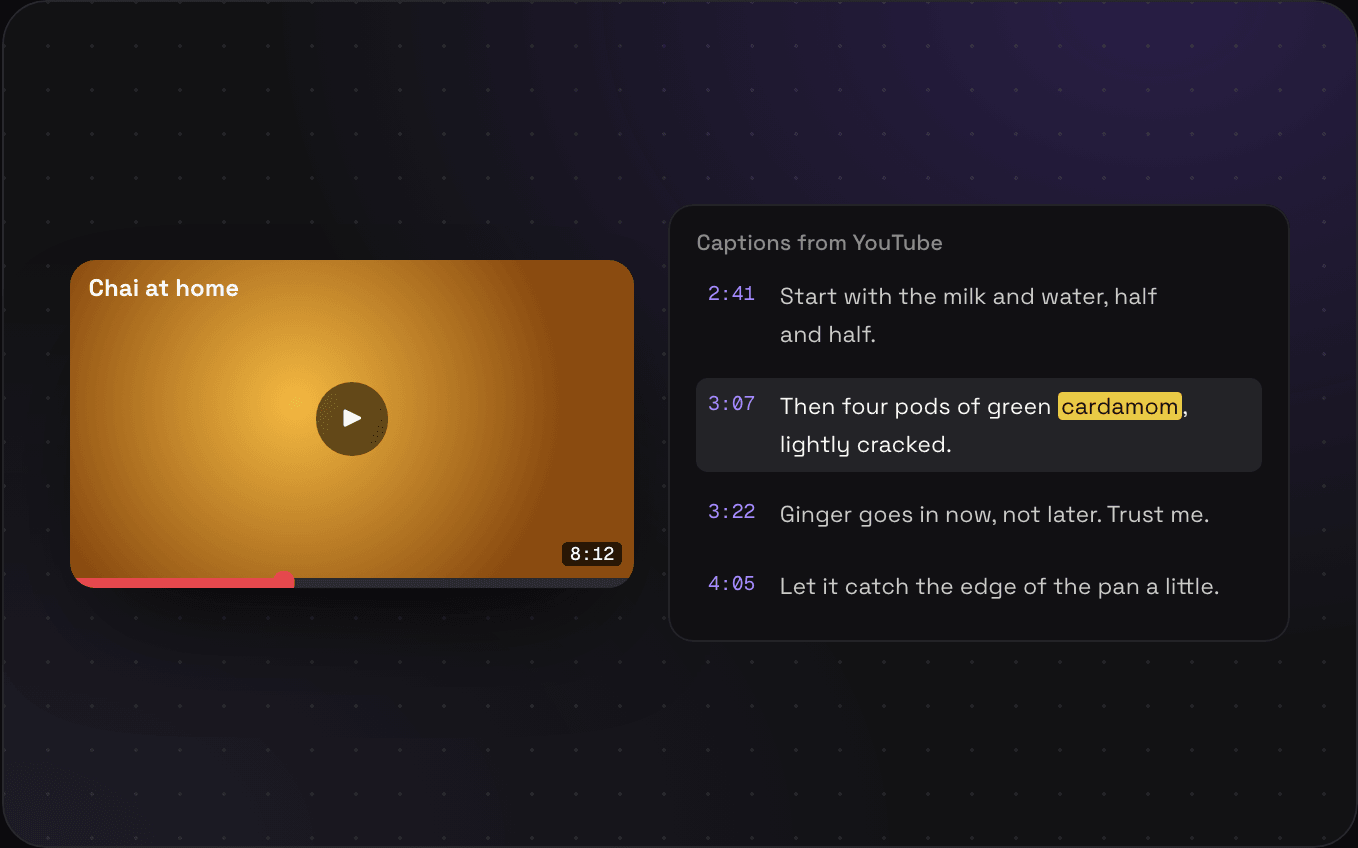
When a YouTube or Vimeo video has captions, Savepad saves them with their timestamps. Search cardamom and you land on 3:07 of an eight-minute chai tutorial. Nothing gets transcribed, these are the captions the creator already put up.

  • Only for videos that come with captions

How it does all that without AI

It's reading and counting, all of it. Here's what does each job.

Metadata
The page’s own HTML tags and structured data
Snapshots
A headless browser at 1440px and 375px
Palettes
Counting pixels, then grouping similar colours
Text in images
Tesseract OCR on our own servers
Emails
Parsing the headers and the HTML
Captions
The captions file the video already has

FAQs

Does Savepad use AI to fill all this in?

No. It's all deterministic: reading the page's own metadata, parsing the email, counting pixels for the palette, and Tesseract OCR for text in images. Savepad never sends your saves to a model.

What if a page blocks screenshots or needs a login?

Savepad saves what it can see without logging in. For pages behind a login, save a screenshot yourself (paste it straight in) and you still get the palette and the searchable text.

Do page history snapshots count against my storage?

No. The monthly snapshots on Pro don’t count toward your storage at all.

Can I turn tracking pixels back on?

No. Opening a saved email in Savepad never pings the sender, and there’s no switch for that on purpose.

Want in first?

Savepad launches soon. Leave your email and I'll let you know when it's live.

No spam, just the one email to tell you we're live.