
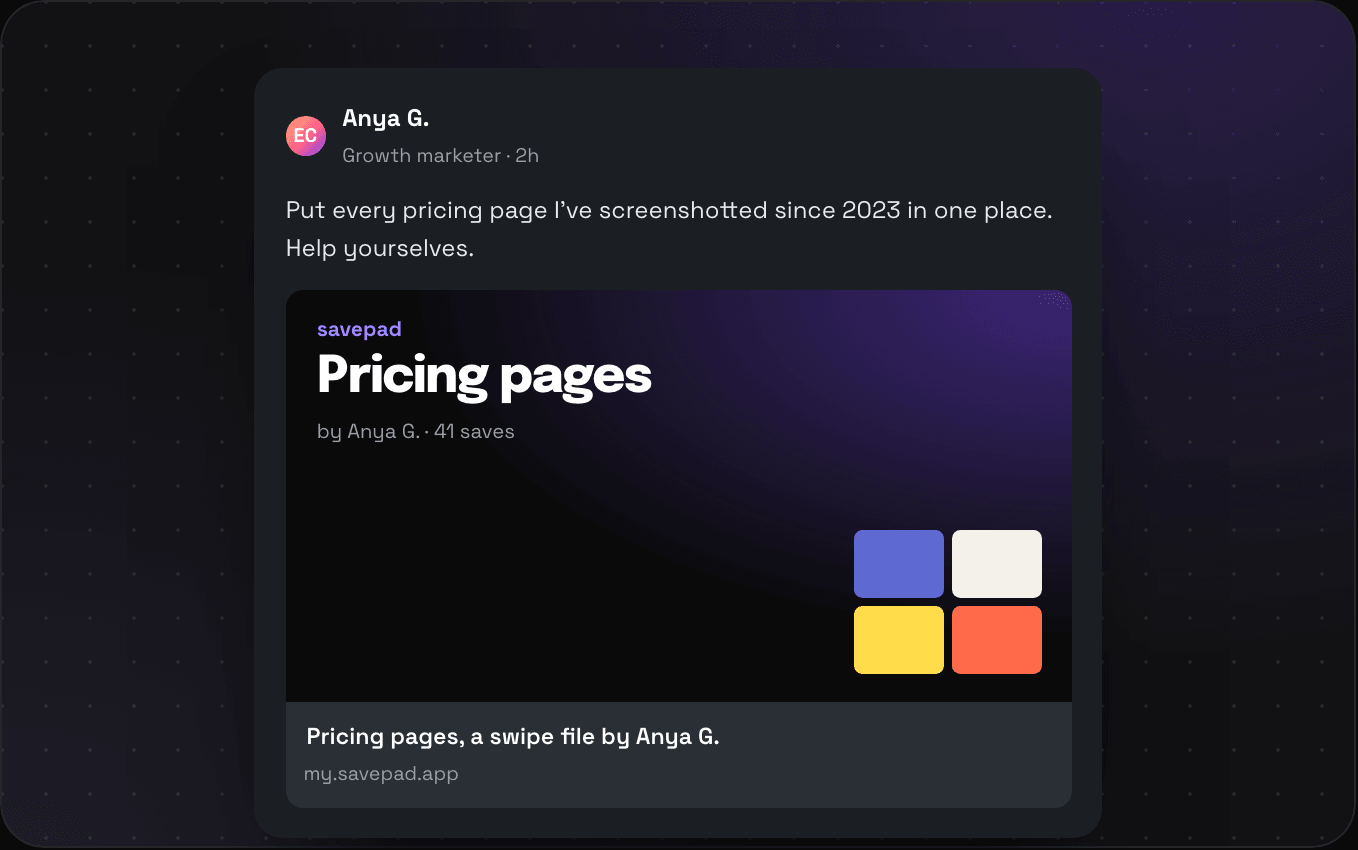
ECAnya G.Growth marketer · 2h
Put every pricing page I’ve screenshotted since 2023 in one place. Help yourselves.
savepad Pricing pages by Anya G. · 41 saves
Pricing pages, a swipe file by Anya G.
my.savepad.app
Everything you save is private. When you want to show some of it, make a space, a folder, or a tag public at my.savepad.app/@you, or send a private link to one person.
Your public page01 / 09
Pick a username and you've got a page. It shows every space and folder you switched on, as cards with their covers, and anyone can click in and open a save. Go tease them with your taste, you.
Public at any level02 / 09
Make Work public and switch off the Clients folder inside it. Or keep Work private and make only Paid social public. Or share everything tagged #dark-mode. Do it from Settings, or right-click anything in the sidebar and pick Make public.
Addresses03 / 09
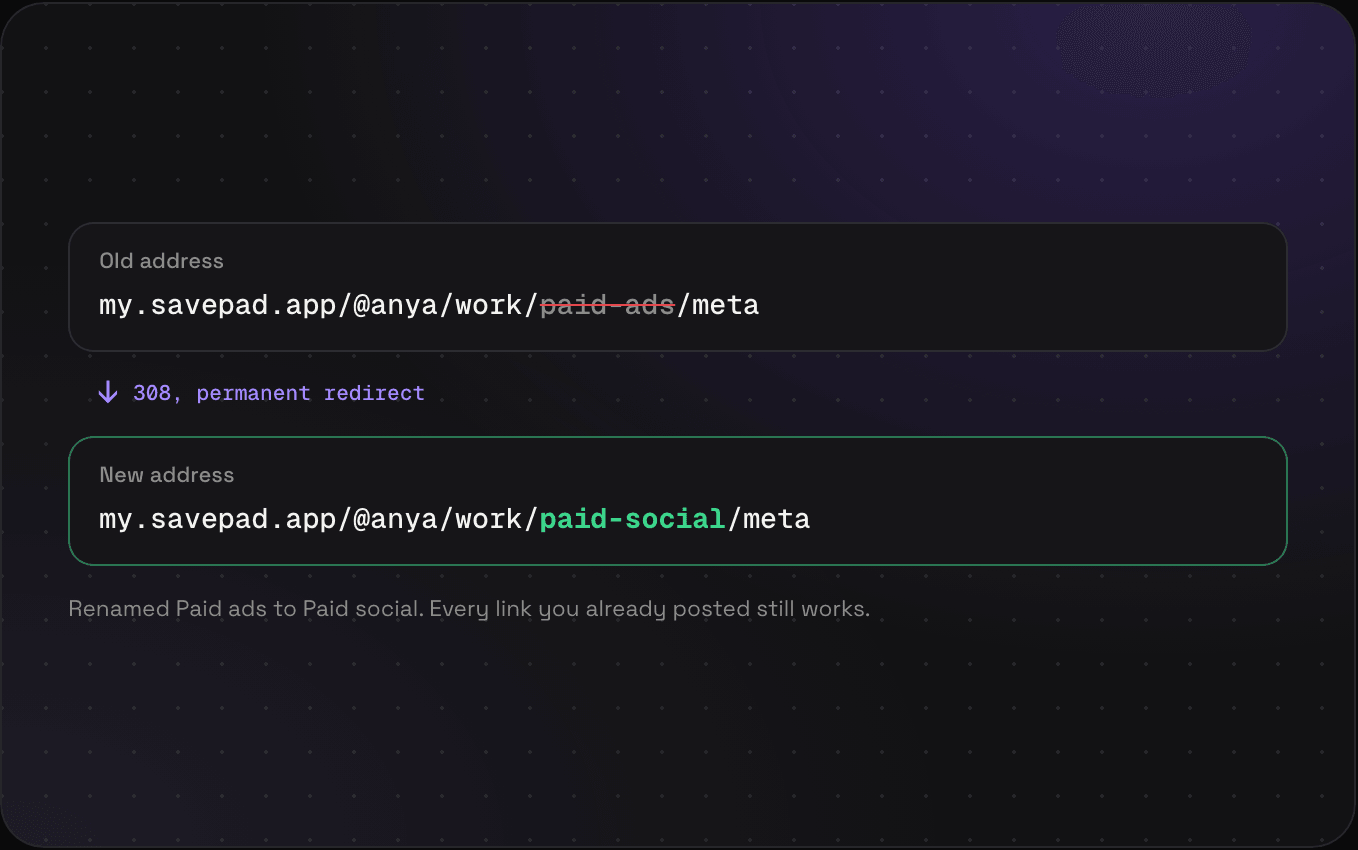
Every public space, folder, and tag gets an address made of its names, like my.savepad.app/@you/work/paid-social/meta. Rename a folder or move it and the old address redirects to the new one, so the link in your LinkedIn post from March still lands.
Search engines04 / 09
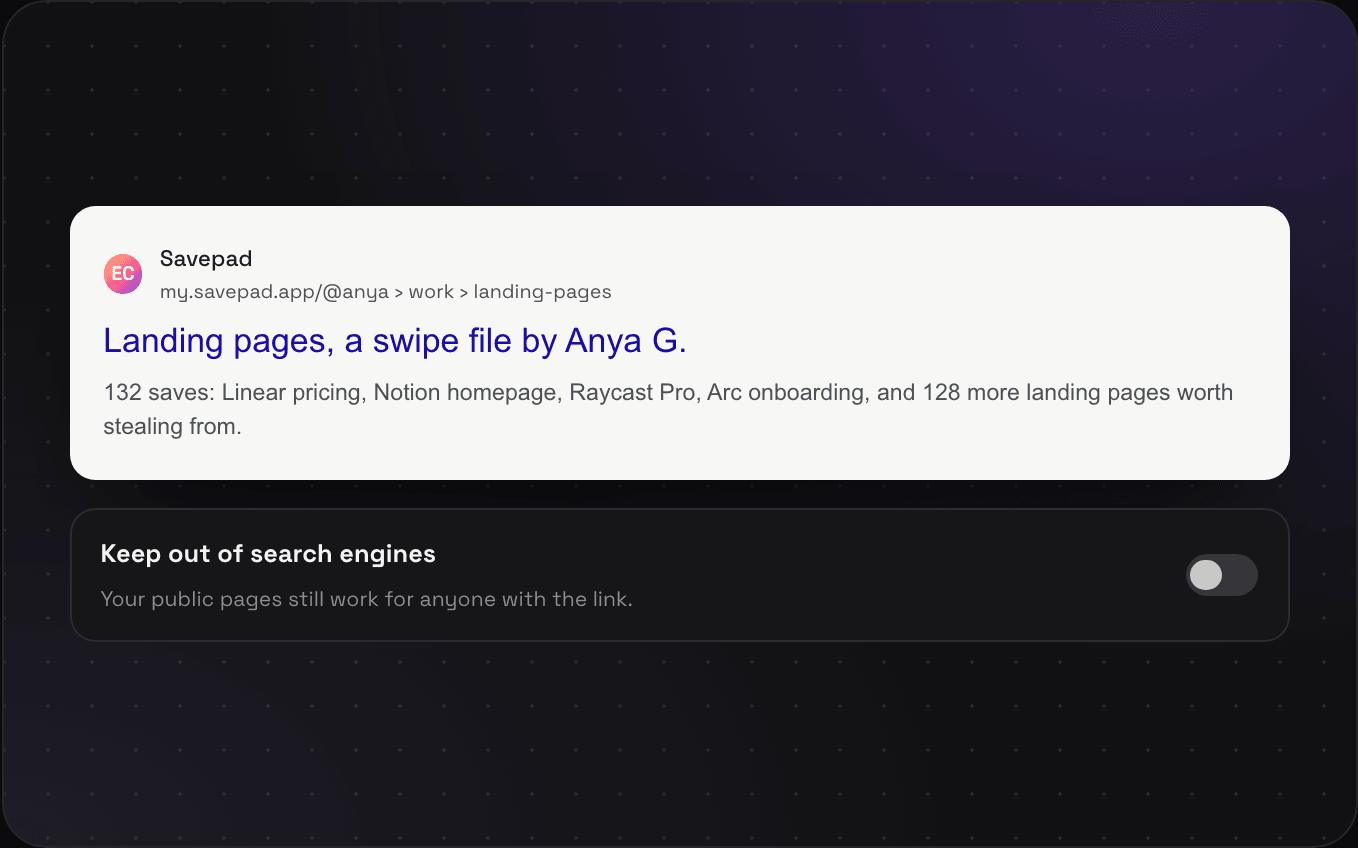
Public pages come with proper titles, descriptions, and structured data, so someone googling "pricing page examples" might land on your folder. Rather not? Switch on Keep out of search engines. Your pages still work for anyone with the link, Google just won’t list them.
Share images05 / 09
Paste your folder into LinkedIn, Slack, X, or iMessage, and it unfurls with a proper card: the folder name, your name, how many saves, and a peek at the covers.
Notes06 / 09
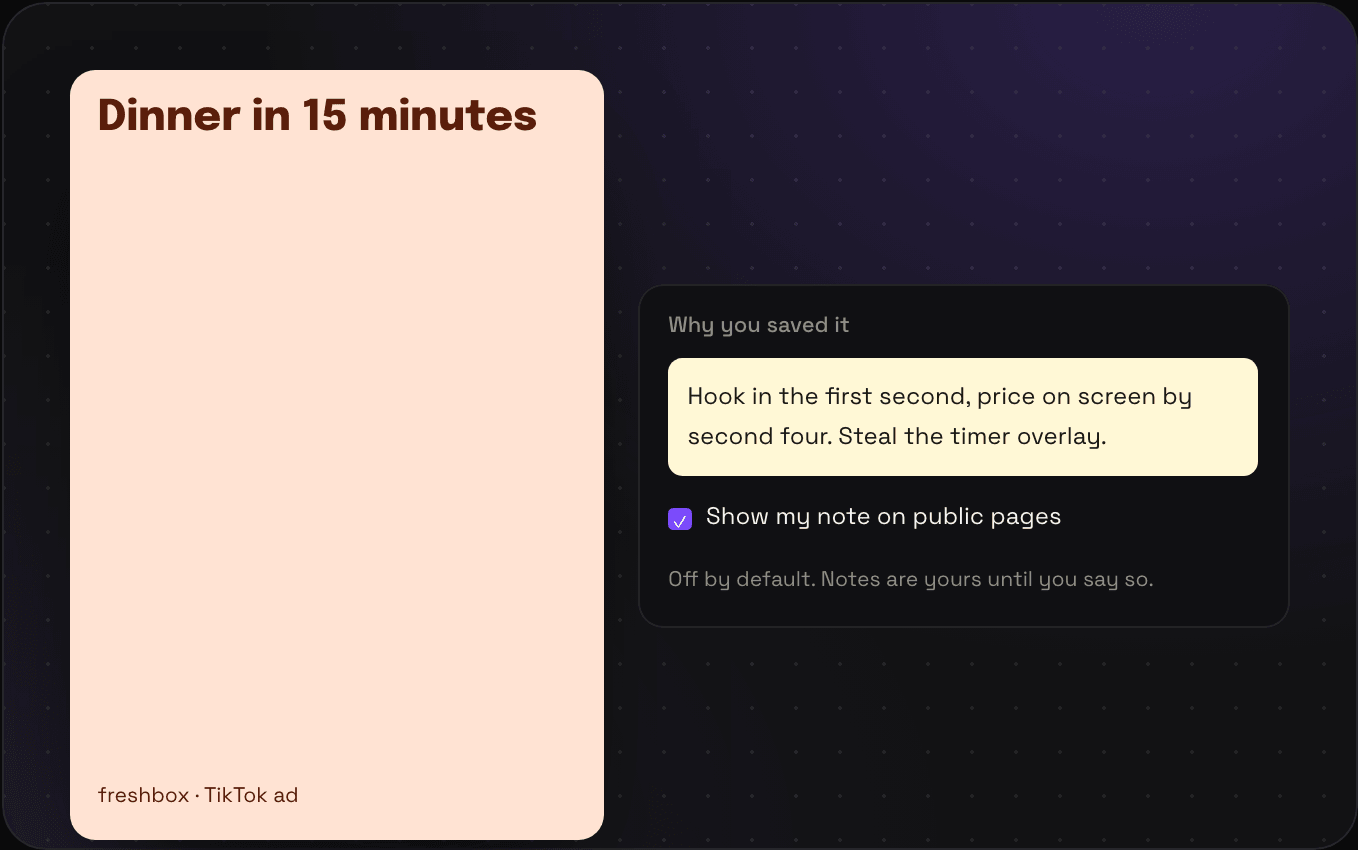
The note on a save is often the best bit ("steal the timer overlay"). It never shows on your public page unless you tick Show my note on that save. A save that’s only a note shows its text, since there’s nothing else to show.
Private links07 / 09
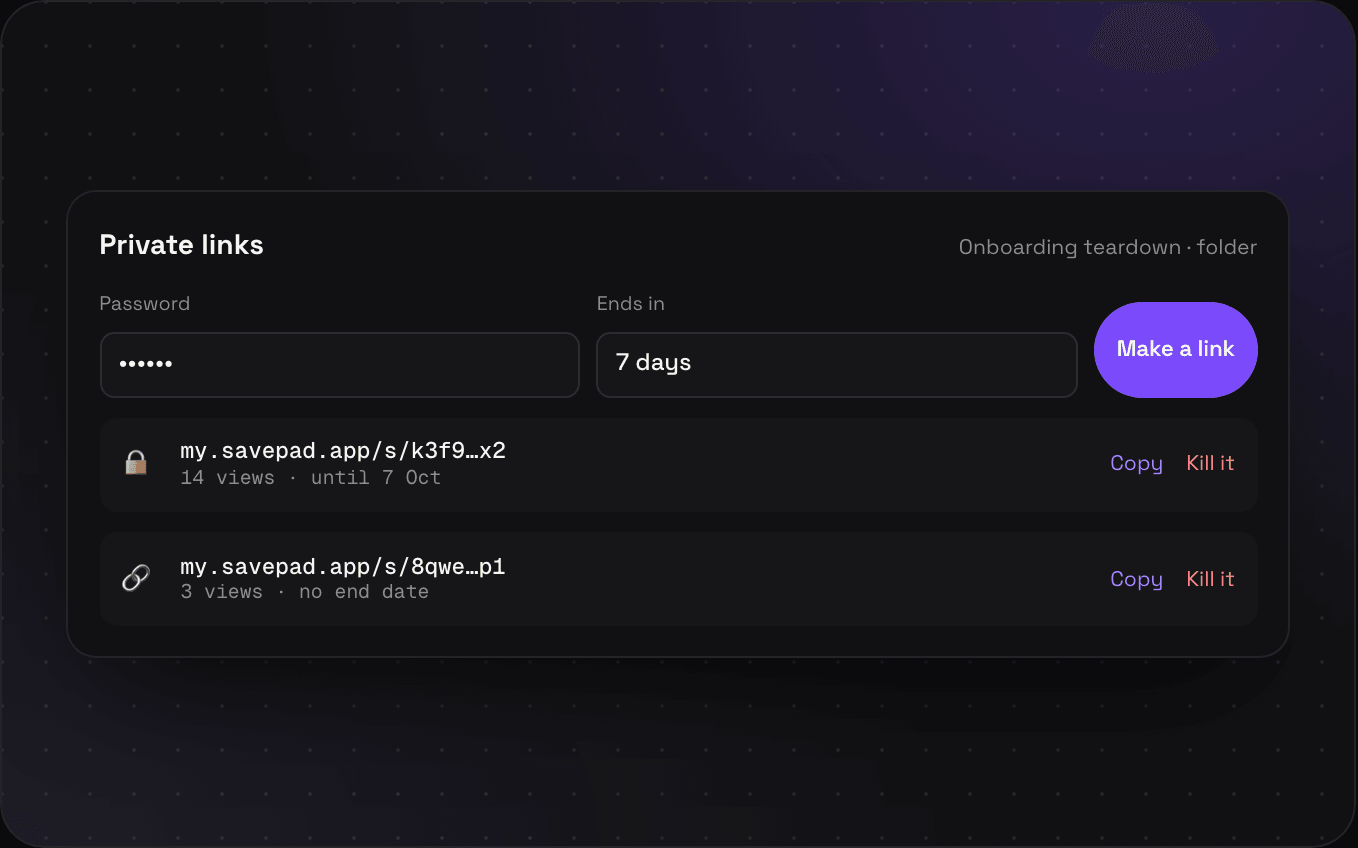
Make a private link to one save or one folder, add a password or an end date if you want, and send it. You can see how many times it's been opened and kill it whenever. Planning Mexico City with your partner? Send them the folder.
Website and socials08 / 09
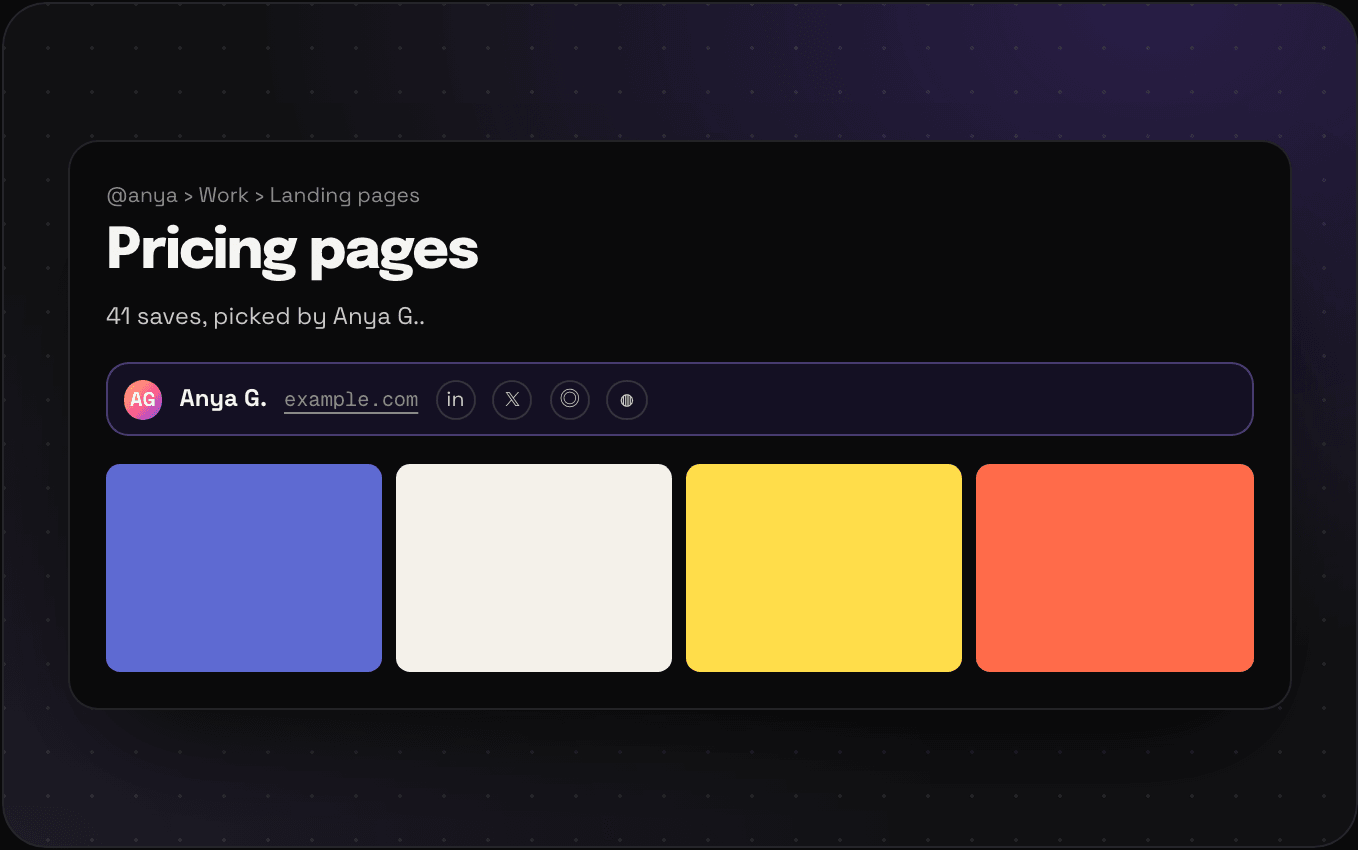
Add your website and your LinkedIn, X, Instagram, Facebook, GitHub, YouTube, TikTok, or Dribbble in Settings. They show up under your name on your profile and next to it on every space and folder page, so people who like your saves can find you.
Stats09 / 09
The Stats page shows how many views your public pages got, or how many people, over 7 days, 30 days, 3 months, or 12 months, next to the period before. You see which folders they opened, where they came from (LinkedIn? your newsletter?), which countries and which devices. Click a folder to see only its numbers. Nobody else can see any of this.
?ref=newsletter to a link and it shows up by that name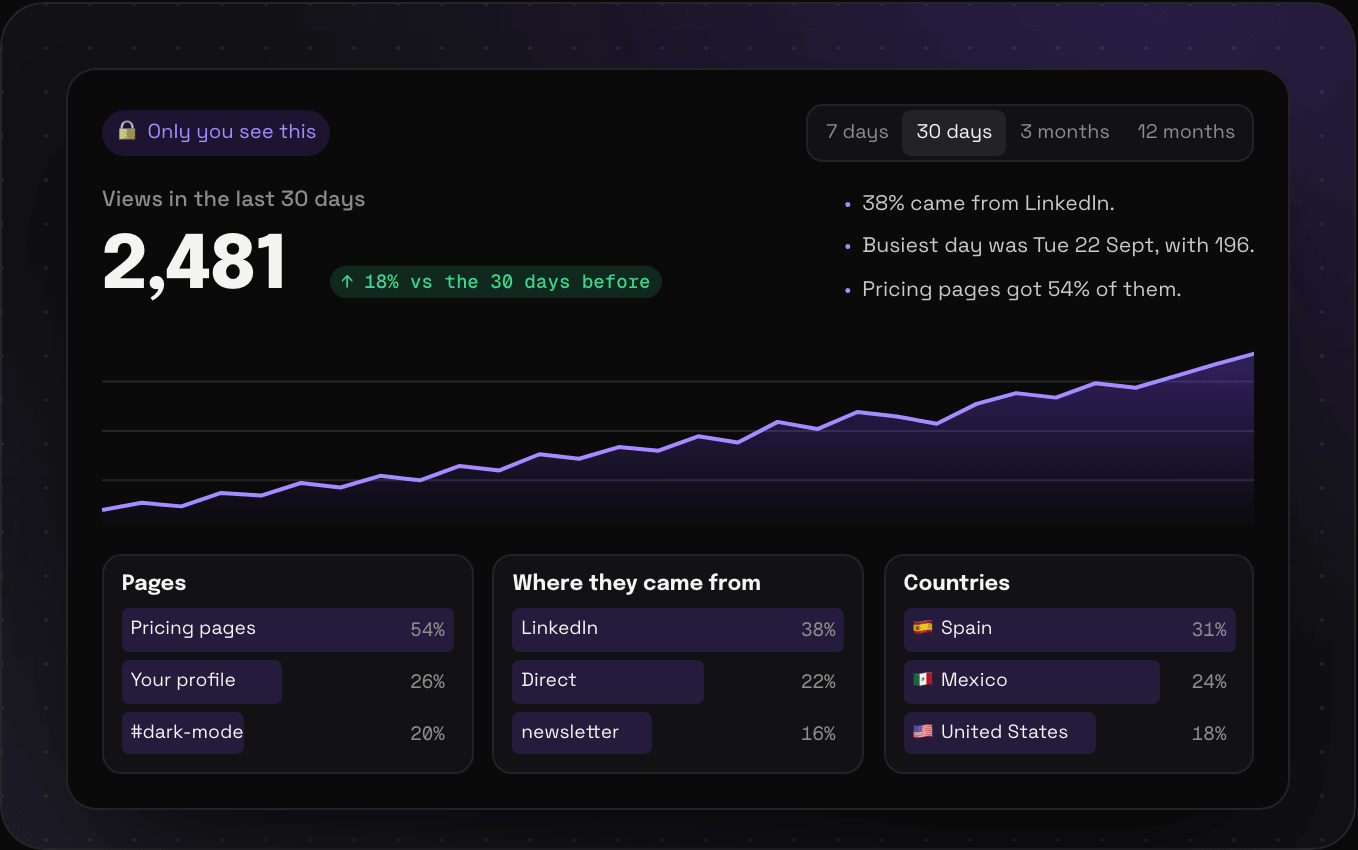
No. Not the saves, not the folder names. If a private folder sits between two public ones, it shows up as "Private" in the breadcrumb and that's it.
You have one address, my.savepad.app/@yourname, and it shows everything you made public from every space. Each space, folder, and tag has its own address under it.
No. Stats are only on your own Stats page when you're signed in. Visitors never see view counts.
No. Savepad counts a view on its own server as the page loads, and keeps only the total for the day, the country, the site they came from and whether it was a phone. No cookies, no IP addresses, nothing that points at a person.
Kill it from the save or the folder and it stops working straight away. Links with an end date stop by themselves.
Savepad launches soon. Leave your email and I'll let you know when it's live.