The docs.
Detailed user guides on using Savepad like a pro
Start here
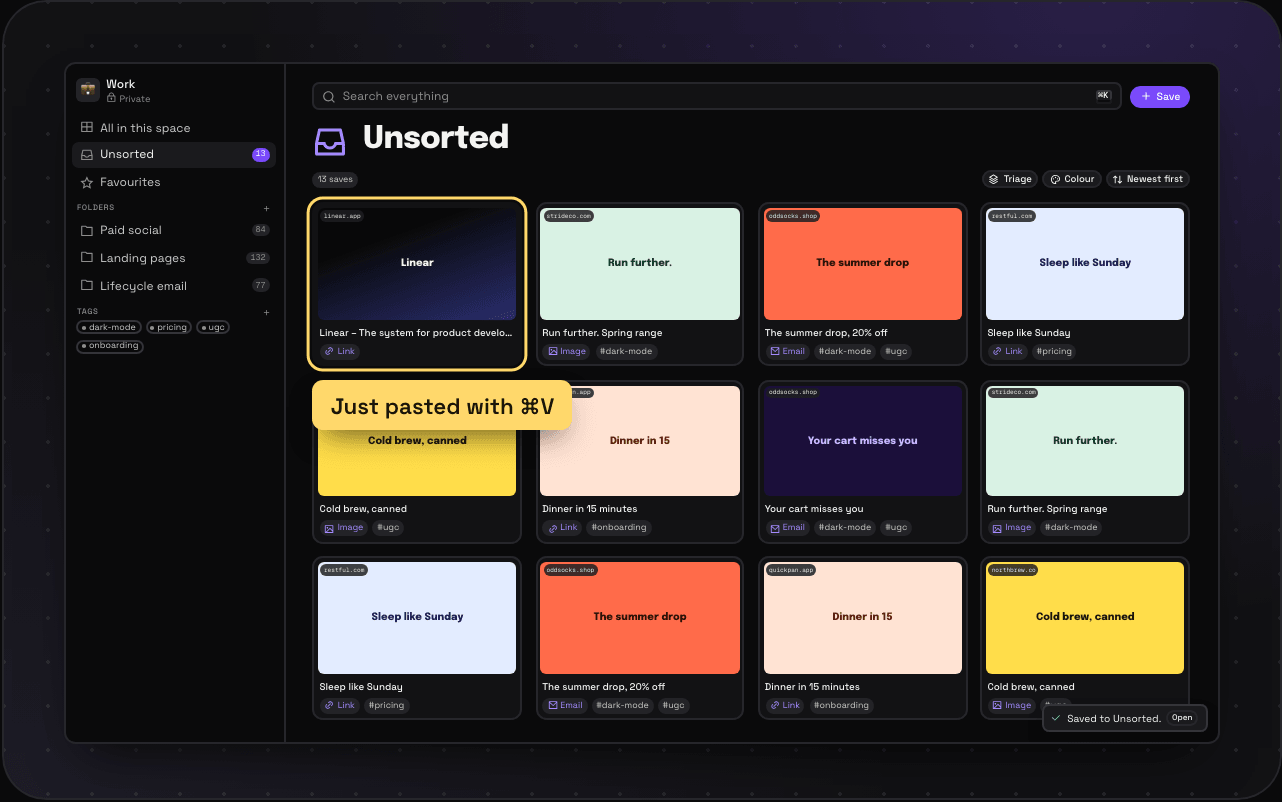
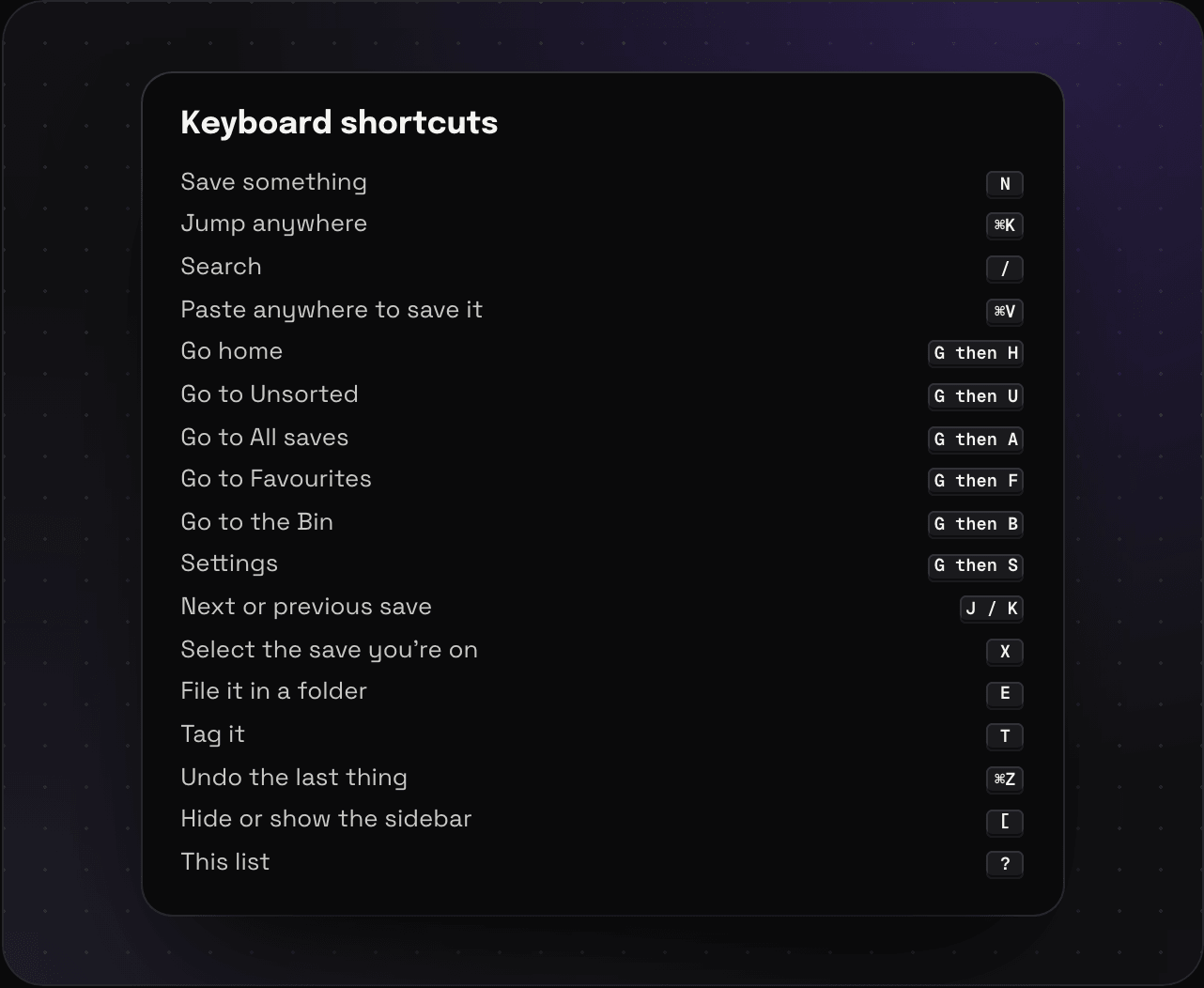
Saving
-
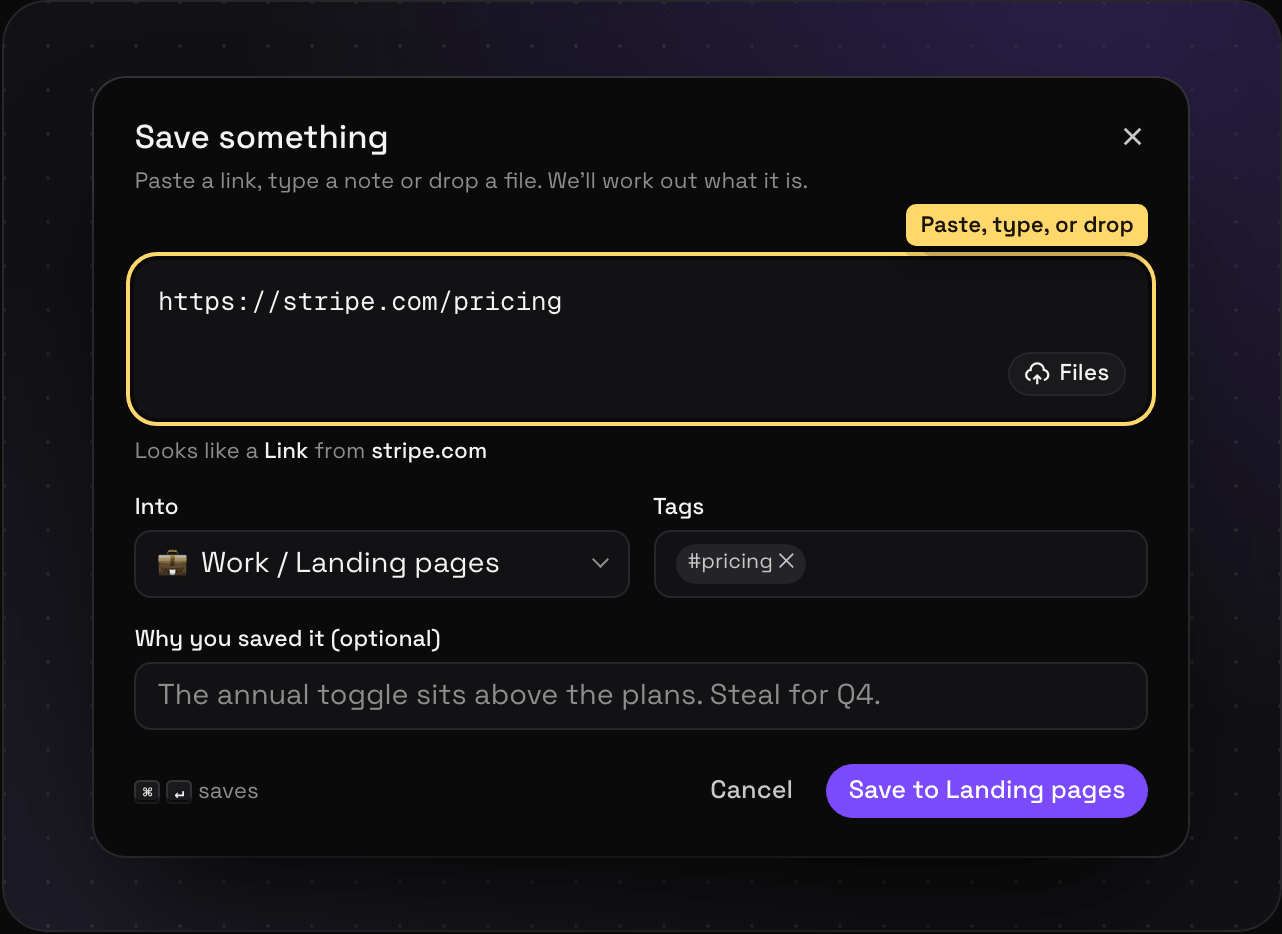 Every way to save Paste, drag and drop, the save dialog, email, your phone, an assistant, an import, or the API. Every way into Savepad, and when to use which. Read it
 -
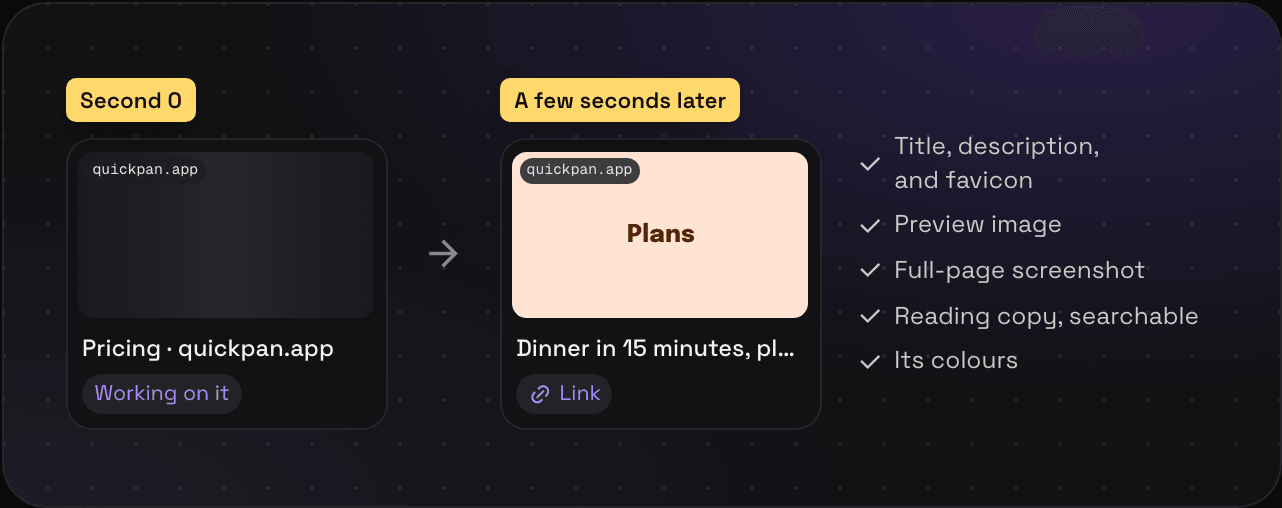 What Savepad does with a save Titles, previews, full-page screenshots, reading copies, colours, and the words in your images. What Savepad pulls out of everything you save, and how long it takes. Read it
 -
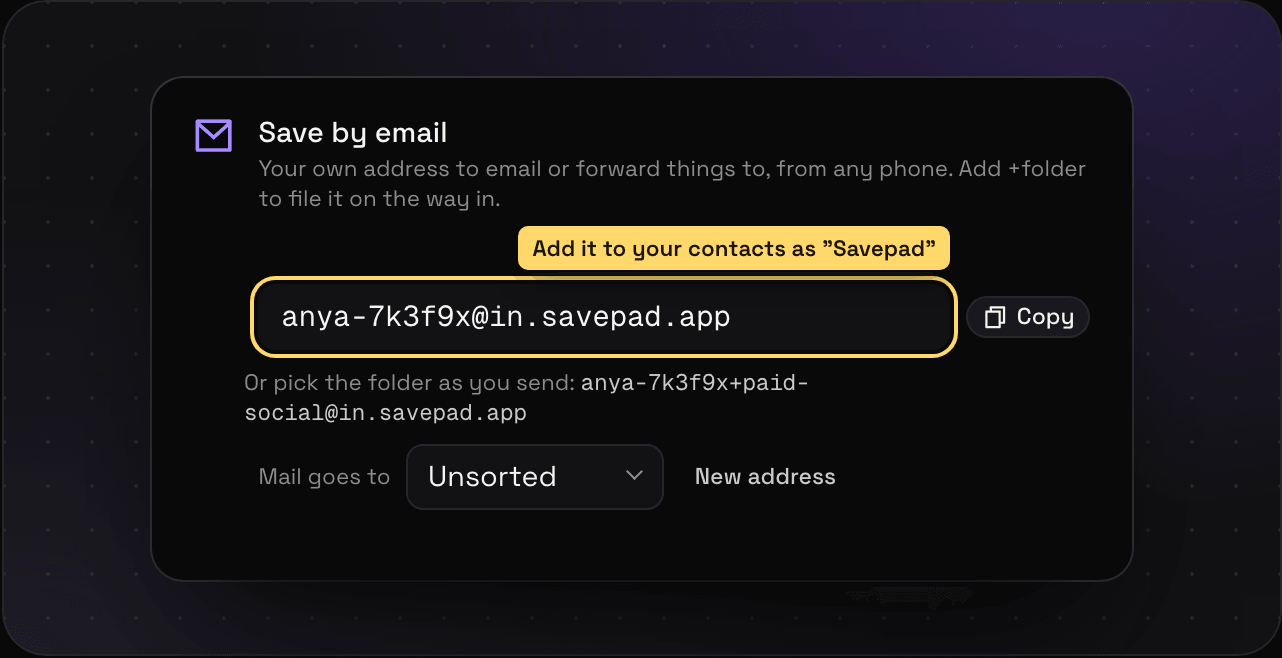 Save from your phone Save from your phone by sharing anything to your own Savepad email address. Links, screenshots, emails, and files, straight into the right folder. Read it
 -
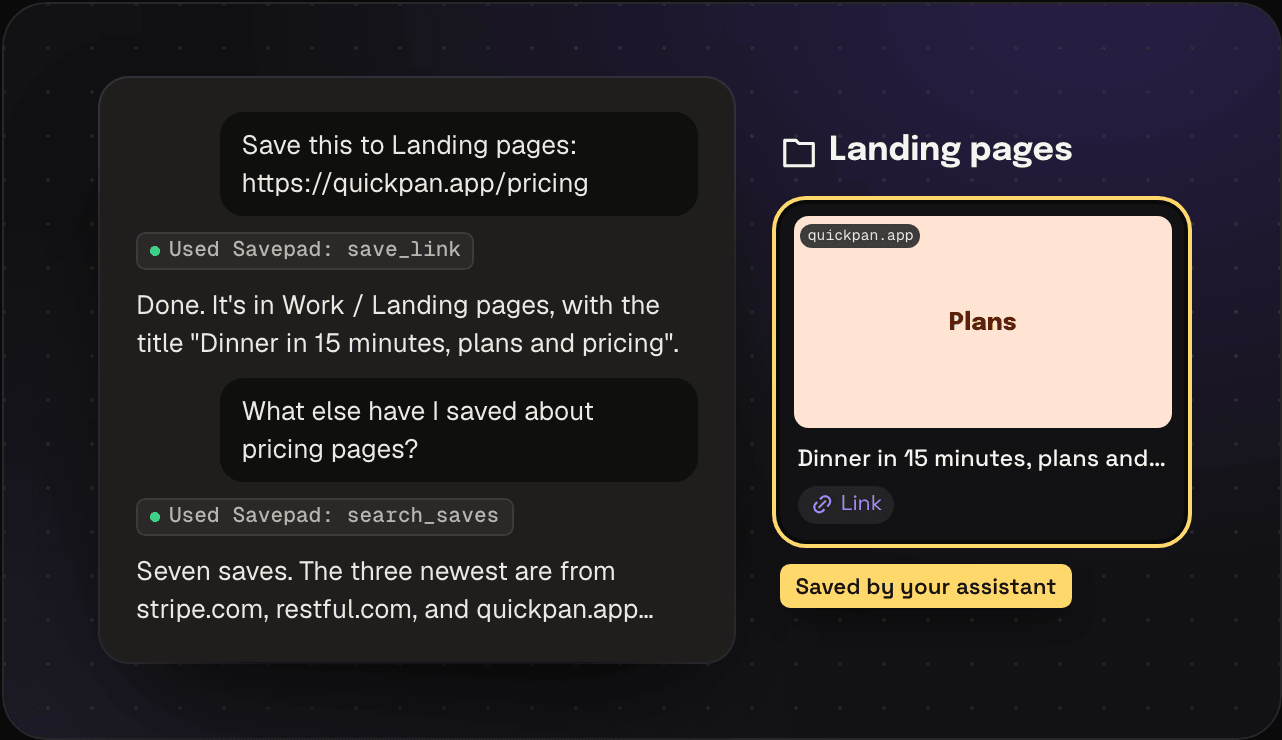 Save with your assistant Have Claude, ChatGPT, Cursor, or any MCP assistant save links and notes to Savepad, file them into folders, and tag them. With prompts that work. Read it
Save types
-
 Links and web pages Save any web page with a full-page screenshot, a reading copy, its colours, and every word searchable. How to save links, and what you get. Read it
 -
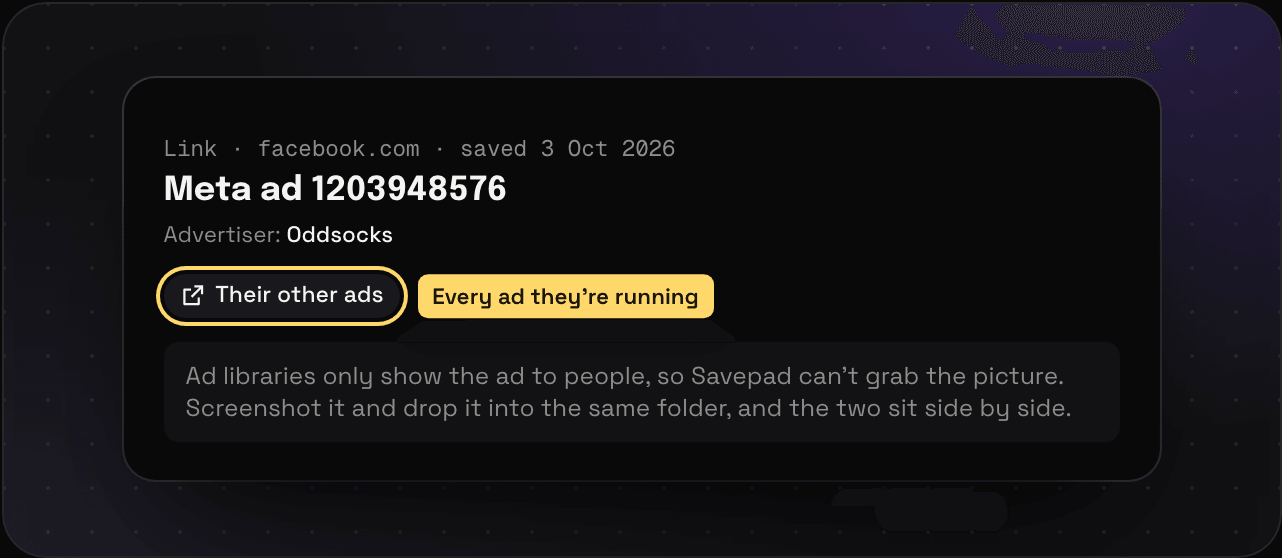 Ad library links Save ads from the Meta Ad Library, TikTok Creative Center, LinkedIn, and Google Ads Transparency. What Savepad keeps, and how to get the creative too. Read it
 -
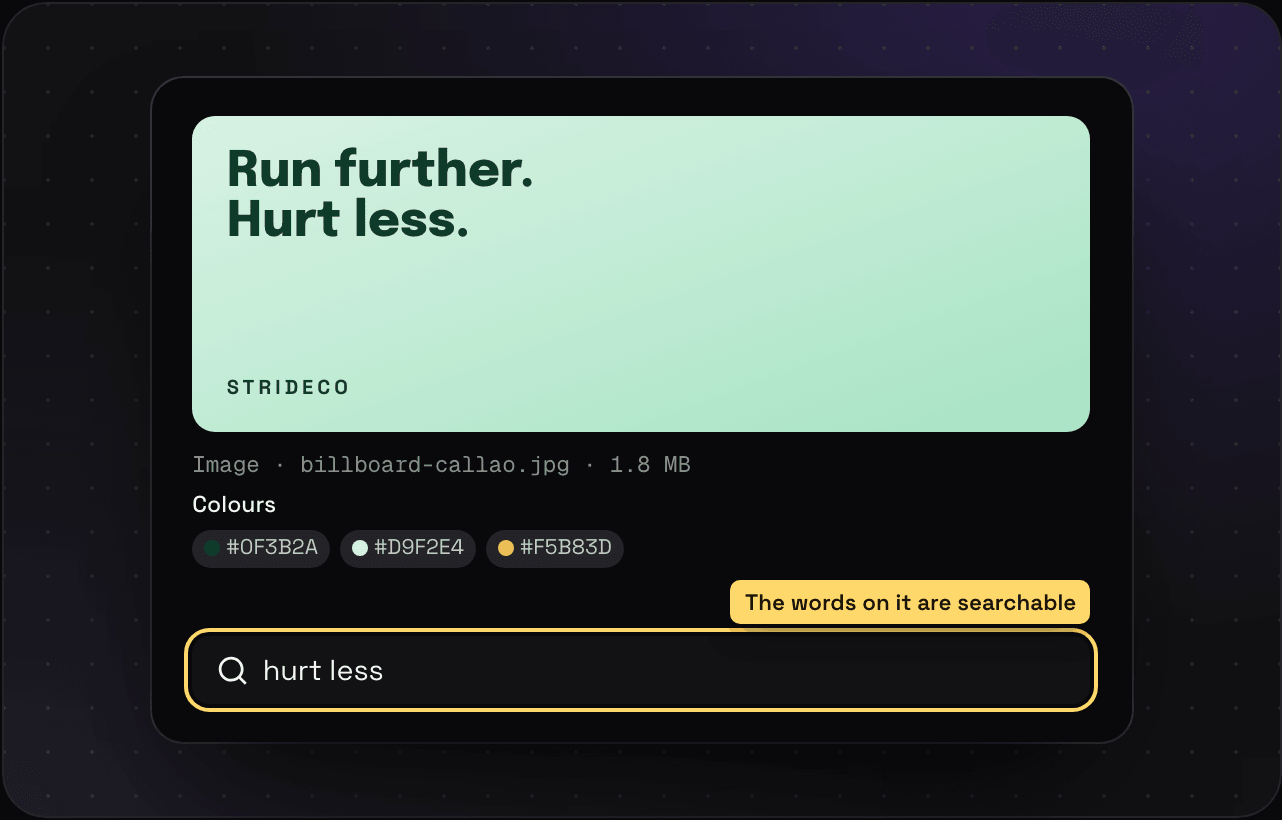 Images and screenshots Save screenshots, photos, and ads, search the words inside them, and copy their colours. PNG, JPEG, WebP, HEIC, GIF, and SVG. Read it
 -
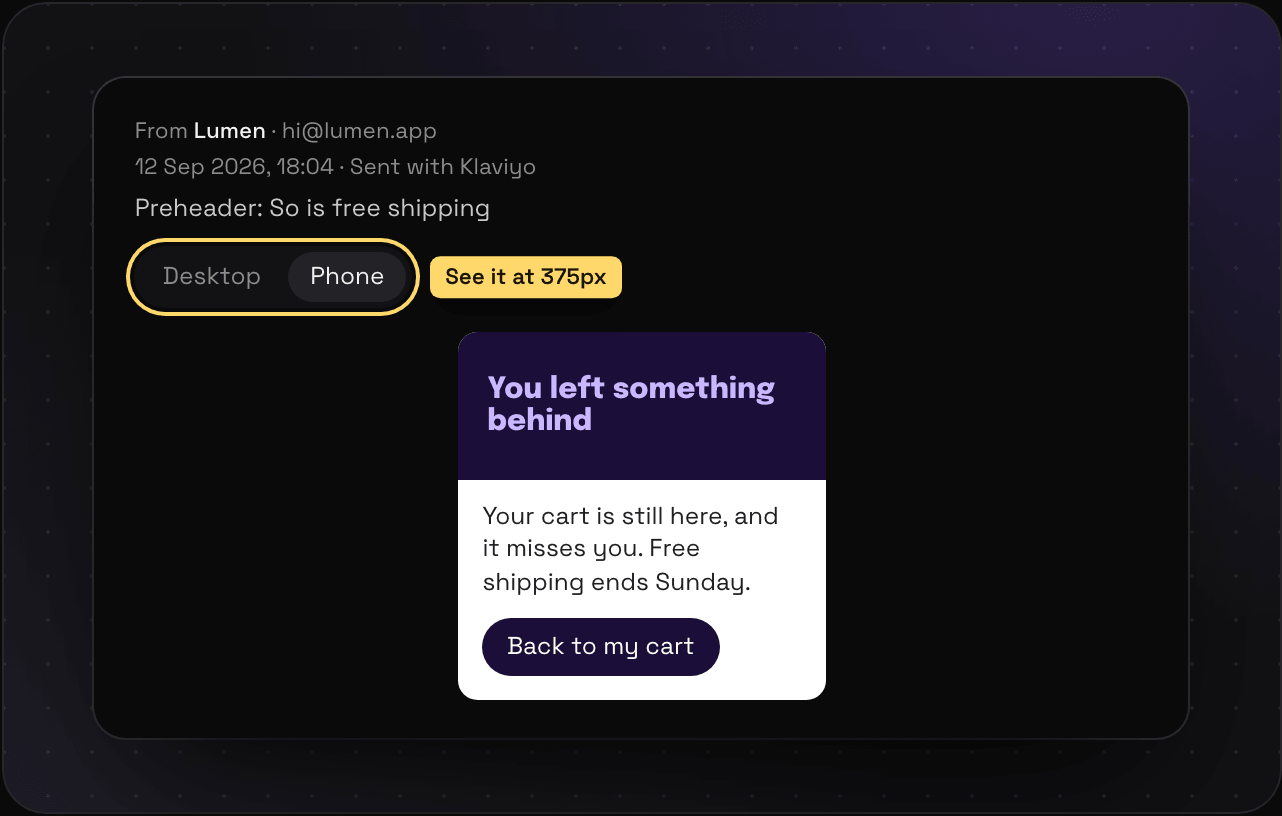 Emails and newsletters Save marketing emails and newsletters by forwarding them or dropping in an .eml. They open the way they arrived, at desktop or phone width, with no trackers. Read it
 -
 Videos Save YouTube, Vimeo, Loom, TikTok, and Wistia videos with their thumbnail and title, or upload your own clips on Light and Ultra Pro Max Plus. Read it
 -
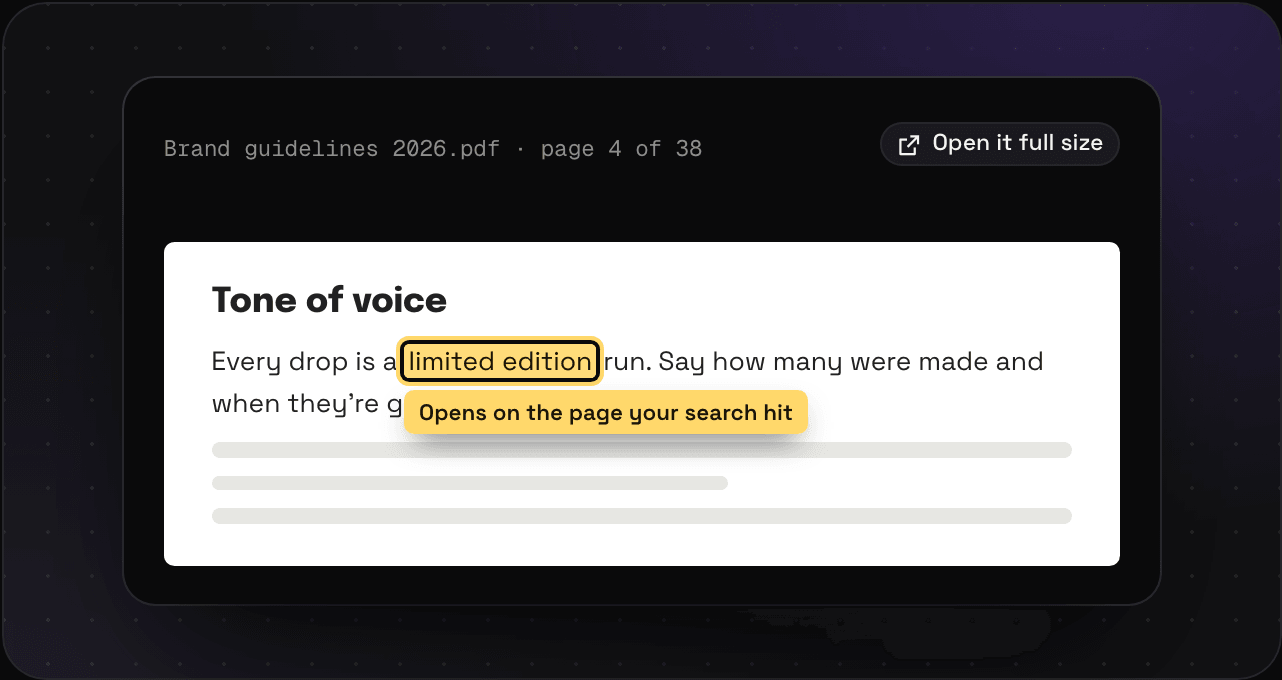 PDFs Save PDFs and search every word inside them, scanned pages included. Search hits open the PDF on the right page. Read it
 -
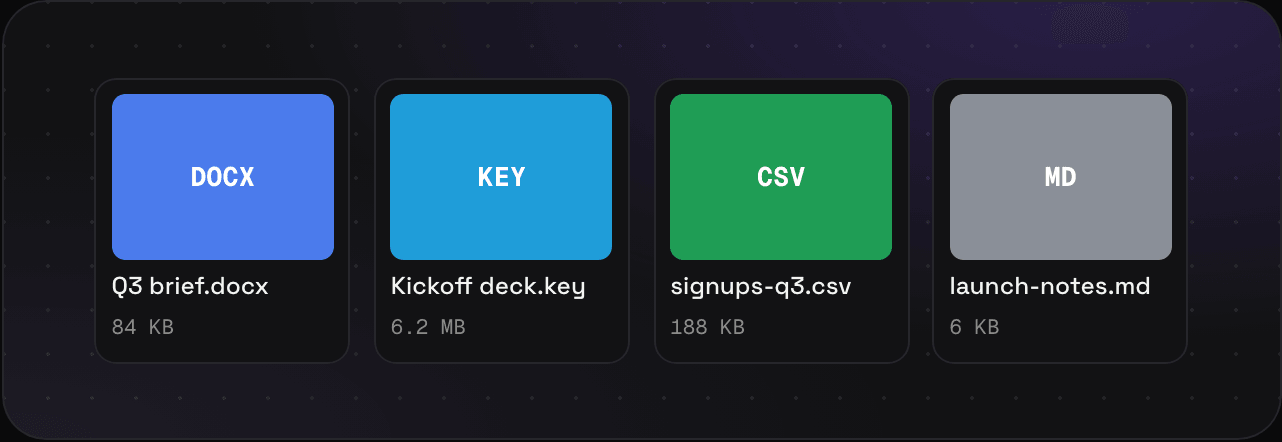 Documents and files Save Word, PowerPoint, Excel, Keynote, Pages, CSV, Markdown, and text files. Kept as you sent them, filed and tagged like everything else. Read it
 -
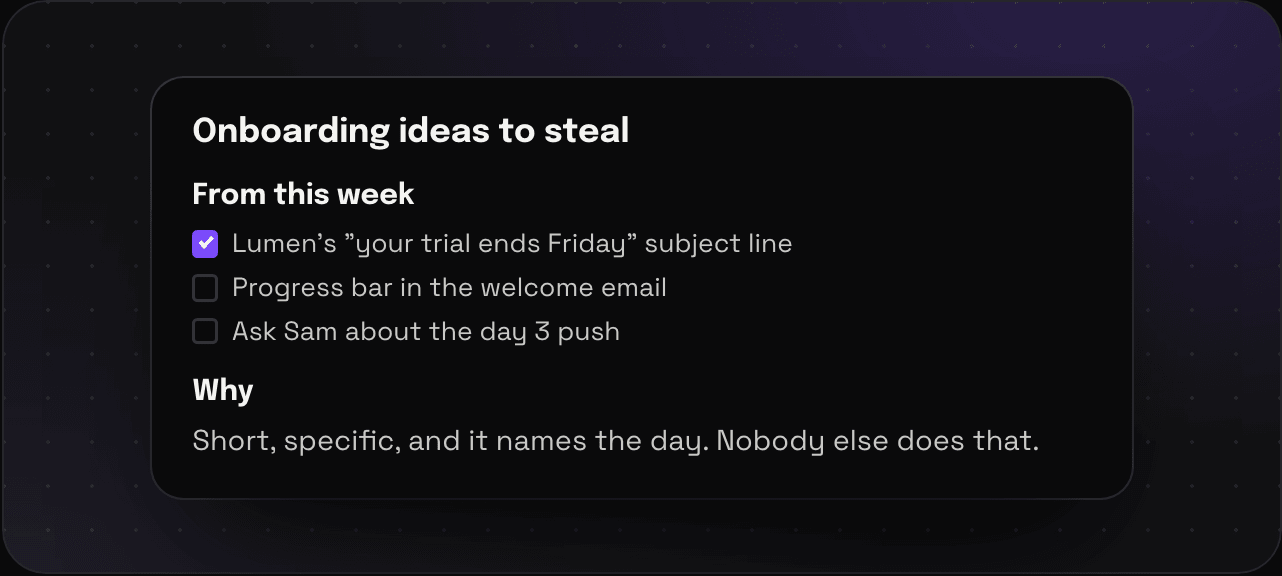 Notes Write notes in Savepad with headings, checklists, and links. And add a note to any save to remember why you kept it. Read it
 -
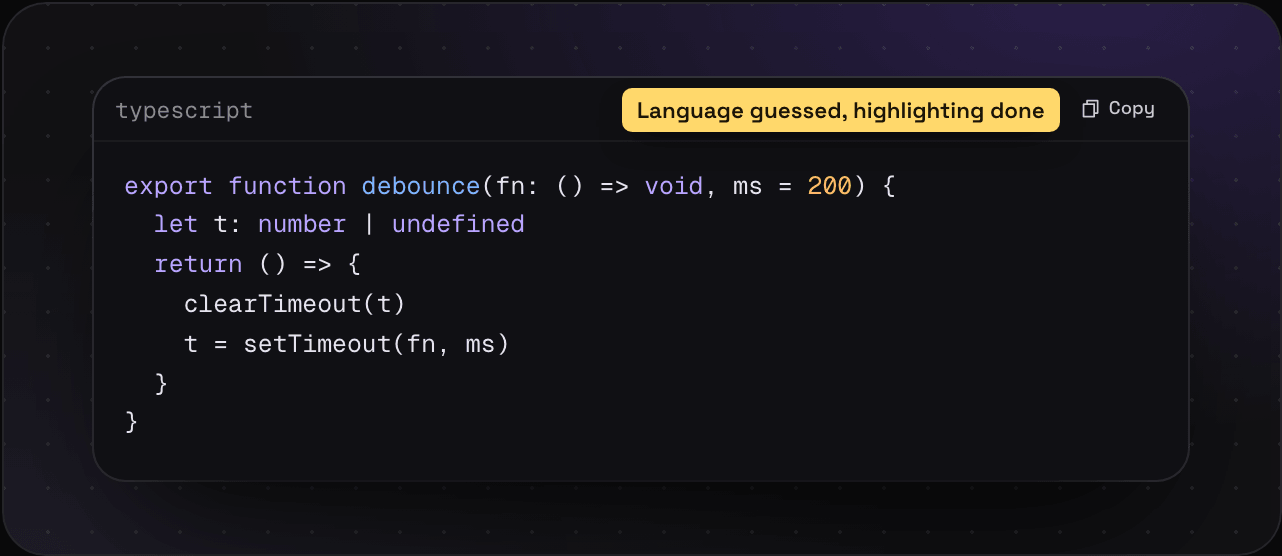 Code snippets Save code snippets with syntax highlighting. Savepad guesses the language, keeps the formatting, and copies in one click. Read it
 -
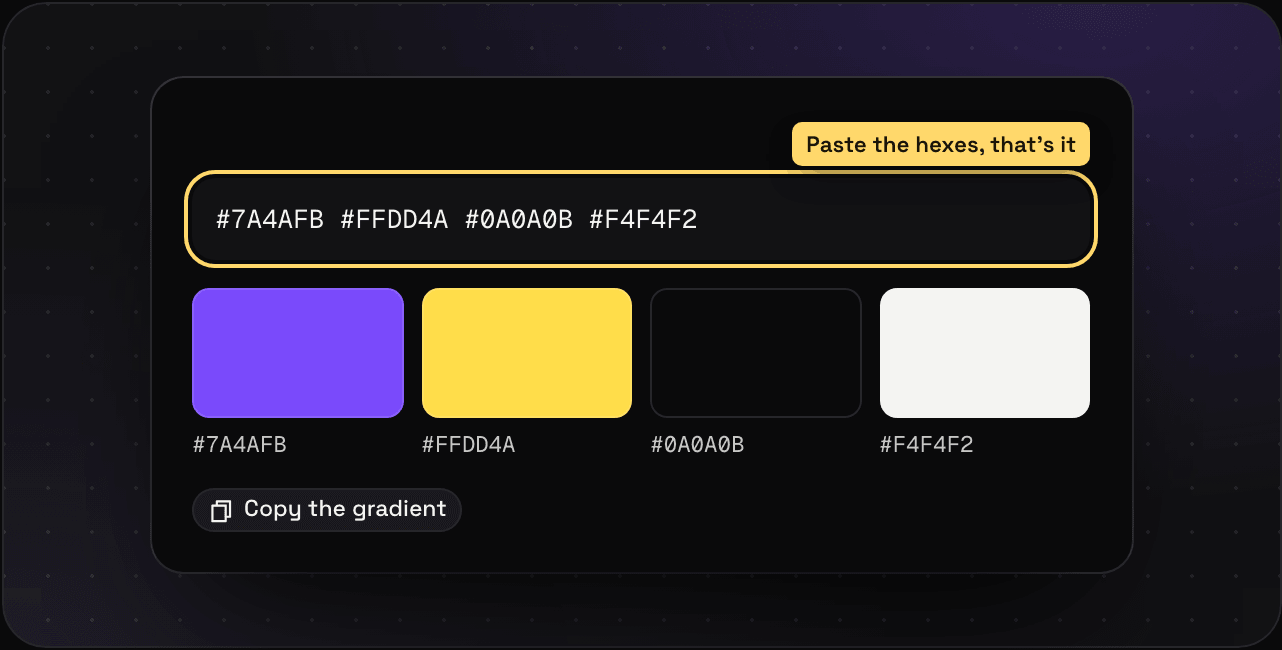 Colours and palettes Save a hex code or a whole palette, copy colours in one click, and search your library by colour. Read it
 -
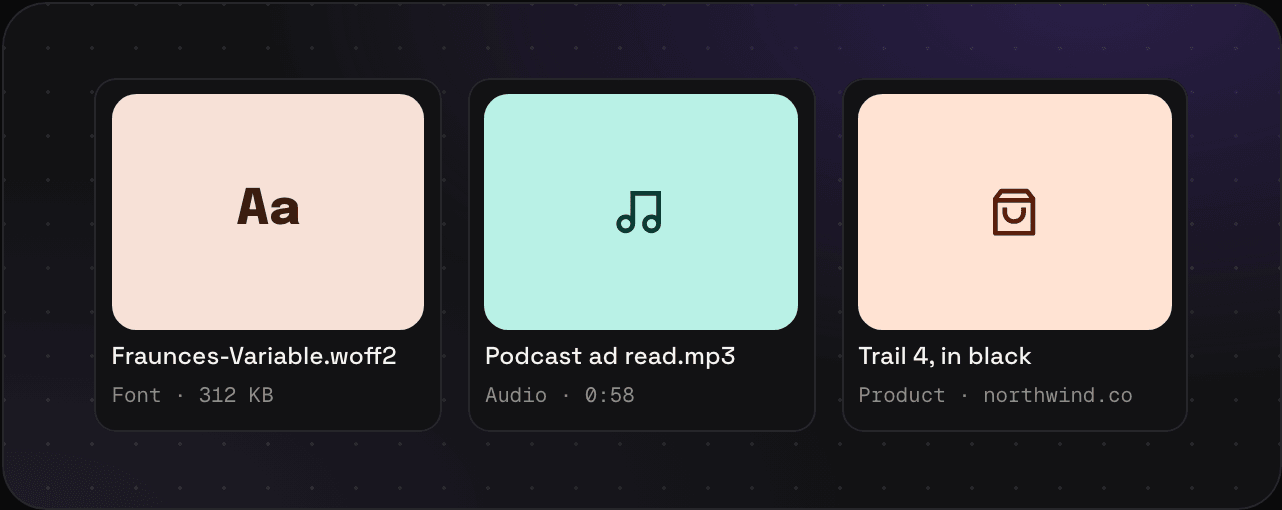 Fonts Save font files (TTF, OTF, WOFF, WOFF2) next to the work that uses them, and find them again by name. Read it
 - Audio Save podcast ad reads, jingles, radio spots, and voice memos. MP3, M4A, WAV, OGG, FLAC, and OPUS. On Light and Ultra Pro Max Plus. Read it
- Products Save product pages from any shop with their pictures and details, to track a competitor launch, packaging ideas, or that thing you are not buying. Read it
-
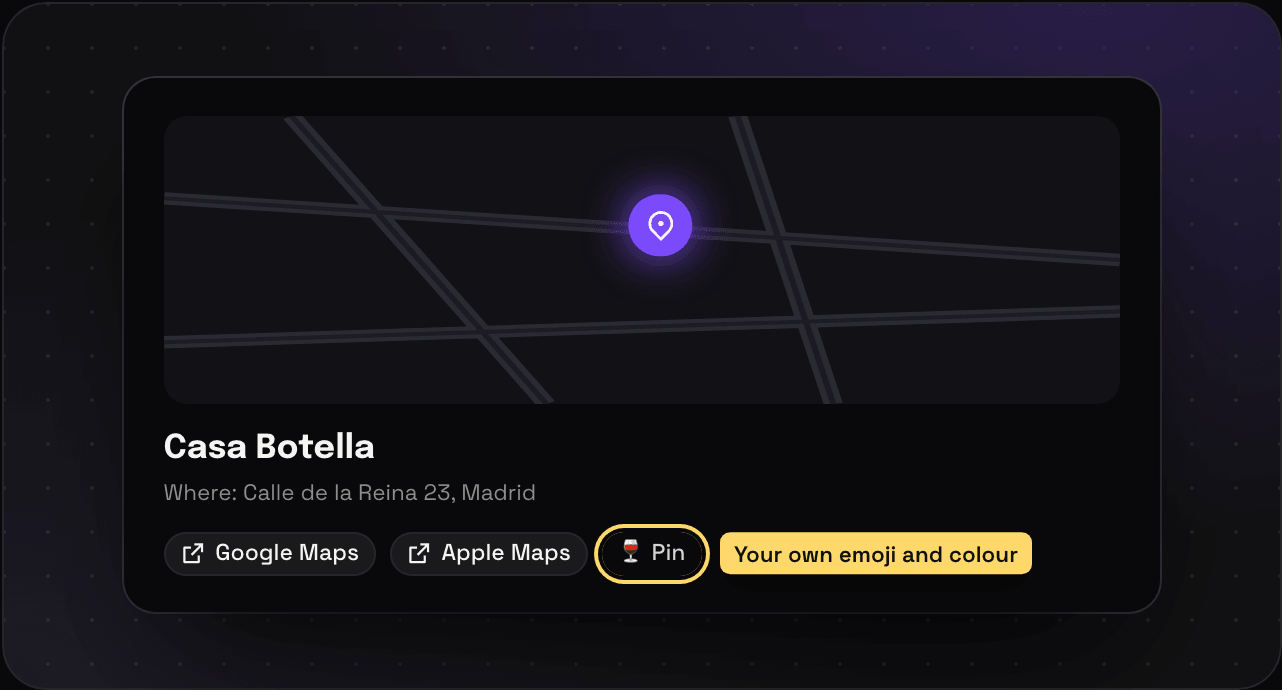 Places and maps Save places from Google Maps, Apple Maps, and OpenStreetMap as pins on a map, with custom pins and a map view for every folder. Read it
 -
 Routes Save GPX and KML routes from Strava, Komoot, Garmin, or Google My Maps, drawn on a map with the distance and climb. Read it
 -
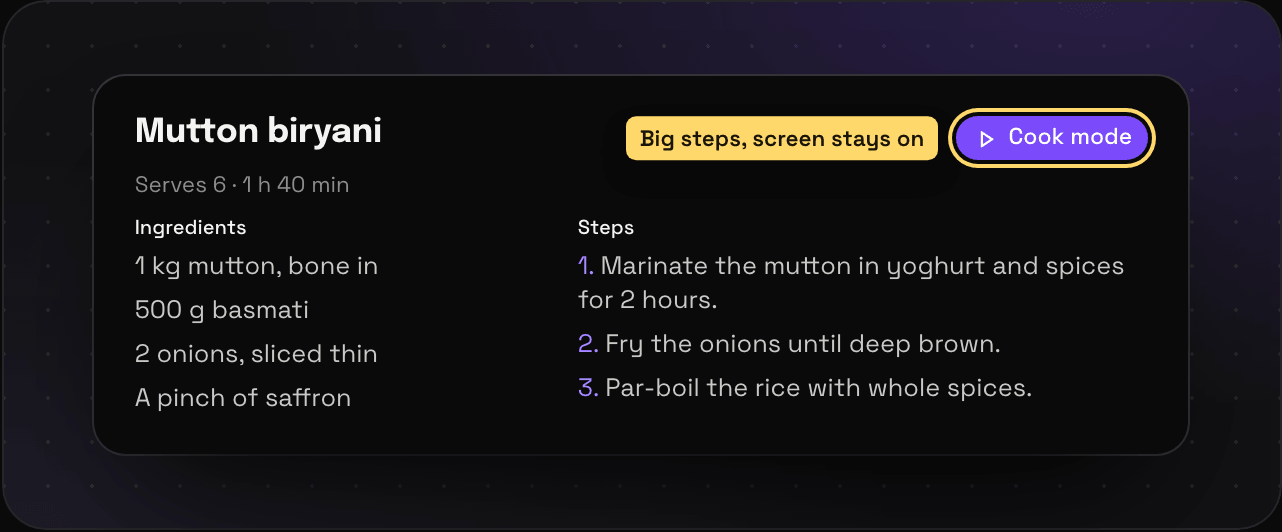 Recipes Save recipes from any recipe site and get just the ingredients and steps, without the life story, plus a cook mode that keeps your screen on. Read it
 -
 Sequences Keep saves in order as one save: an onboarding email flow, a checkout, a launch across ads and emails. On Light and Ultra Pro Max Plus. Read it
 -
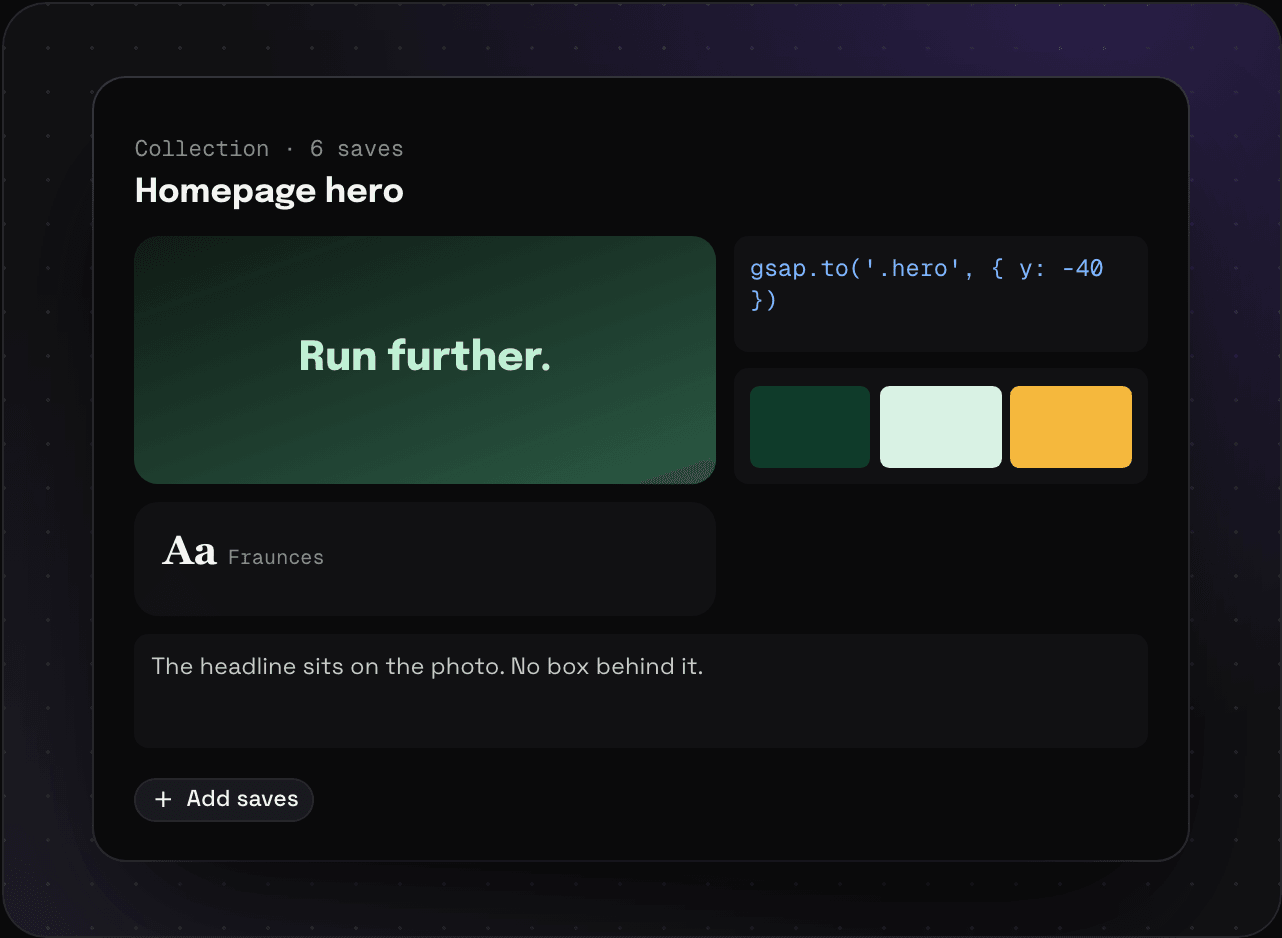 Collections Keep saves that belong together as one: a homepage hero with its screenshot, code, colours, and font. On Light and Ultra Pro Max Plus. Read it
Organising
-
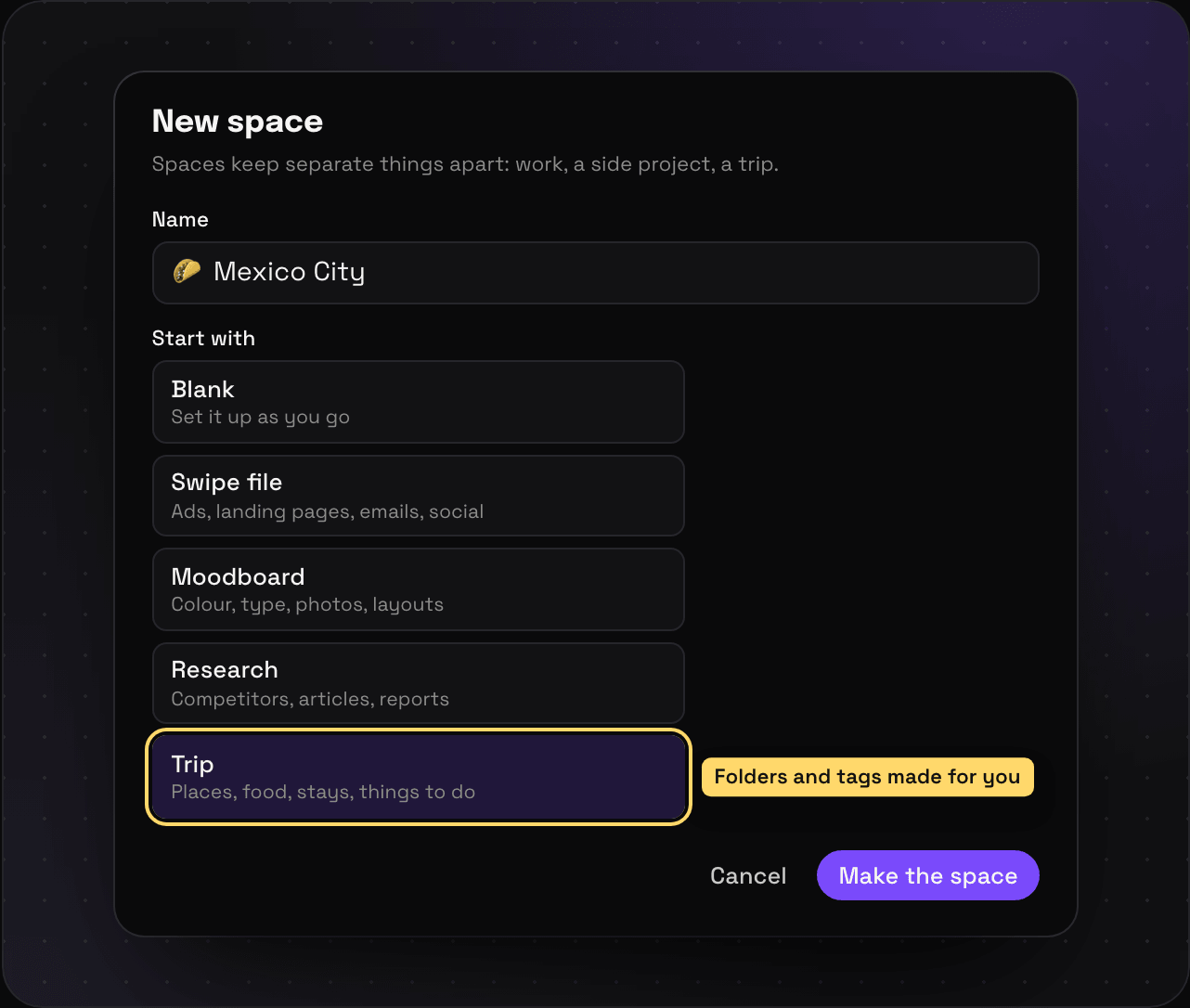 Spaces, folders, and tags How to organise Savepad: spaces for the big topics, folders nested as deep as you like, and tags across everything. Make them, move them, colour them. Read it
 -
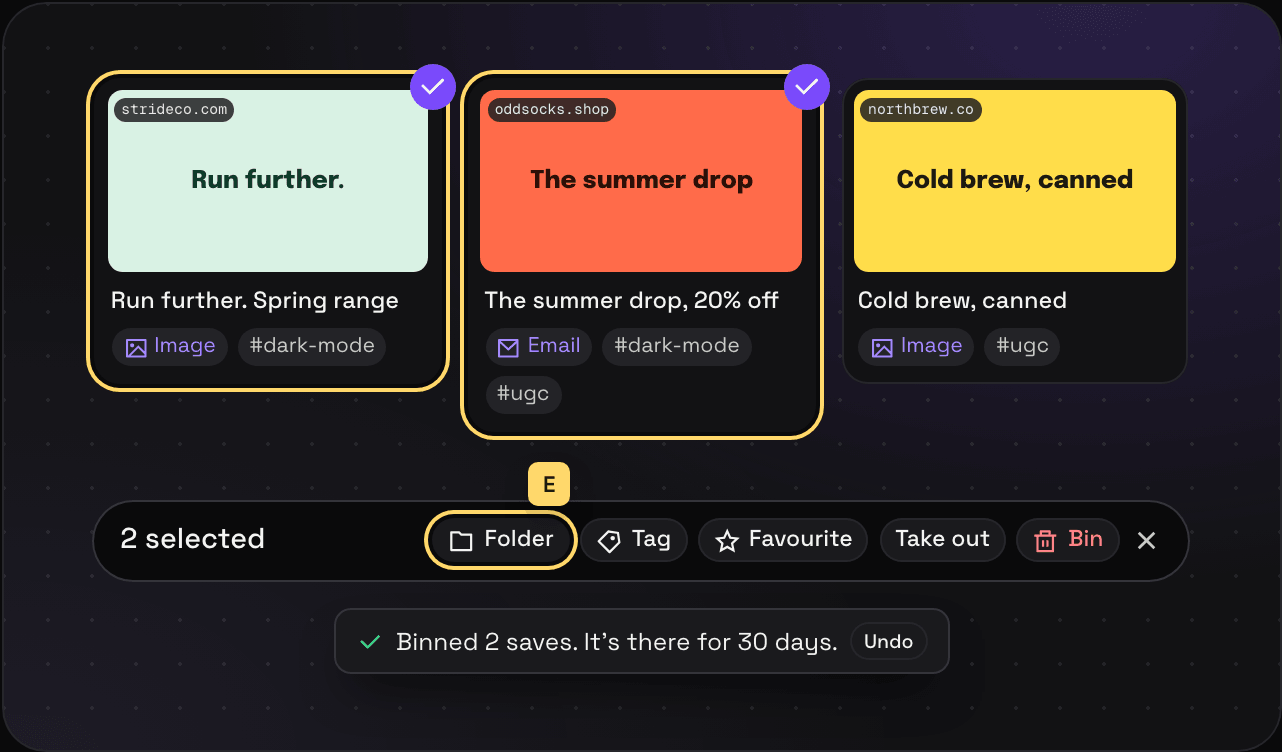 Select lots at once Select a batch of saves in Savepad and file, tag, favourite, pin, or bin them together, with undo. With the mouse or the keyboard. Read it
 -
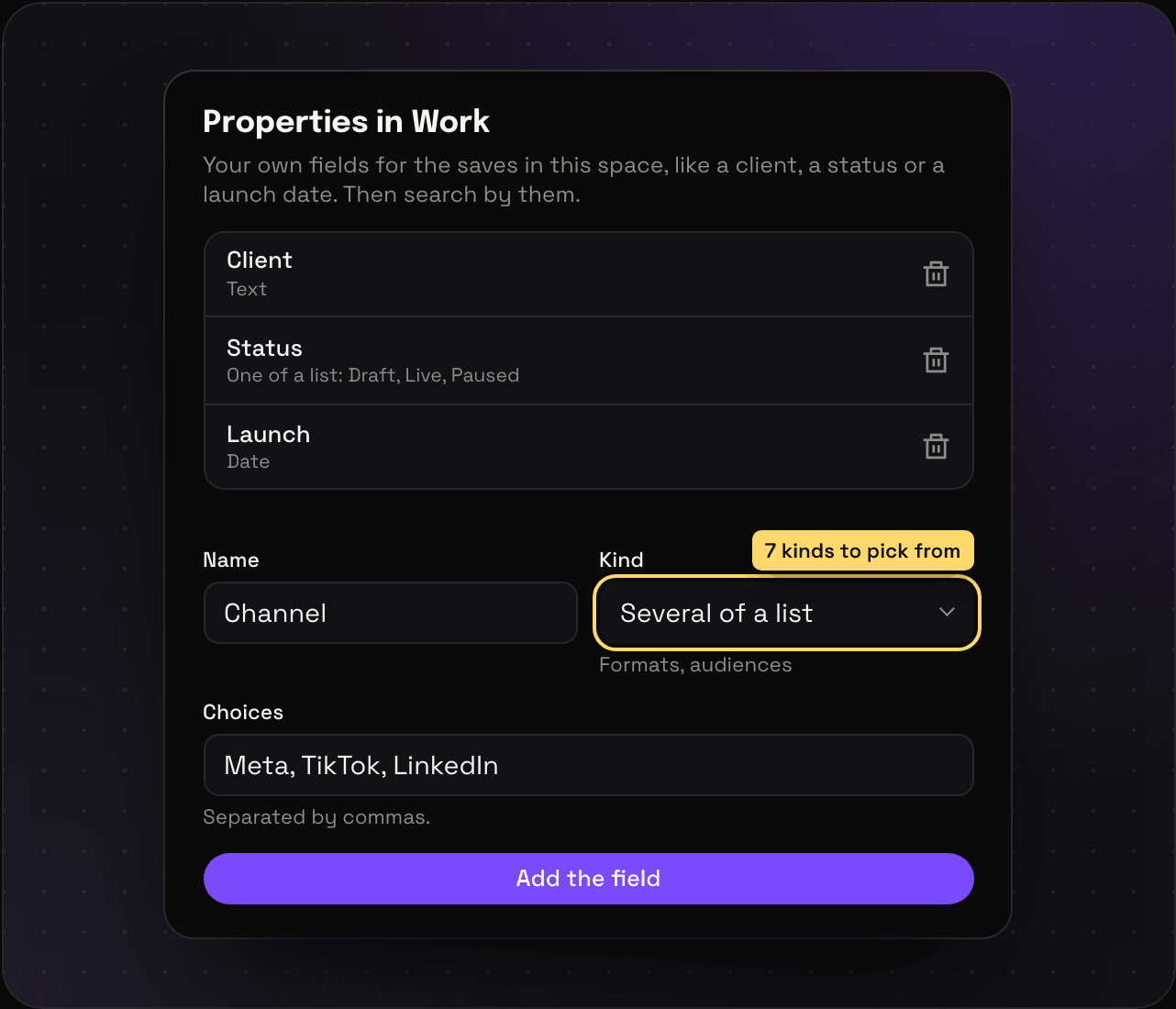 Custom properties Add your own fields to saves in Savepad, like a client, a status, a launch date, or a budget, then find every save with the same value. Read it
 -
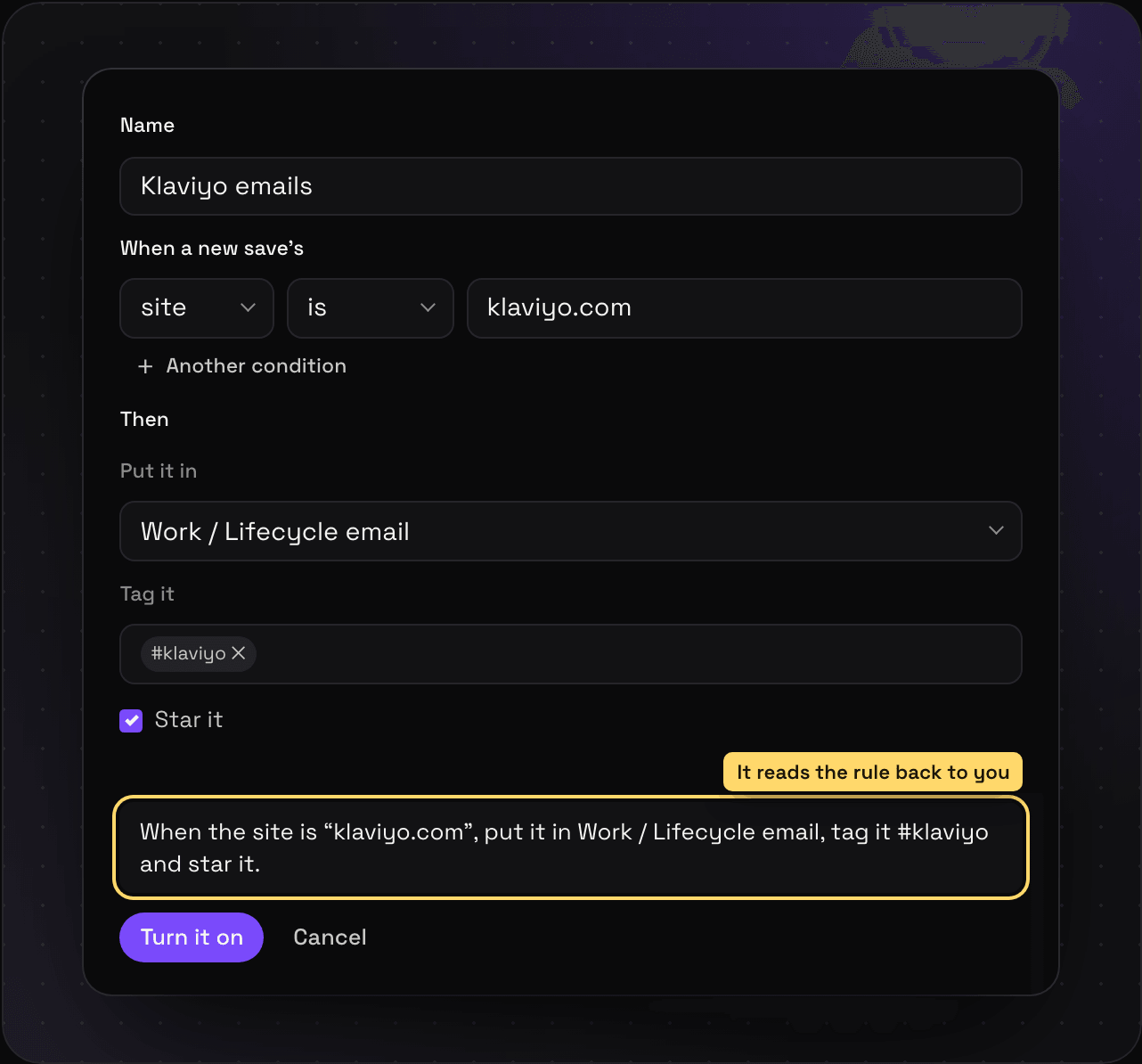 Rules Write rules in Savepad that file, tag, and star new saves the moment they come in, by site, link, title, type, or where they came from. Read it
 -
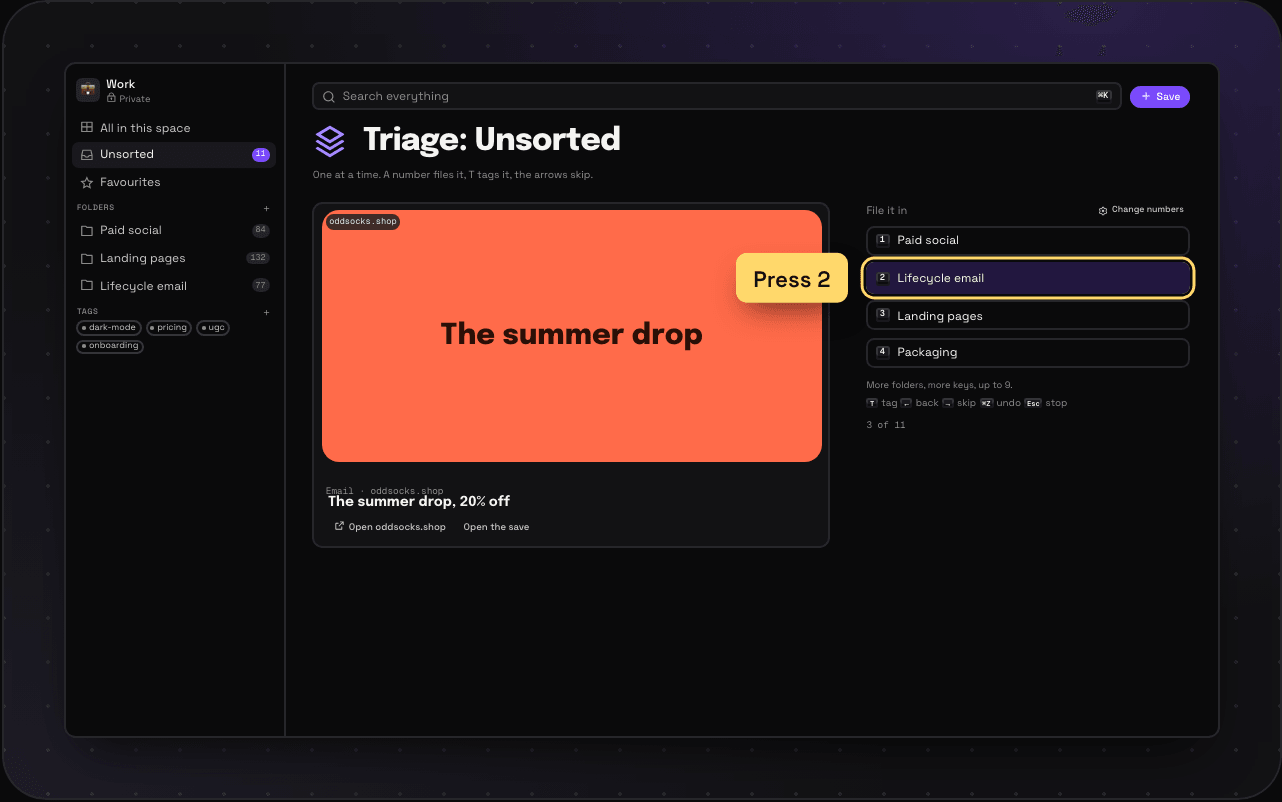 Triage mode Sort a pile of saves one at a time, filing each into a folder with the number keys and tagging it with T. Read it
 -
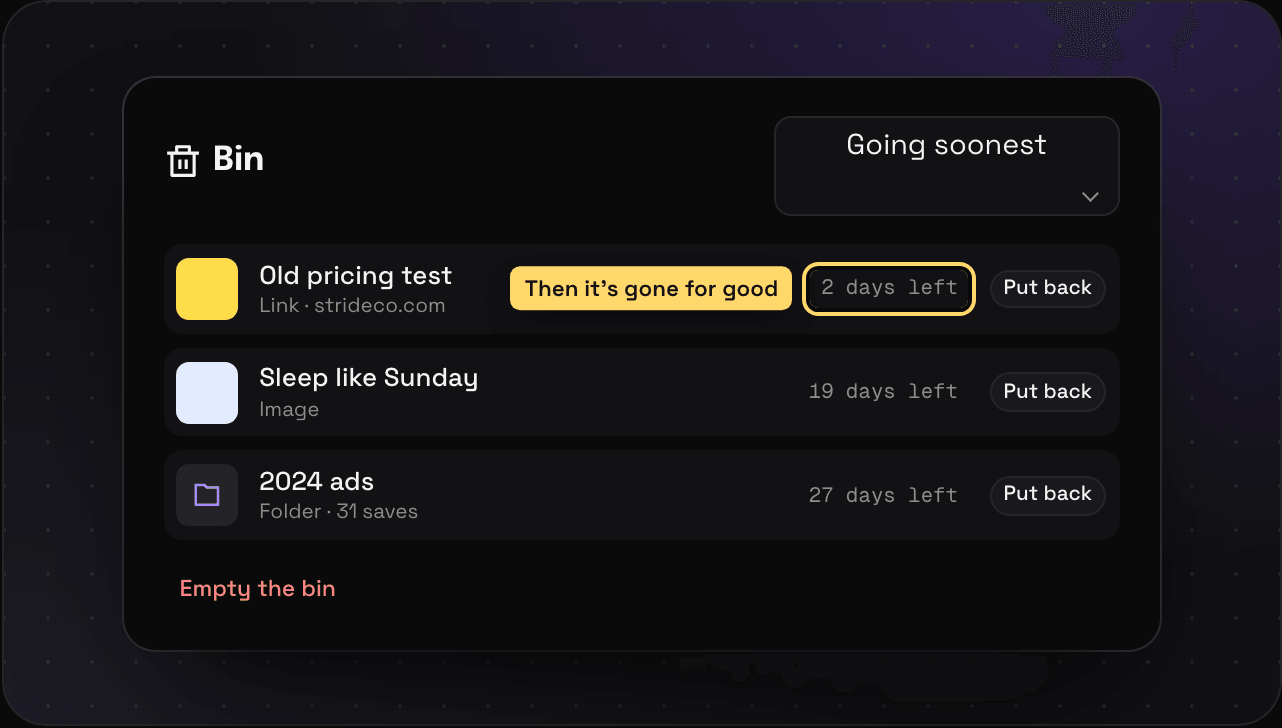 Favourites and the bin Star the saves you come back to, and get back anything you binned in the last 30 days: saves, folders, tags, and whole spaces. Read it
Finding
-
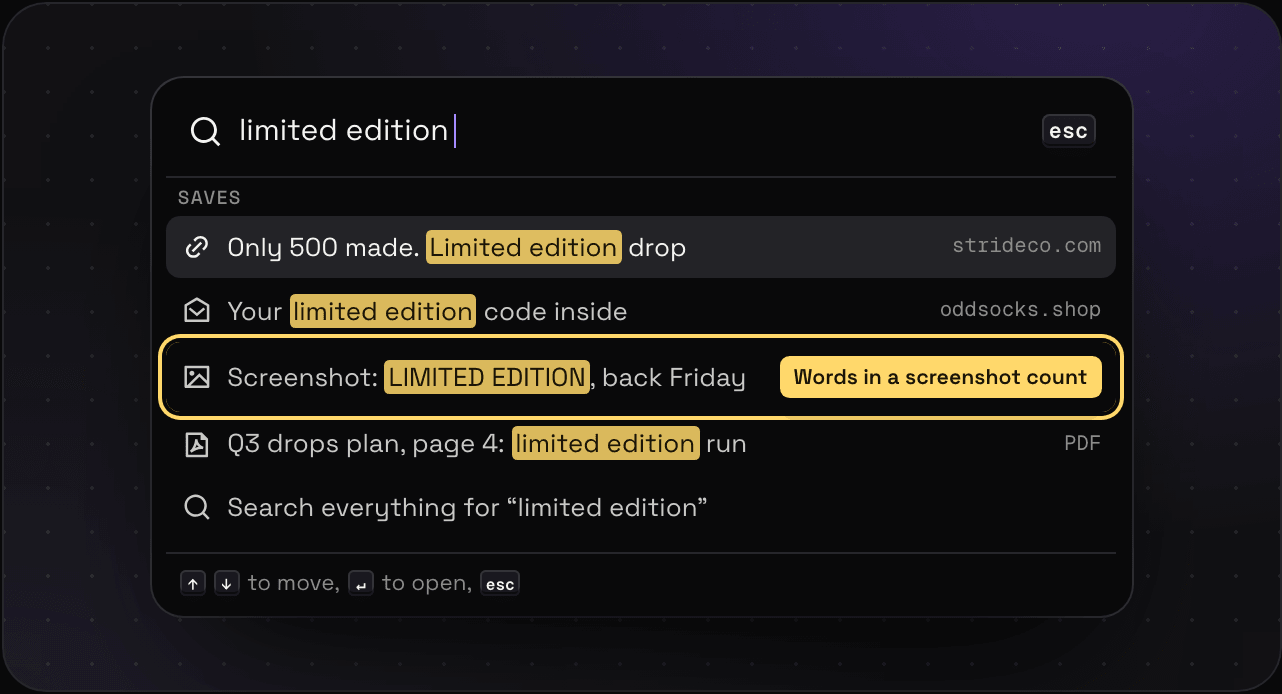 Search and filters Search inside pages, PDFs, emails, code, and screenshots, and narrow it down with filters. Read it
 -
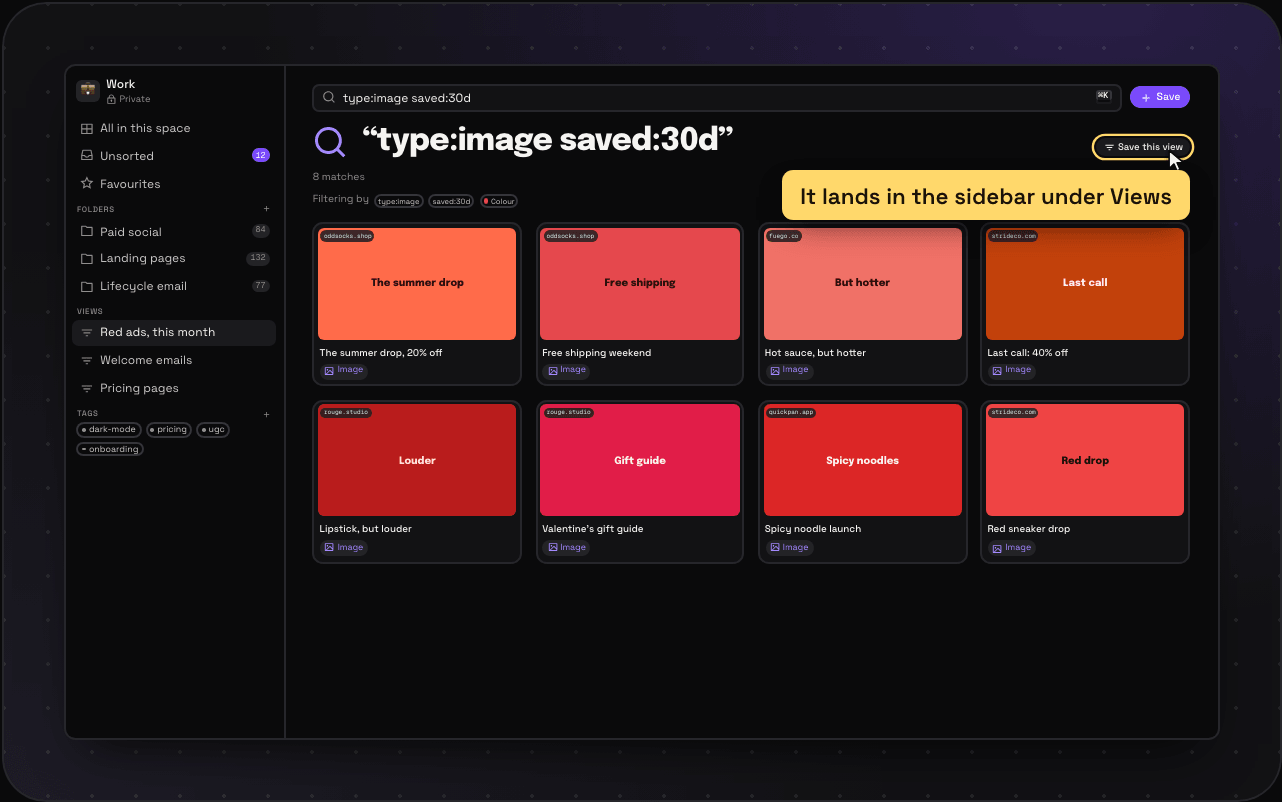 Saved views Save a search or a filter in Savepad as a view in the sidebar that keeps itself up to date, like red ads this month or every pricing page. Read it
 -
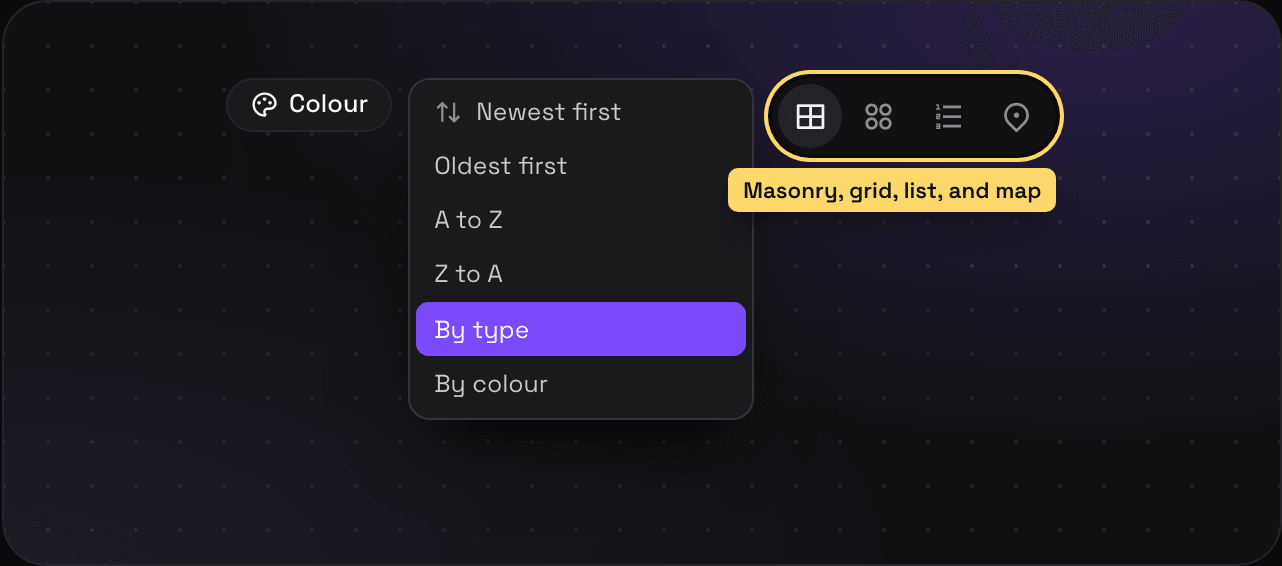 Grid, list, map, and sorting Show your saves as masonry, a grid, a list, or a map, and sort them by date, name, type, or colour. Read it
 -
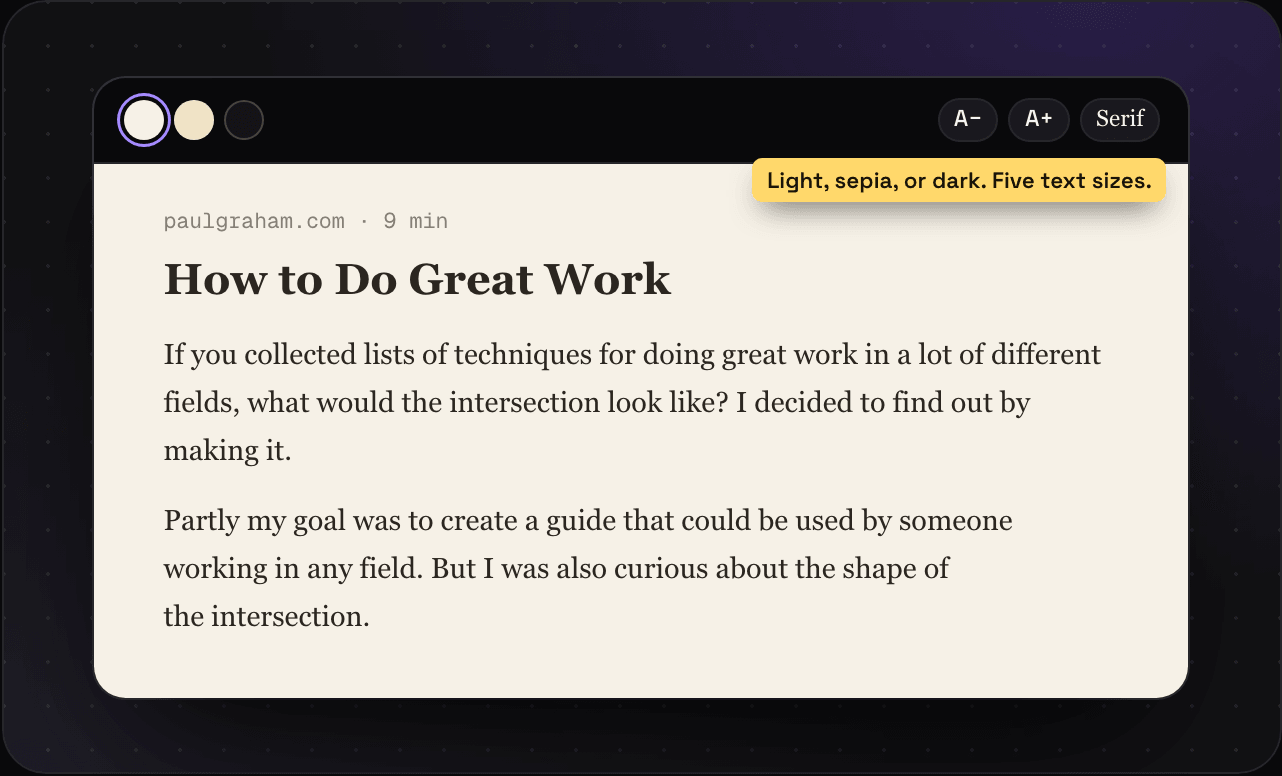 Reading mode Read any saved article in Savepad without the ads, pop-ups, and cookie banners, in light, sepia, or dark, at the text size you like. Read it
 -
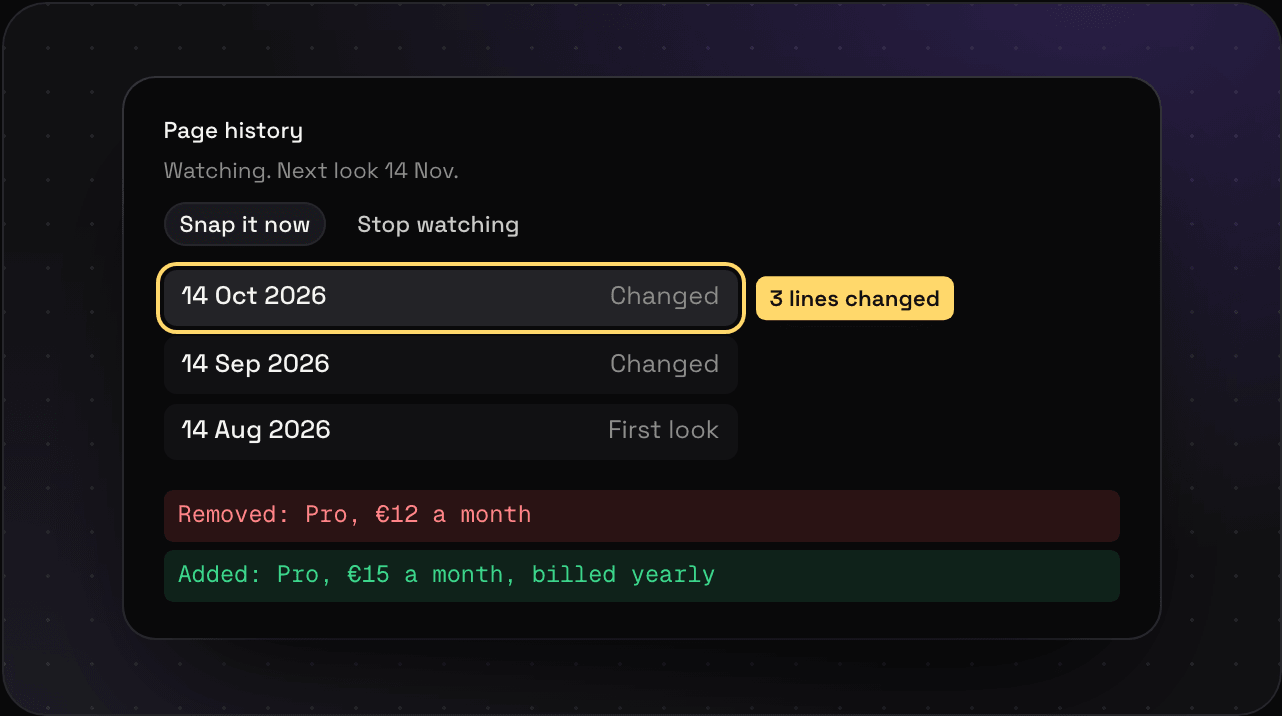 Page history and link checks Watch a page and Savepad keeps a version every month it changes, so you can see what changed. And weekly checks for dead links. On Ultra Pro Max Plus. Read it
Sharing
-
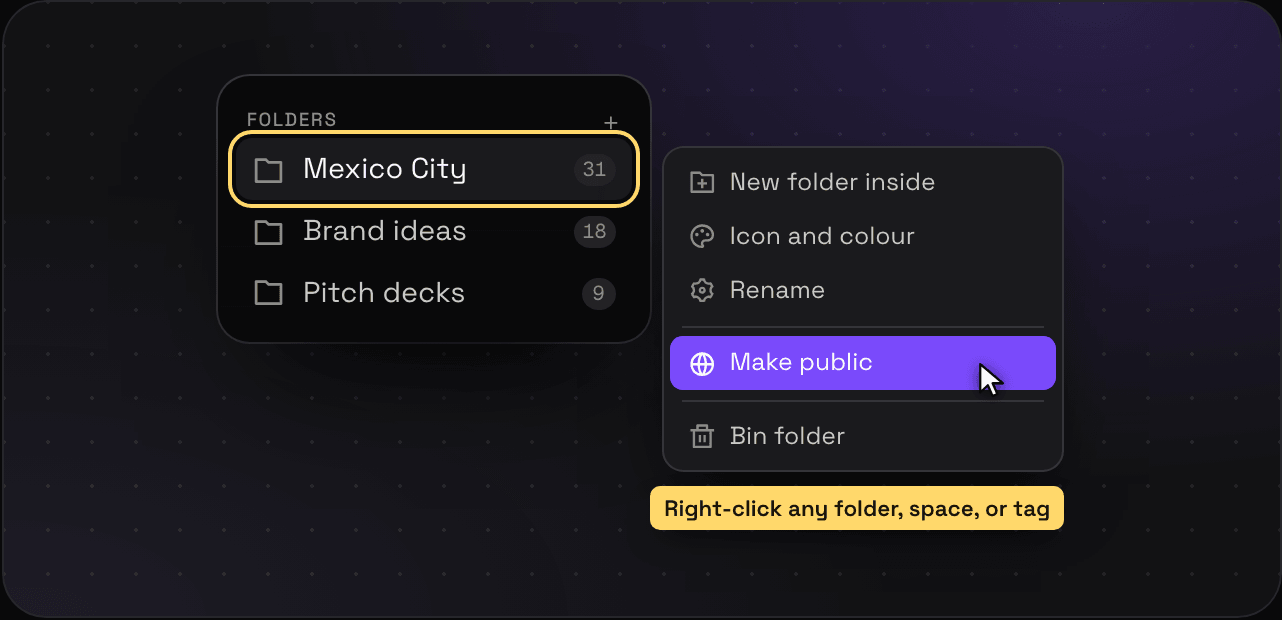 Your public Savepad Make a space, a folder, or a tag public at my.savepad.app/@yourname to share your saves with others. Read it
 -
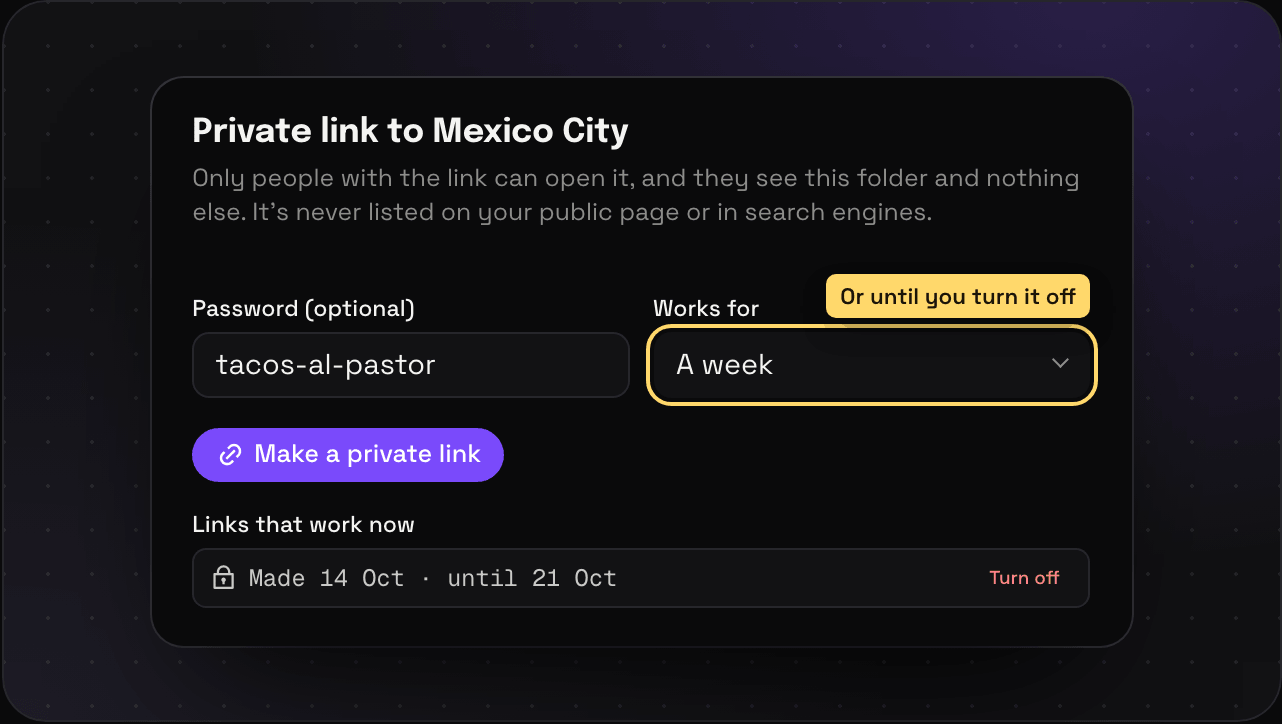 Private links Share one save or one folder with one person through a private link, with an optional password and expiry. Turn it off whenever. Read it
 -
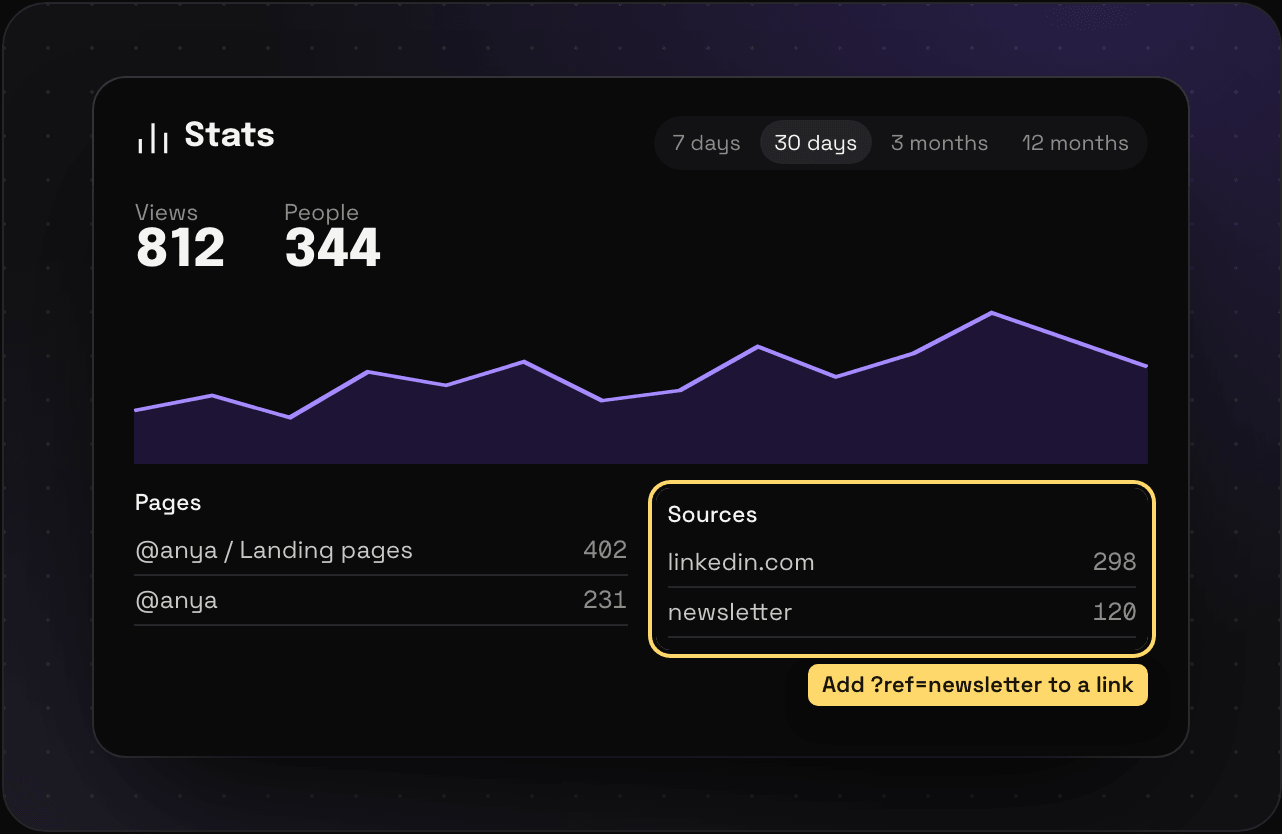 Stats for your public pages See how many people looked at your public Savepad, which pages, from where, and on what. No cookies, and only you can see it. Read it
Import and export
-
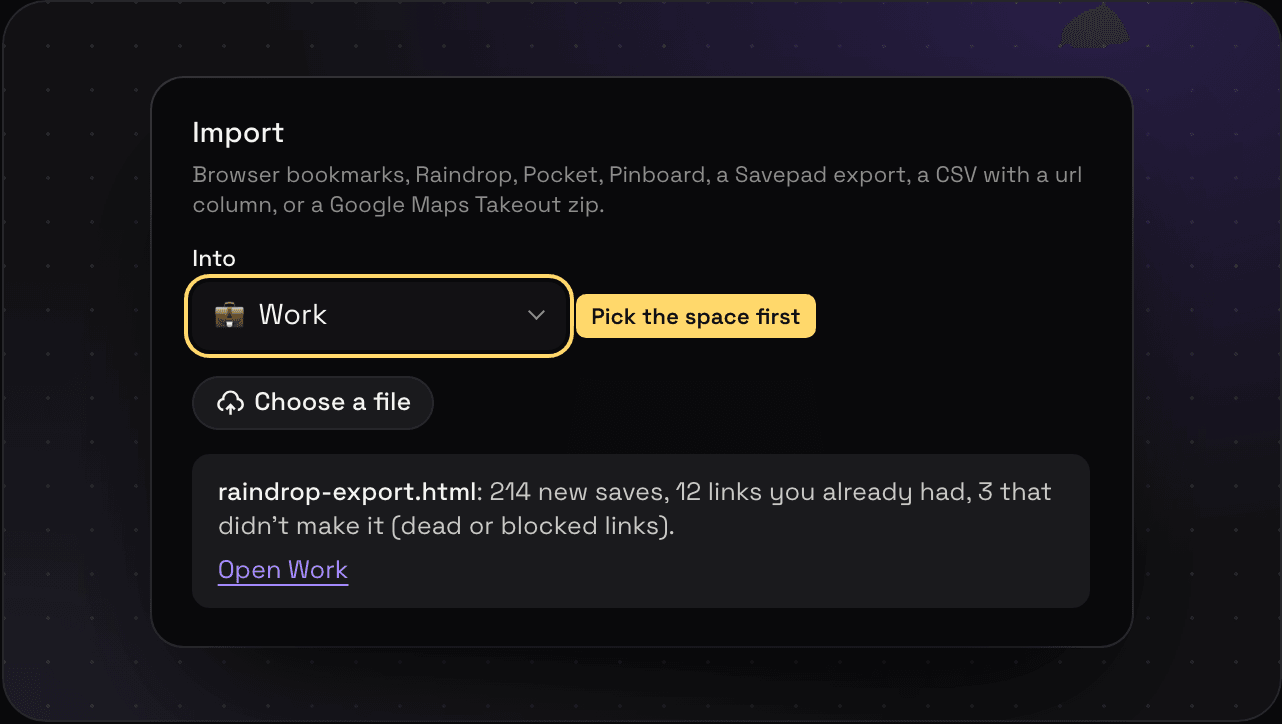 Import from other apps Bring your bookmarks from Raindrop, Pocket, Pinboard, Instapaper, your browser, or a CSV, and your Google Maps lists from Takeout. Read it
 -
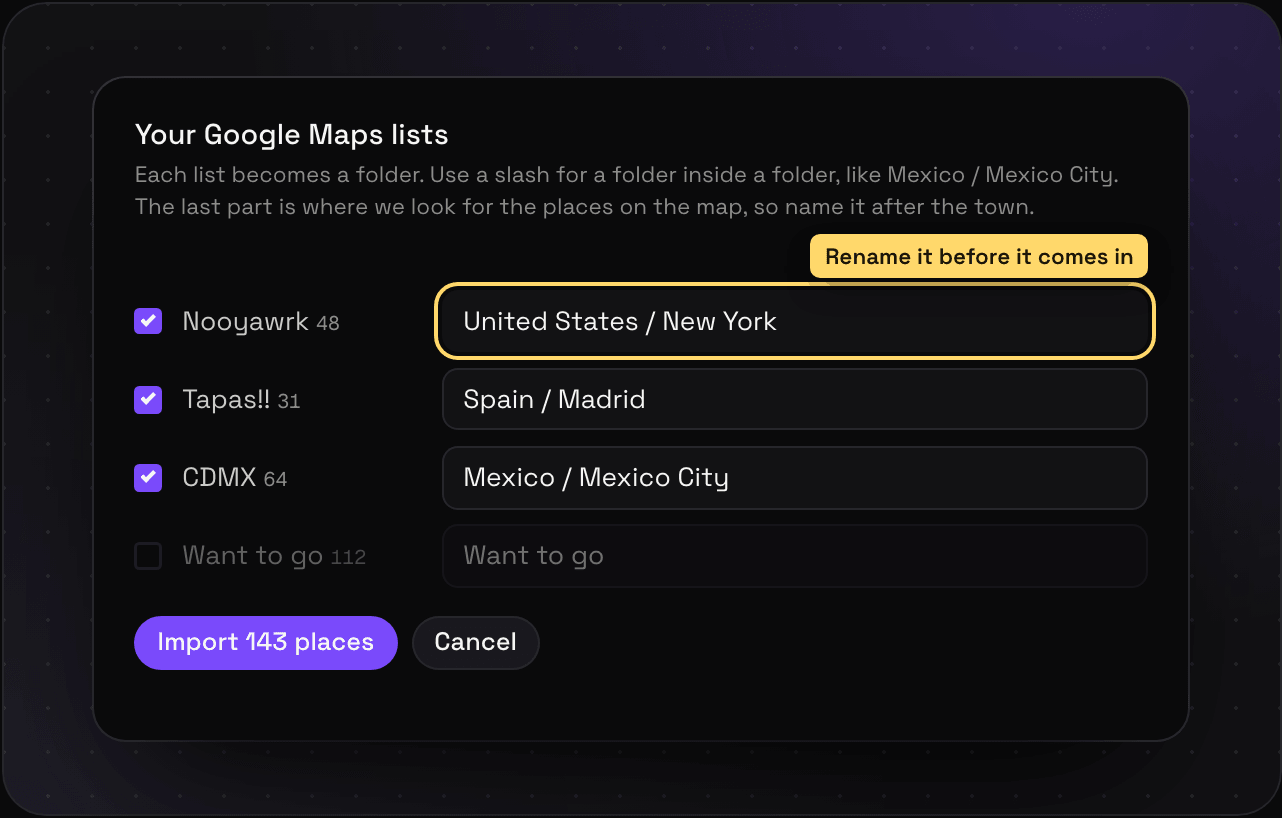 Import Google Maps lists Move your saved Google Maps lists into Savepad through Google Takeout, with every place pinned on a map and your notes kept. Read it
 -
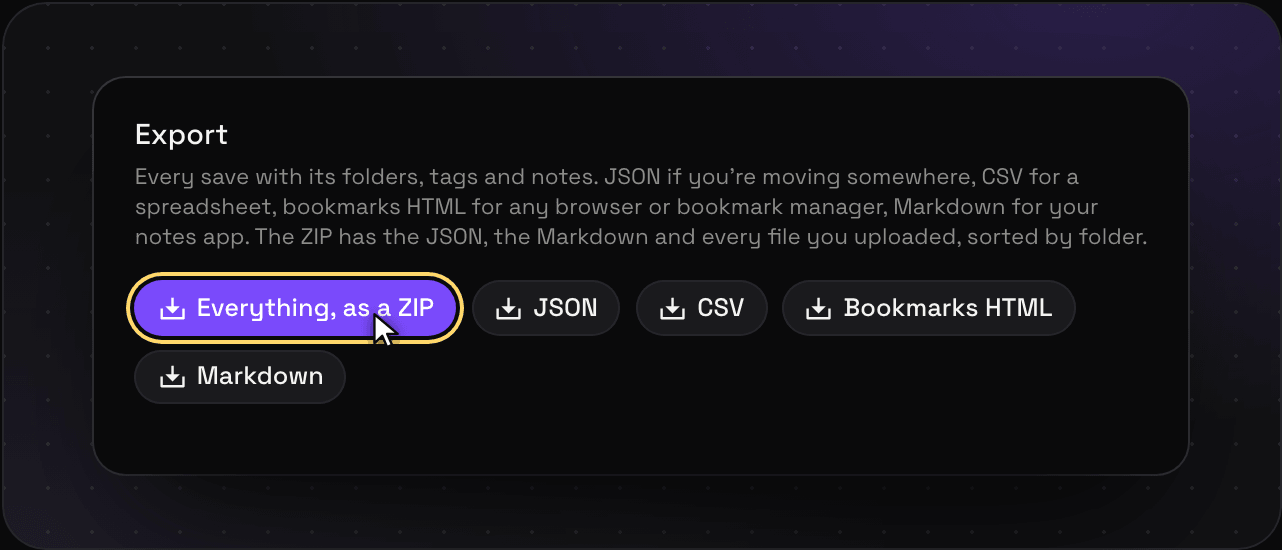 Export your library Download everything, files included, as a ZIP, HTML, CSV, JSON, or Markdown, whenever you want. Read it
Assistants and API
- Connect an assistant (MCP) Use your Savepad from Claude, ChatGPT, Claude Code, Cursor, VS Code, and more. Step by step, one link, no setup you need to understand. Read it
- What your assistant can do What Claude, ChatGPT, or any MCP assistant can do in Savepad with each permission, with a prompt to try for each, and what only you can do in the app. Read it
- Agent skills Skills teach your assistant how to use Savepad well: what to search, where to save, and what never to do. Every Savepad skill, and how to add one in a minute. Read it
-
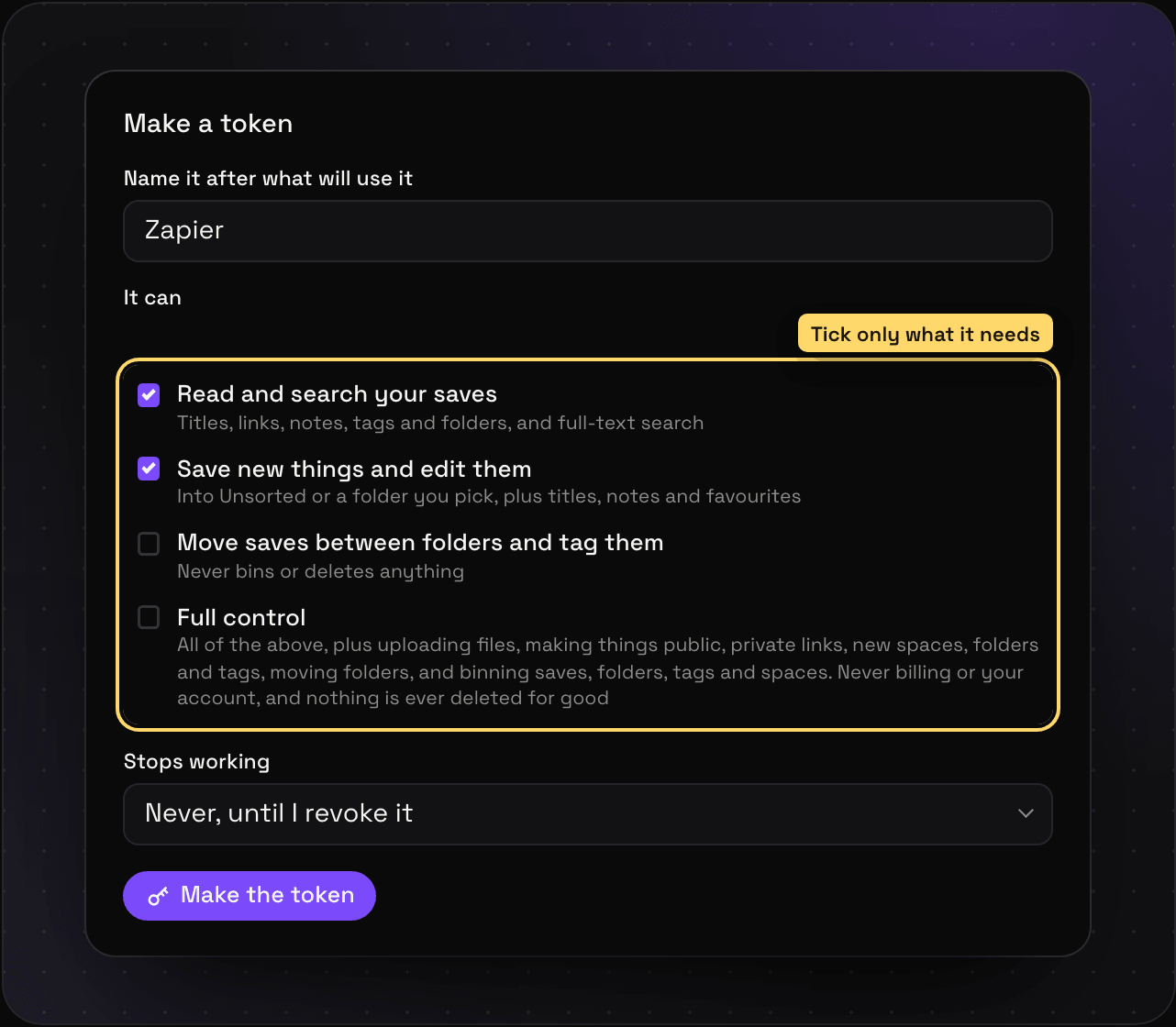 API reference Search, read, and add to your Savepad from your own scripts, Zapier, or anything that can make a web request. Every endpoint, with an example you can copy. Read it
Account and settings
-
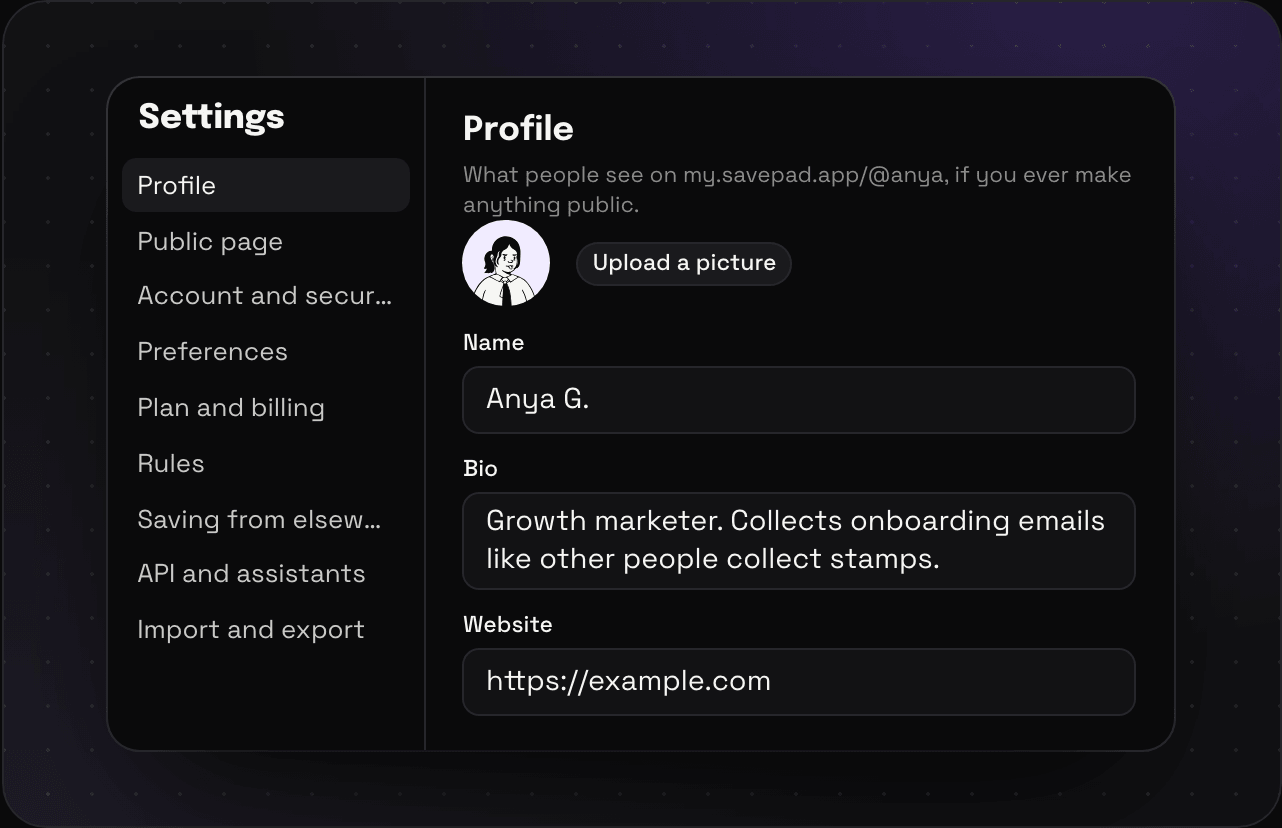 Settings Everything in Savepad Settings, section by section: profile, public page, account, preferences, billing, rules, capture, API, and import and export. Read it
 -
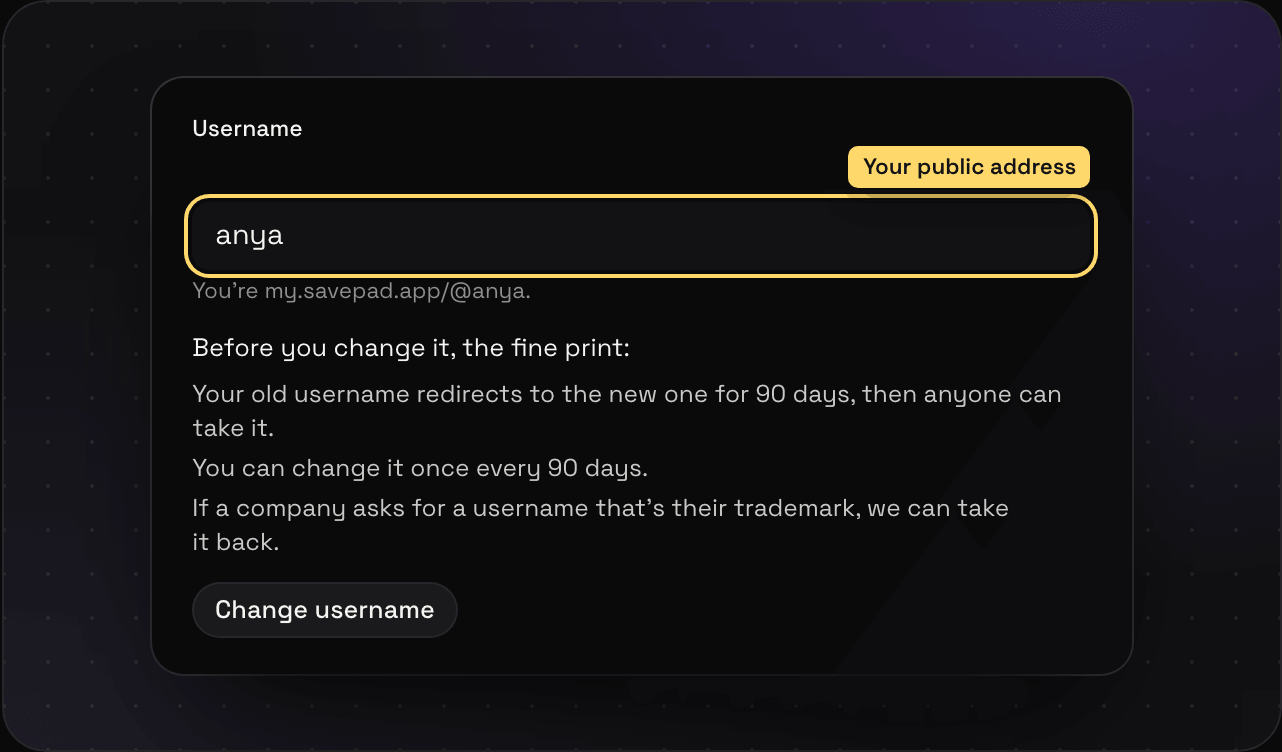 Profile and username Set your picture, name, bio, website, and social links for your public Savepad, and change your username at my.savepad.app/@you. Read it
 -
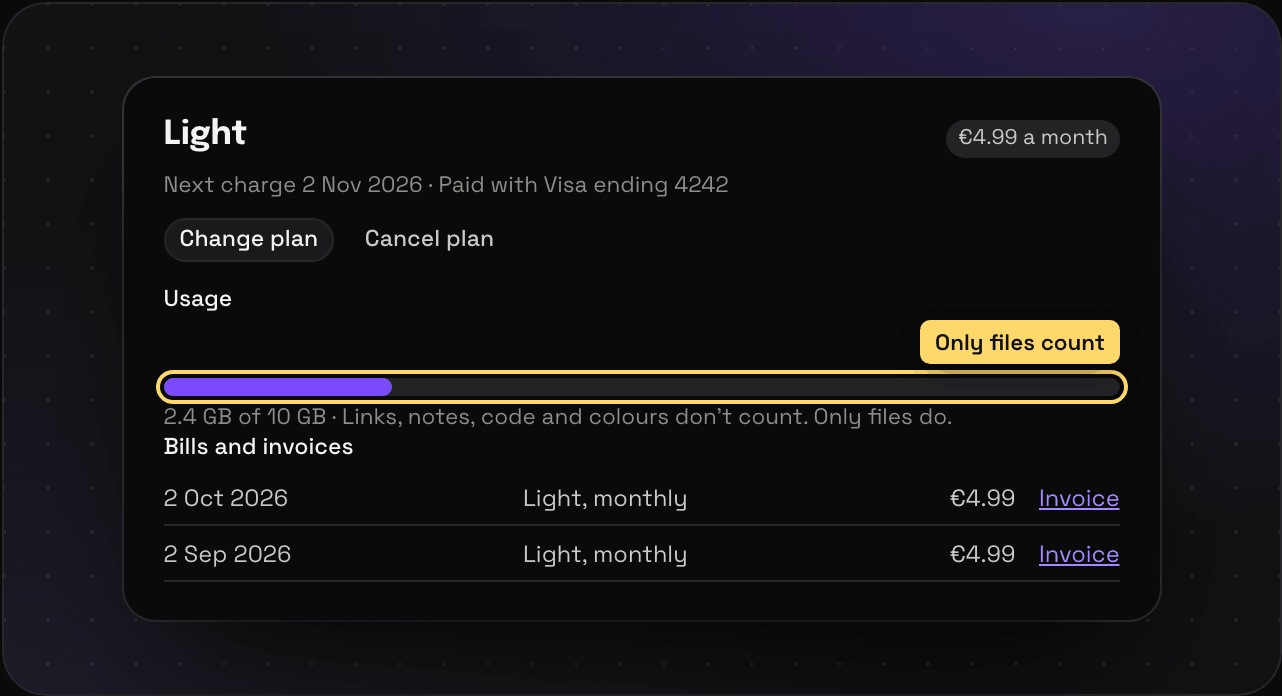 Plans and billing What Free, Light, and Ultra Pro Max Plus each include, how storage and save limits work, and how to upgrade, downgrade, cancel, and get invoices. Read it
 -
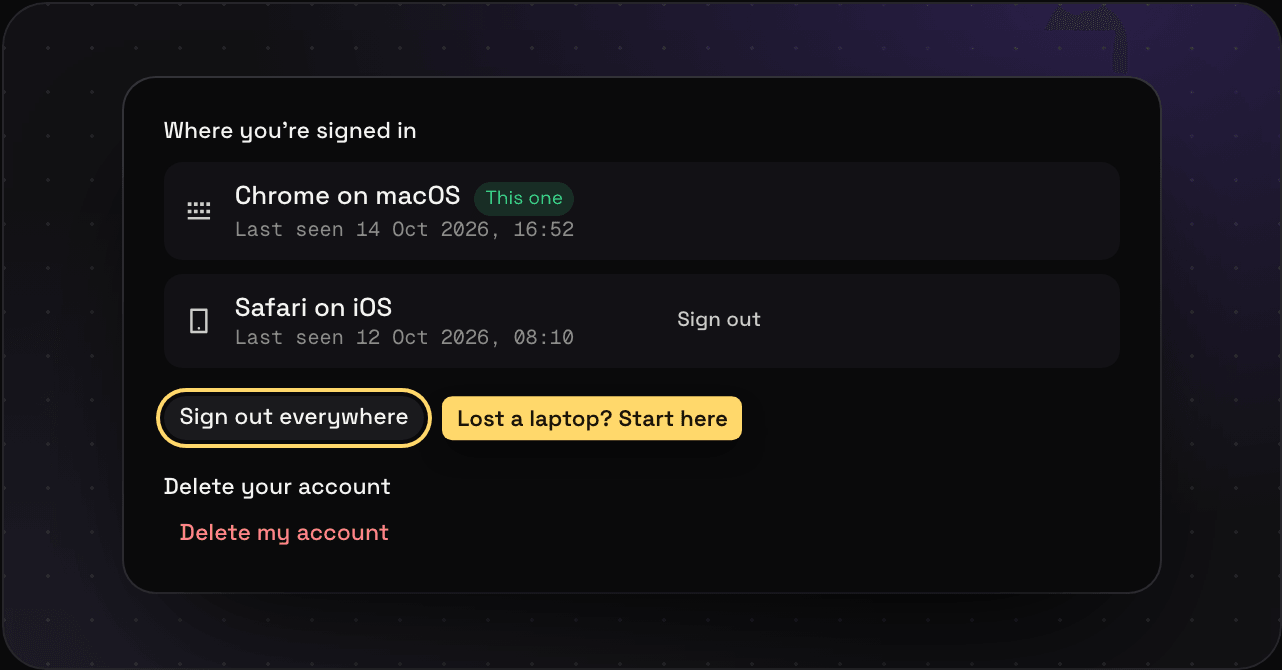 Account and security How you sign in to Savepad, see every device you are signed in on, sign out everywhere, and delete your account and everything in it. Read it