Your public Savepad
Make a space, a folder, or a tag public at my.savepad.app/@yourname to share your saves with others.
Your address
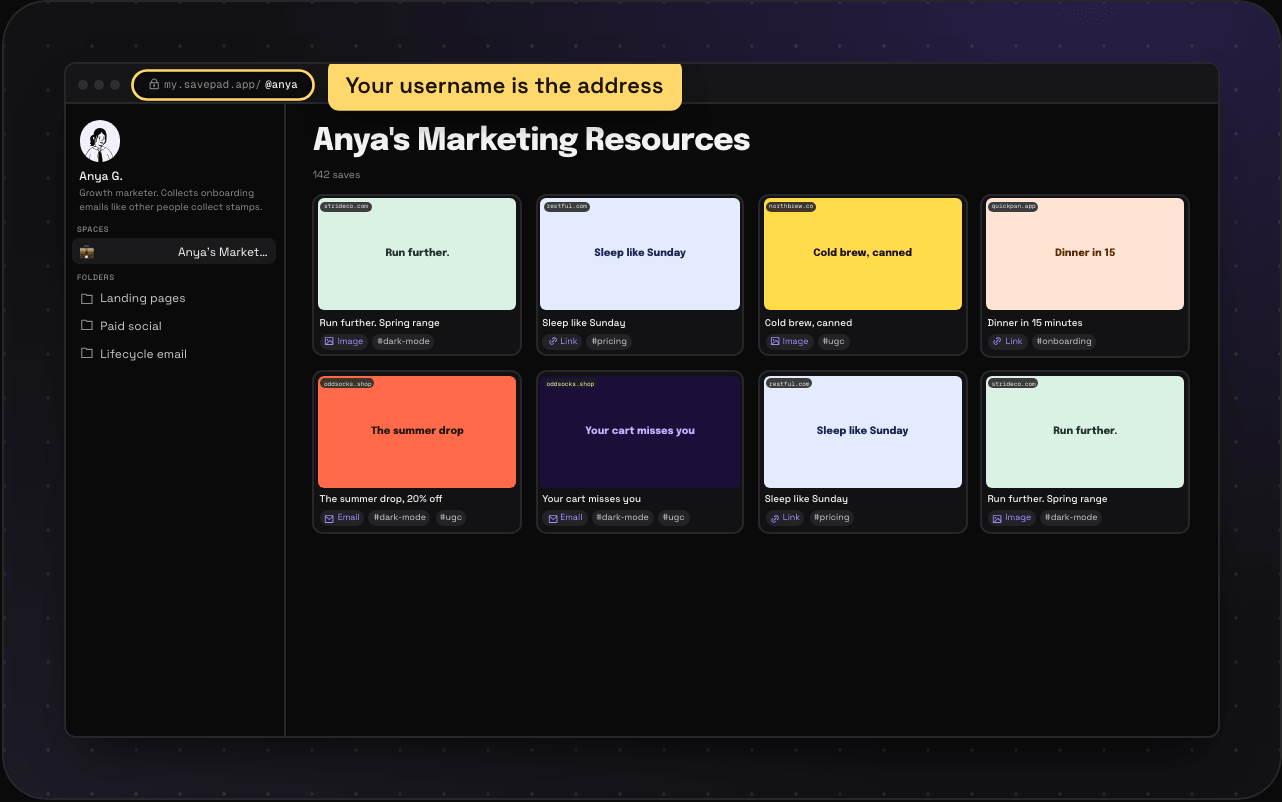
Your public page lives at my.savepad.app/@yourname, using the username you picked when you signed up. Your picture, name, and bio show at the top, from your profile. You can change your username once every 90 days, and the old address redirects for 90 days after that.
Make something public
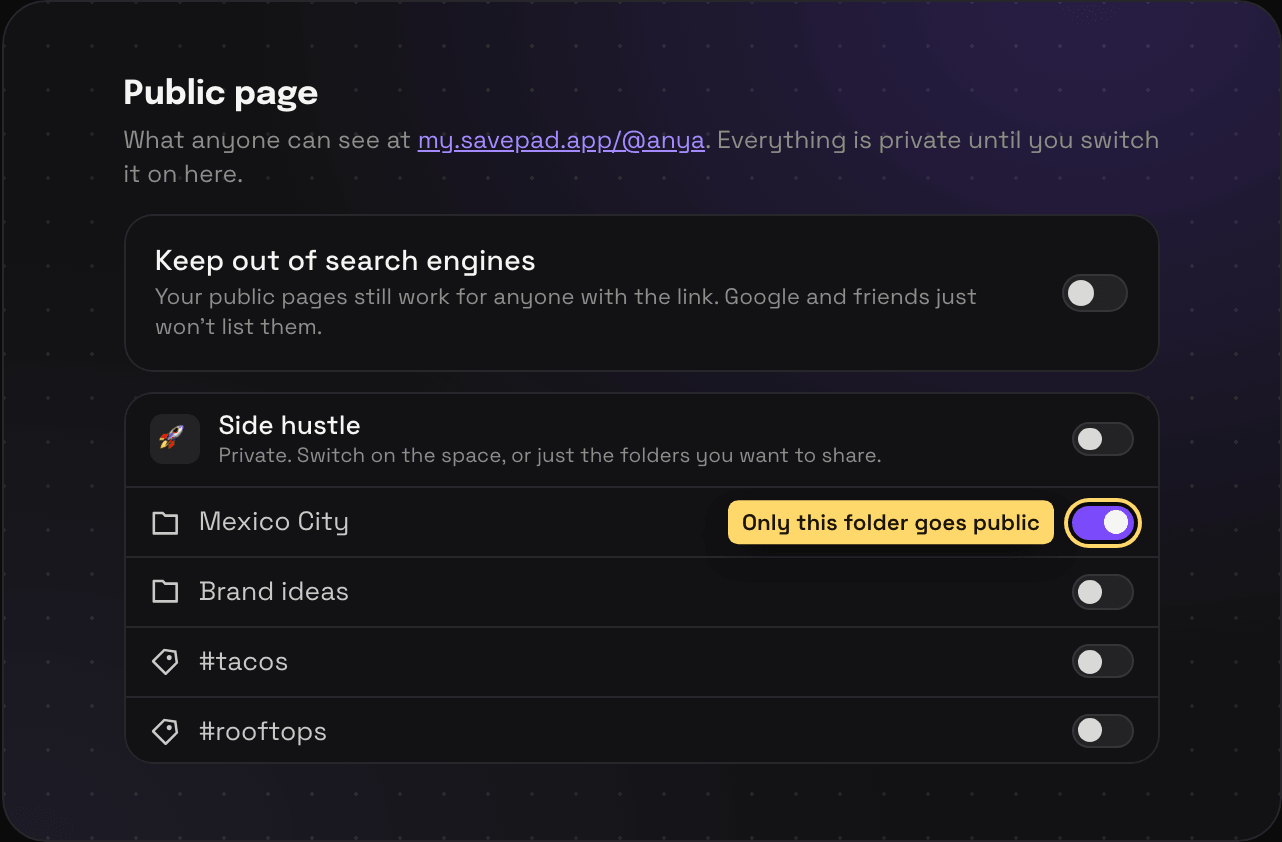
Everything is private until you make it public. You can switch on:
- A whole space, with all its folders
- One folder (or a nested folder), even inside a private space
- A tag, which shows every save with that tag that’s already public through a folder. Set the tag itself to public to show everything tagged.
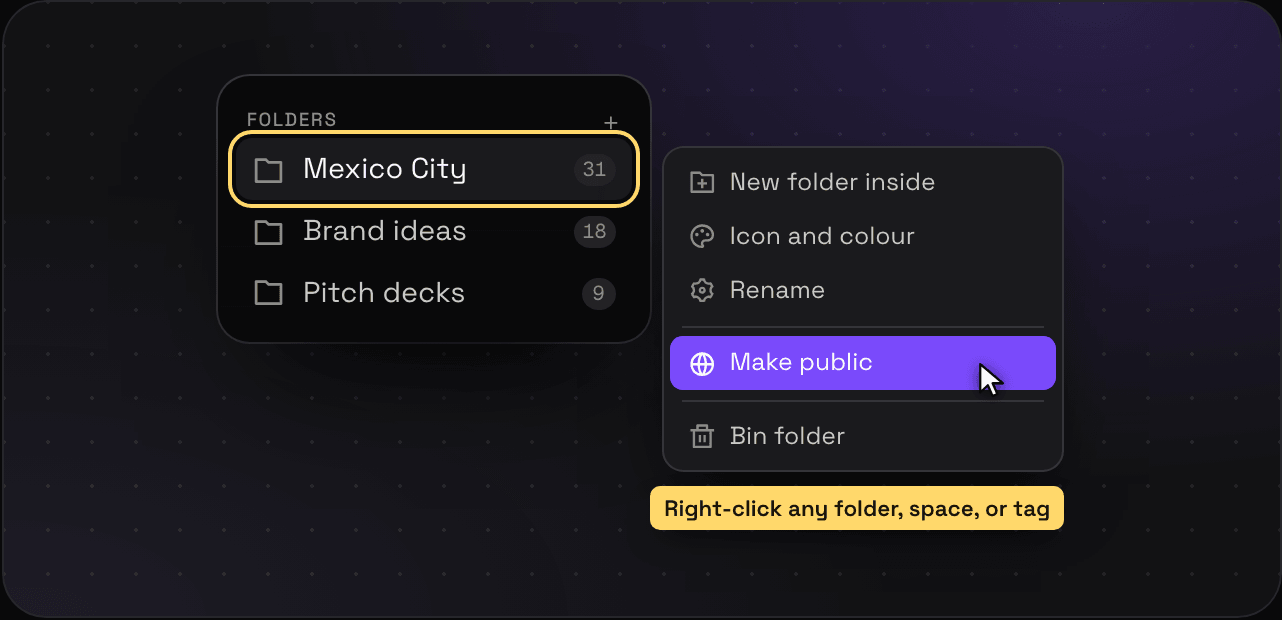
Go to Settings > Public page, or right-click a space, folder, or tag in the sidebar and pick Make public.
What visitors see
They can browse and open things. They can’t edit, comment, or see anything you didn’t make public. Your notes stay private unless you tick Show my note on a save. A save that’s only a note shows its text, since the note is the whole save. Public pages get proper titles and share images, so search engines and your LinkedIn posts preview them properly. Assistants like ChatGPT and Claude get a plain-text copy of every public page (add .md to the address) and a list of what’s public at my.savepad.app/@yourname/llms.txt. Don’t want Google or the bots to find you? Switch on Keep out of search engines in Settings and those go too.
Private links
Want to show one person one thing instead? Make a private link to a save or a folder, with a password or an end date if you like.
Who’s looking
Stats shows how many people looked at your public pages, which ones, and where they came from.
Make it private again
Flip the switch back off. The page is gone straight away.