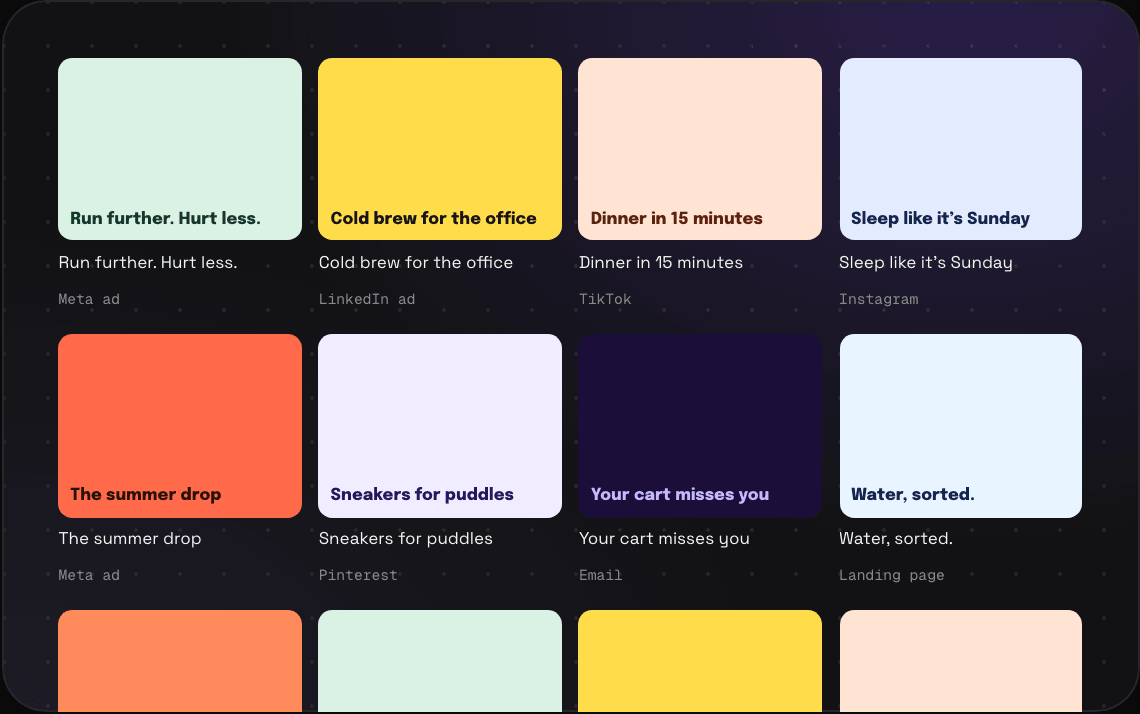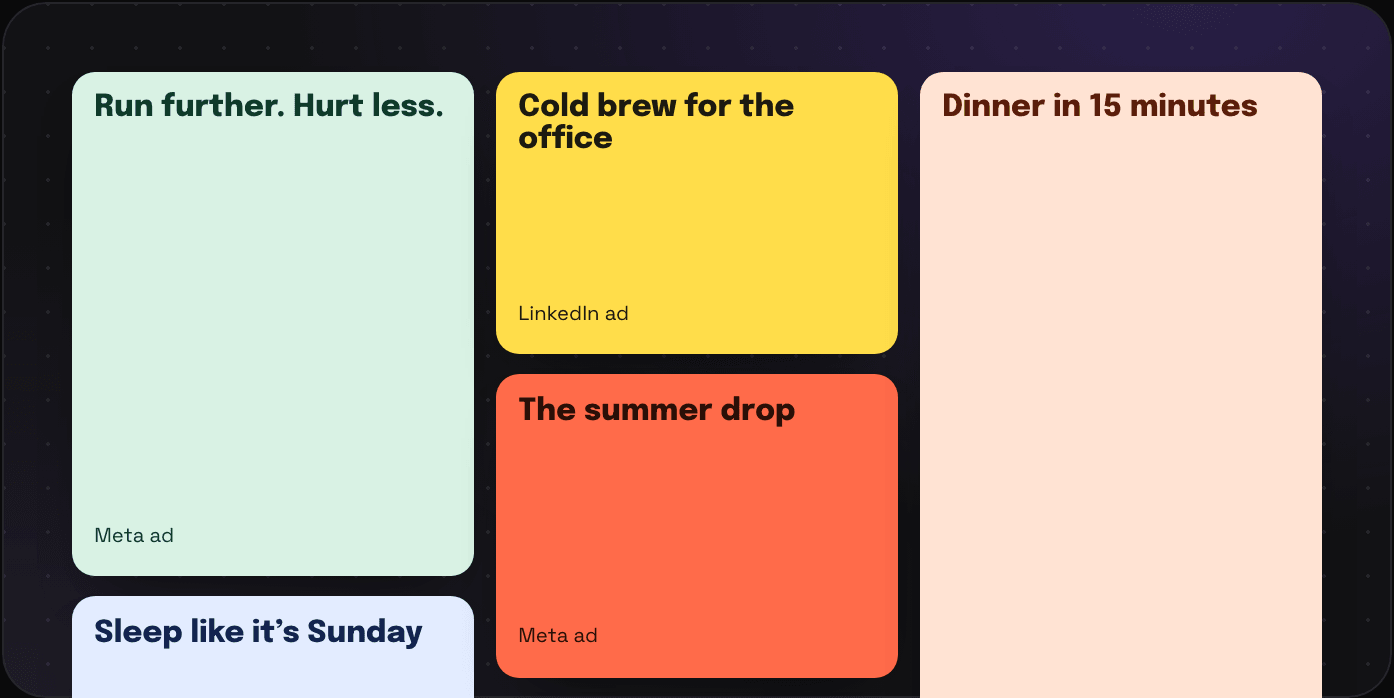
Masonry, grid, list, map or timeline.

The same folder can be a moodboard, a spreadsheet, a map or a timeline. Pick whichever one you need today.

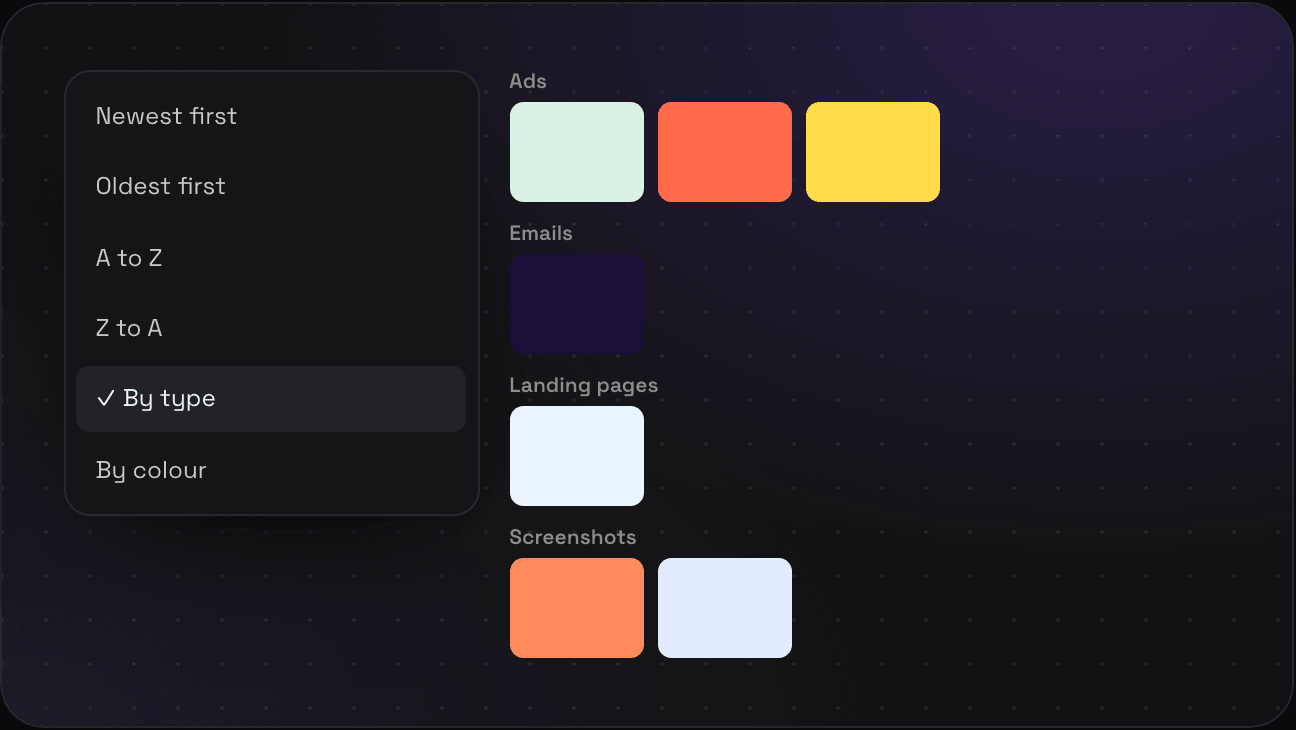
Six ways to sort.

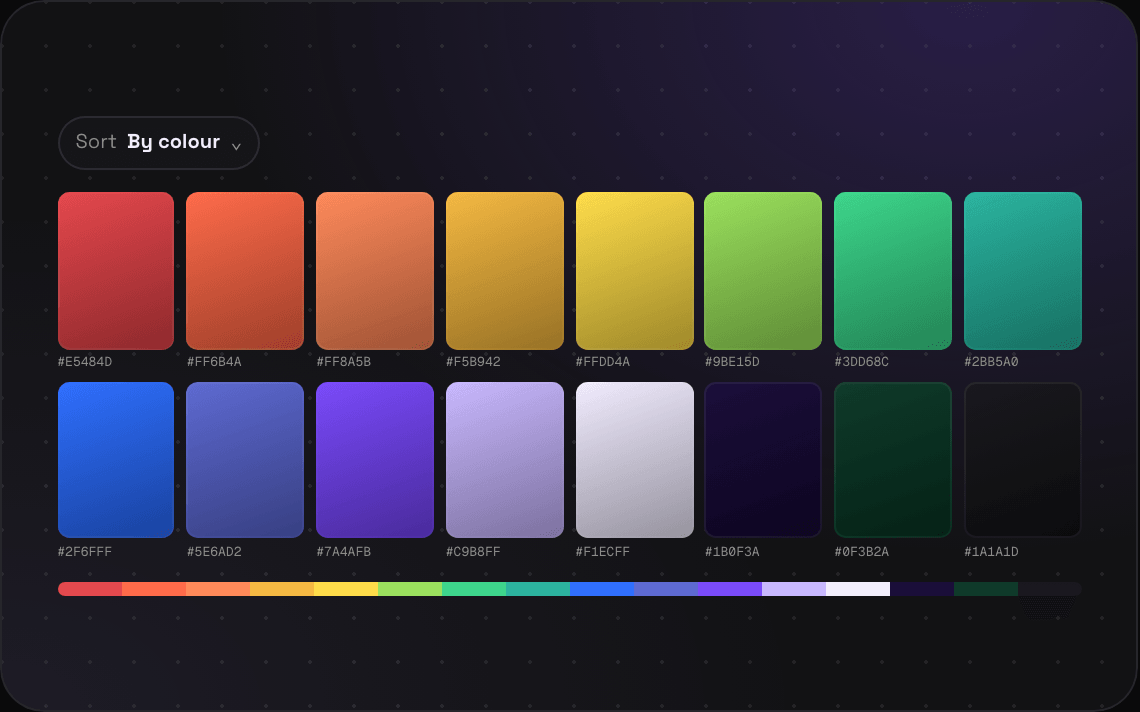
Newest, oldest, A to Z, Z to A, by type or by colour. Whatever you pick stays picked when you open the next folder.

FAQs

Does every folder remember its own view?

Your view choice sticks across folders, and you can set the one Savepad starts with in Settings. Maps and timelines open by themselves for folders of places and for sequences.

Can I change the view Savepad starts with?

Yes. Pick masonry or list as your default in Settings, and switch per folder whenever you like from the toolbar.

How does sorting by colour work without AI?

It's maths. When you save an image, Savepad reads its pixels and picks out the five colours it uses most. Sorting by colour orders saves by their main hue. No model, no guessing.

Do views work on my phone?

Yes. The grid drops to two columns, the list stays a list, and the map is a map. Savepad's a web app you can install to your home screen.

Want in first?

Savepad launches soon. Leave your email and I'll let you know when it's live.

No spam, just the one email to tell you we're live.