Spaces01 / 10
Keep the wedding out of your work stuff.
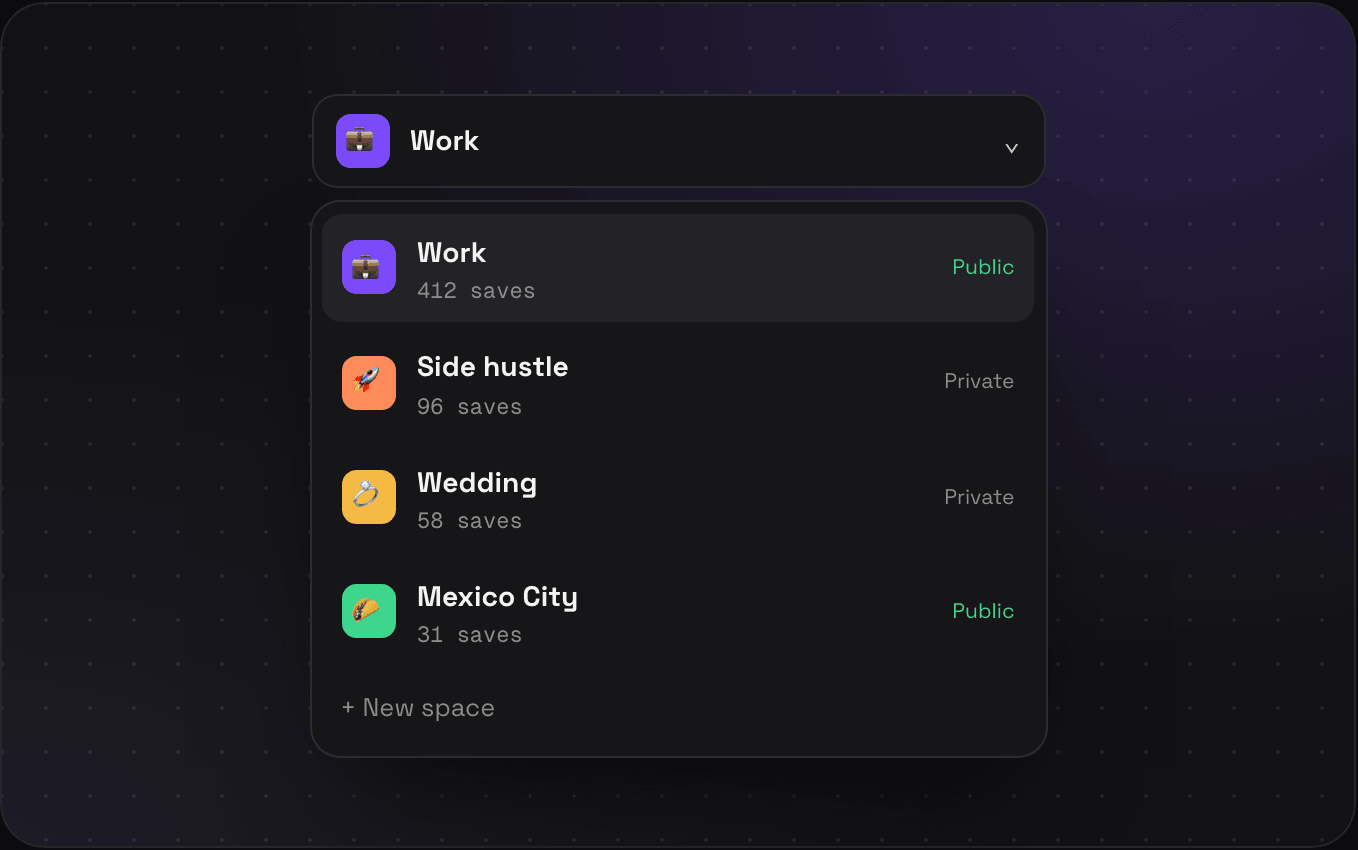
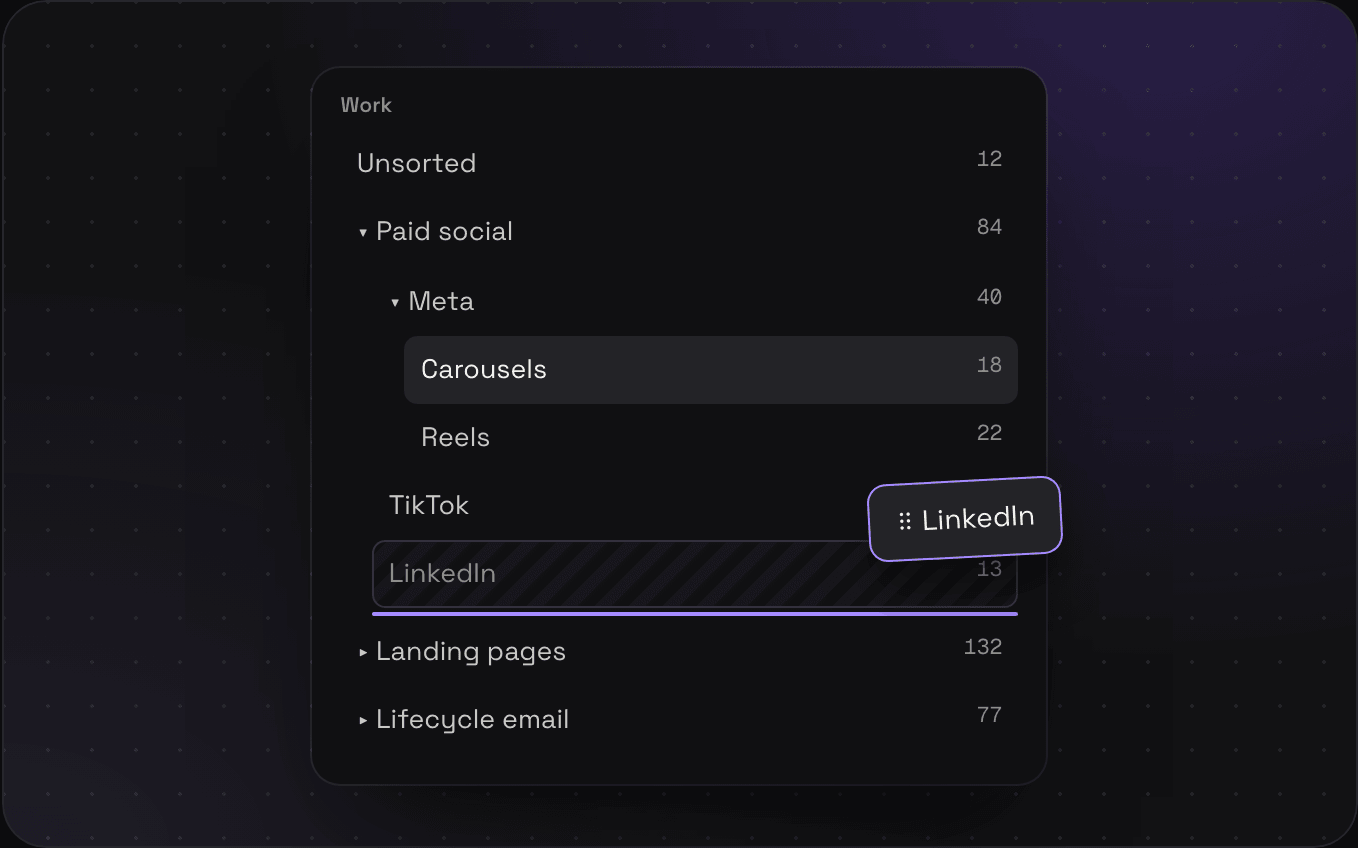
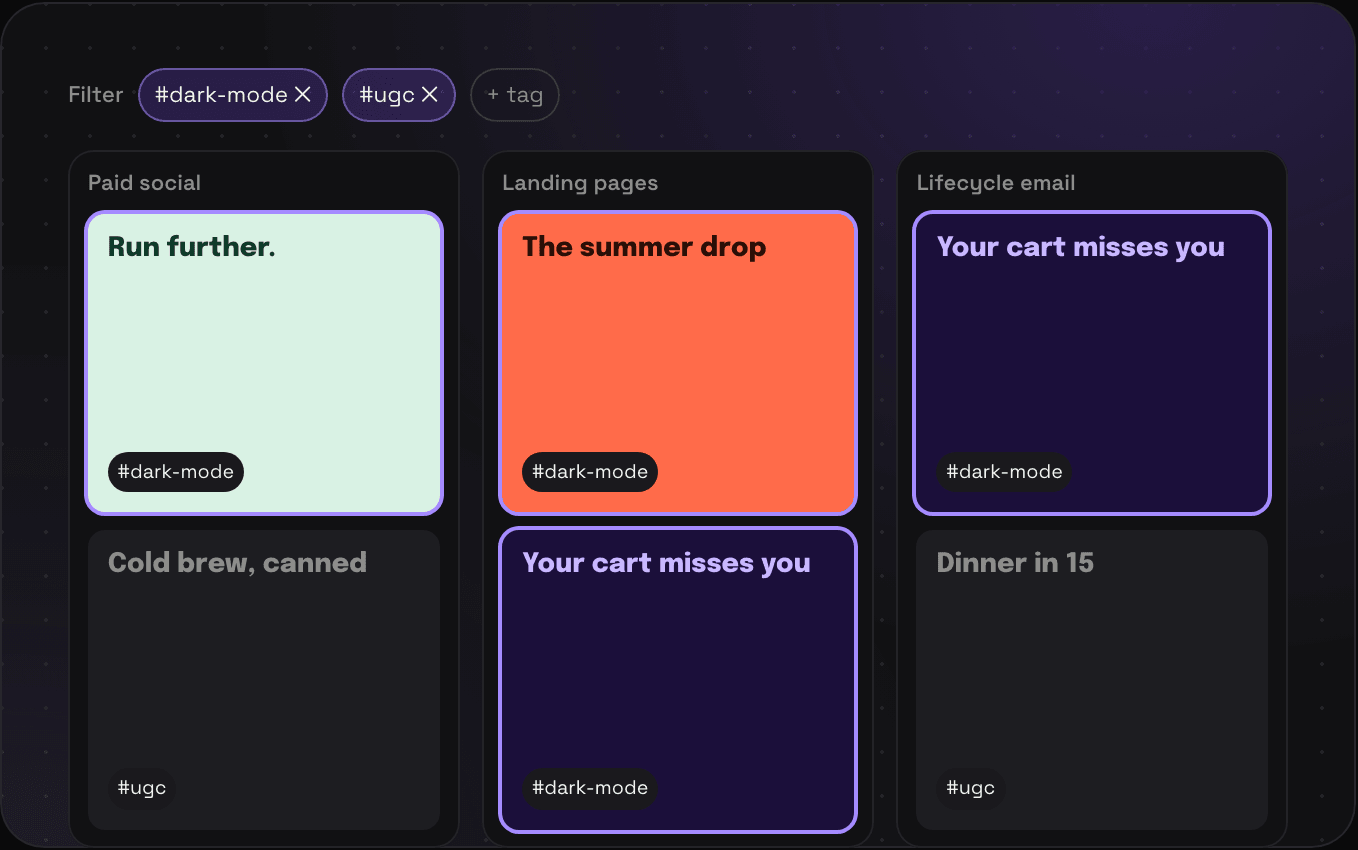
Make as many as you want from the switcher at the top of the sidebar. Every space has its own folders and tags, so the seating plan never ends up next to your competitor's pricing page. You can make one space public and keep the rest private.
- Give each one an emoji, an icon, or your own image
- Switch from the sidebar, or type its name into ⌘K
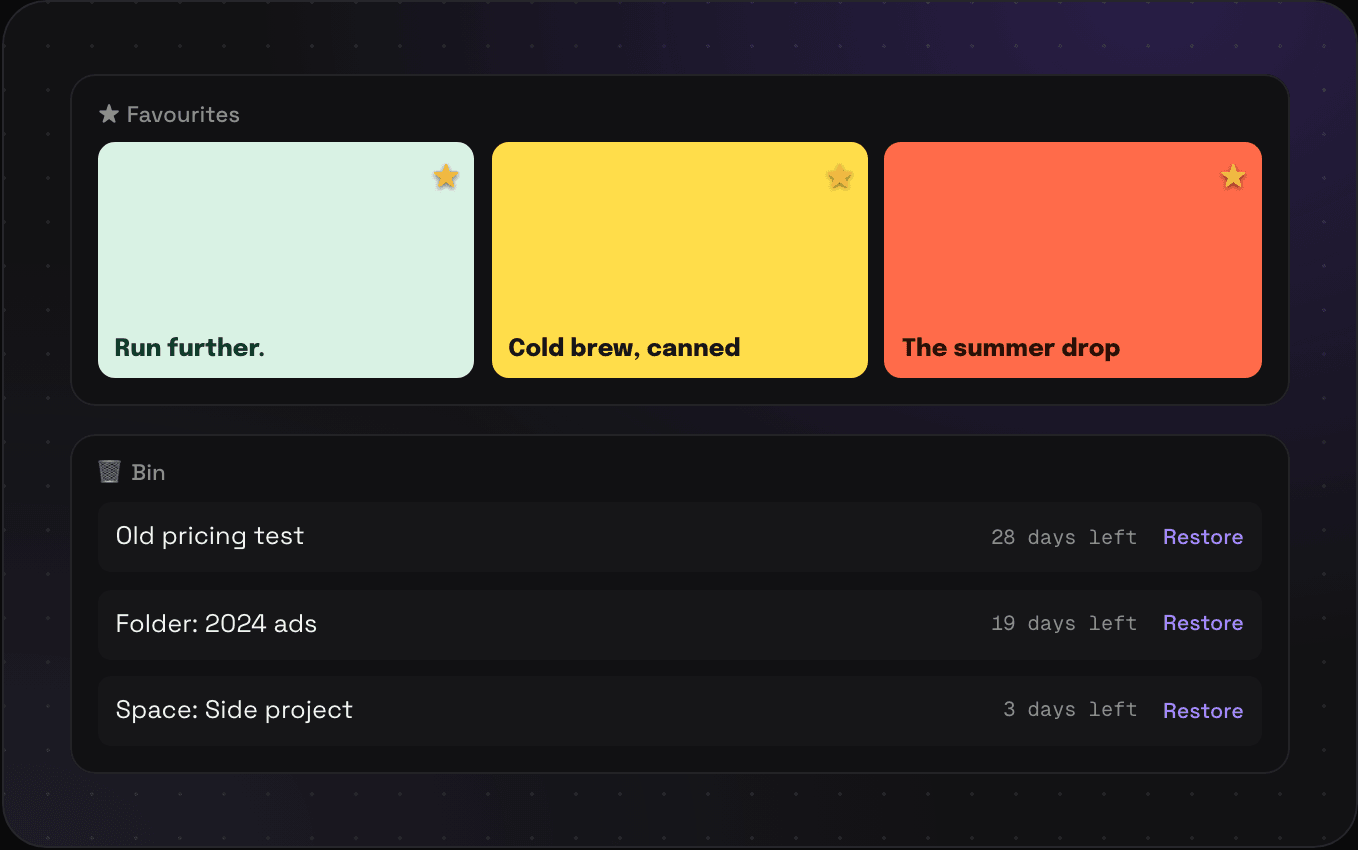
- Deleted one by mistake? It sits in the bin for 30 days, folders and all