Triage mode
Sort a pile of saves one at a time, filing each into a folder with the number keys and tagging it with T.
Most of the time you’ll just sort things as you save them. Triage mode is for when the pile got big anyway, like after an import or a week of saving from your phone.
Start it
Open Unsorted (or any folder) and press Triage. You get one save on screen at a time.
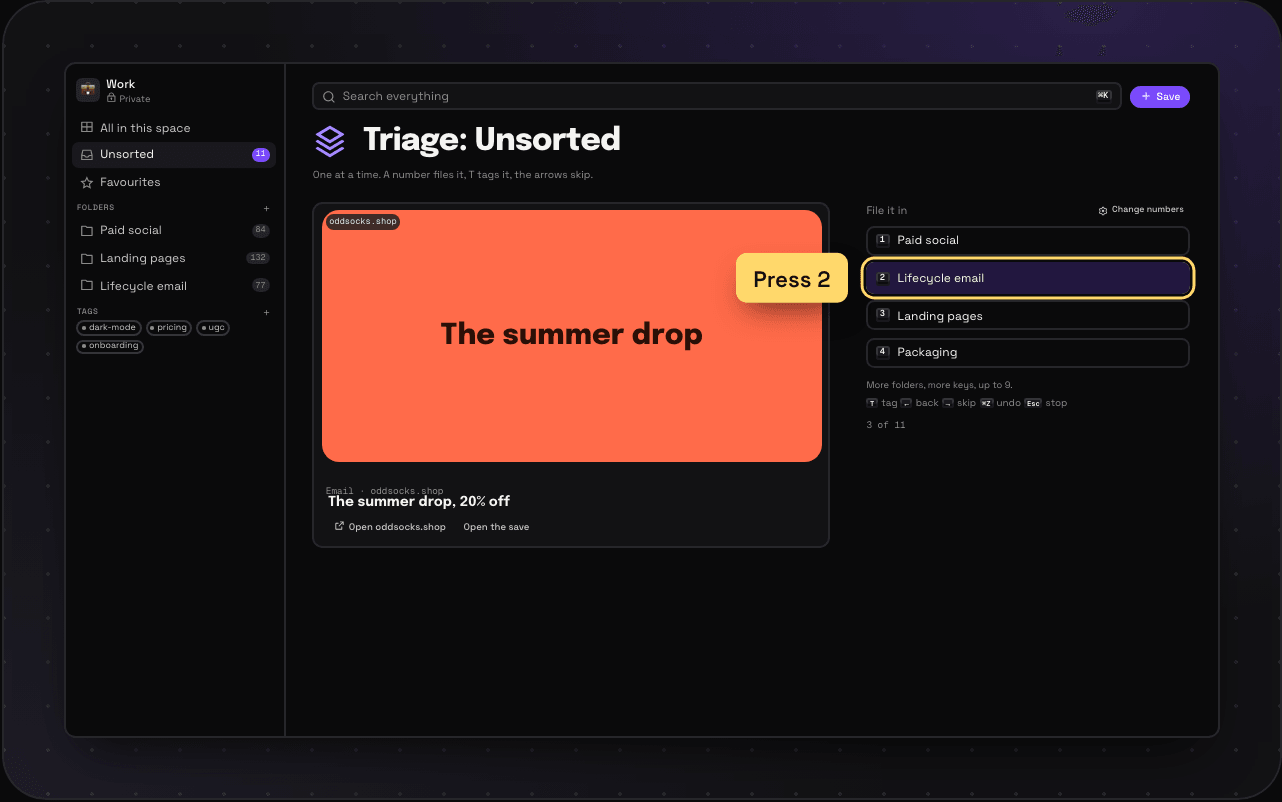
The keys
| Key | What it does |
|---|---|
| 1 to 9 | File it into that folder |
| T | Add a tag |
| → | Skip to the next one |
| ← | Go back |
| ⌘Z | Undo the last move |
| Esc | Stop |
Pick your folders
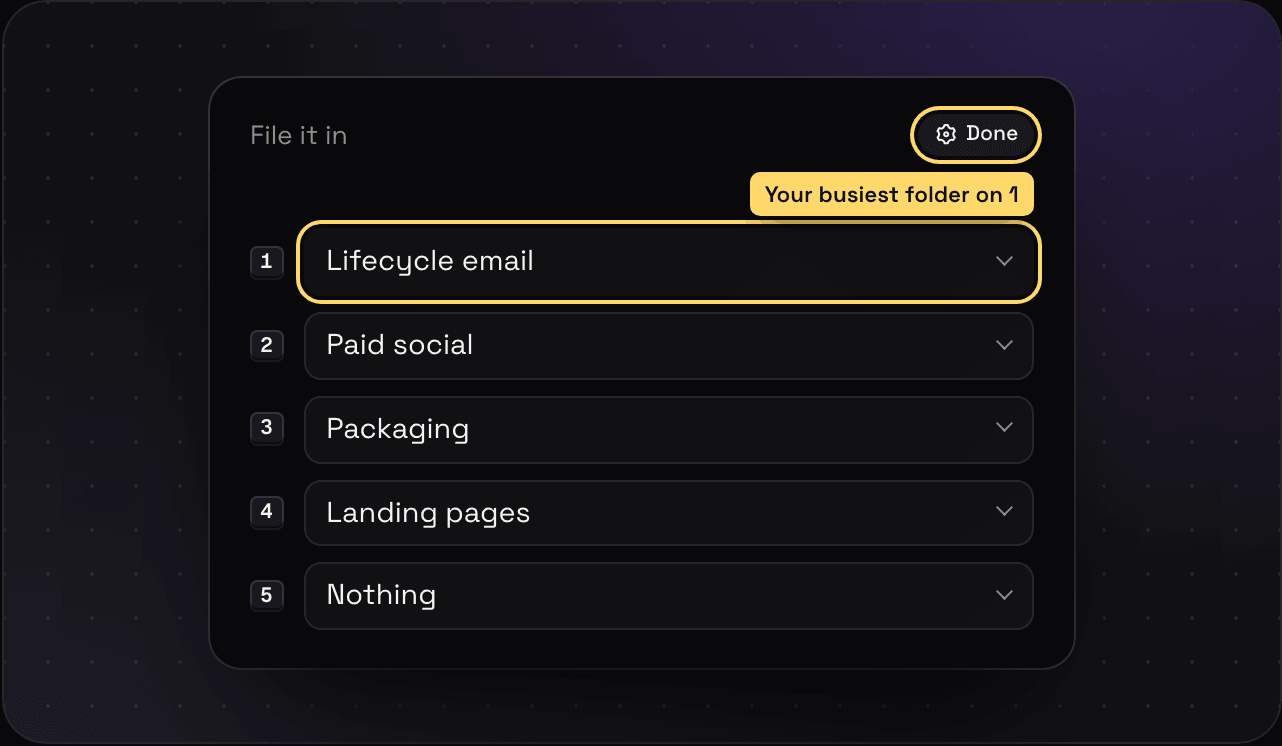
The number keys map to folders. Hit Change numbers next to the folder list to swap which folder sits on which number. Savepad remembers it for each space, in that browser.
Not in the mood for triage?
The same keys work in any list. J and K move down and up, X selects, E files what’s selected, T tags it and ⌘Z undoes it. Press ? anywhere for the full list.