Routes
Save GPX and KML routes from Strava, Komoot, Garmin, or Google My Maps, drawn on a map with the distance and climb.
A run, a ride, a road trip, a store-visit loop around a city. Drop in the file and Savepad draws it on the map. Routes are on Light and Ultra Pro Max Plus.
How to save a route
- Drag and drop a
.gpx,.kml, or.kmzfile. - Email it as an attachment to your Savepad address.
Strava, Komoot, Garmin Connect, and most running and cycling apps export GPX. Google My Maps exports KML.
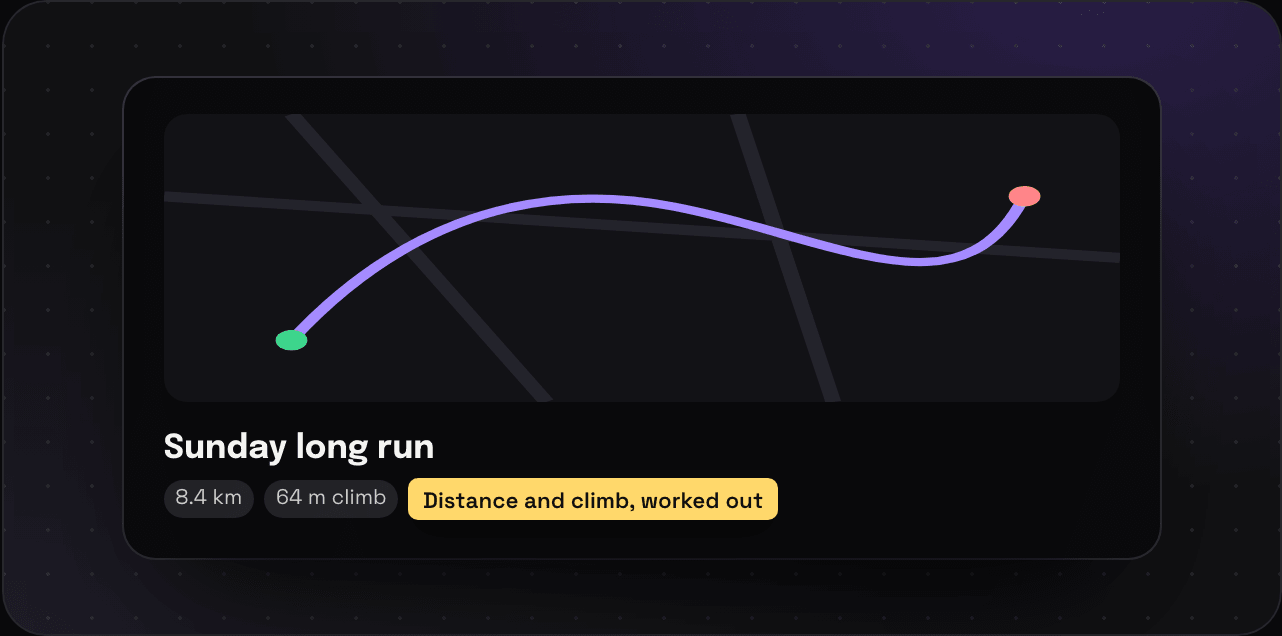
What you get
- The route drawn on a map, start to finish
- The distance and the climb
- Google Maps and Apple Maps buttons
- The original file, in your export
Routes show up in a folder’s map view next to your places, so the trip folder has the hotel, the tapas bars, and the Sunday run on one map.
Planning a trip? Import your Google Maps lists and the places land on the same map.