Collections
Keep saves that belong together as one: a homepage hero with its screenshot, code, colours, and font. On Light and Ultra Pro Max Plus.
A homepage hero isn’t one thing. It’s the screenshot, the snippet for that scroll animation, the brand purple, the font, and a note about why it works. A collection keeps all of it as one save. Collections are on Light and Ultra Pro Max Plus.
Make a collection
- Press N for the save dialog.
- Under Or pick what it is, pick Collection.
- Name it, pick a folder, and press Make it.
Put saves in it
- Open the collection and press Add saves, then search and pick.
- Or open any save and use Add to a sequence or collection.
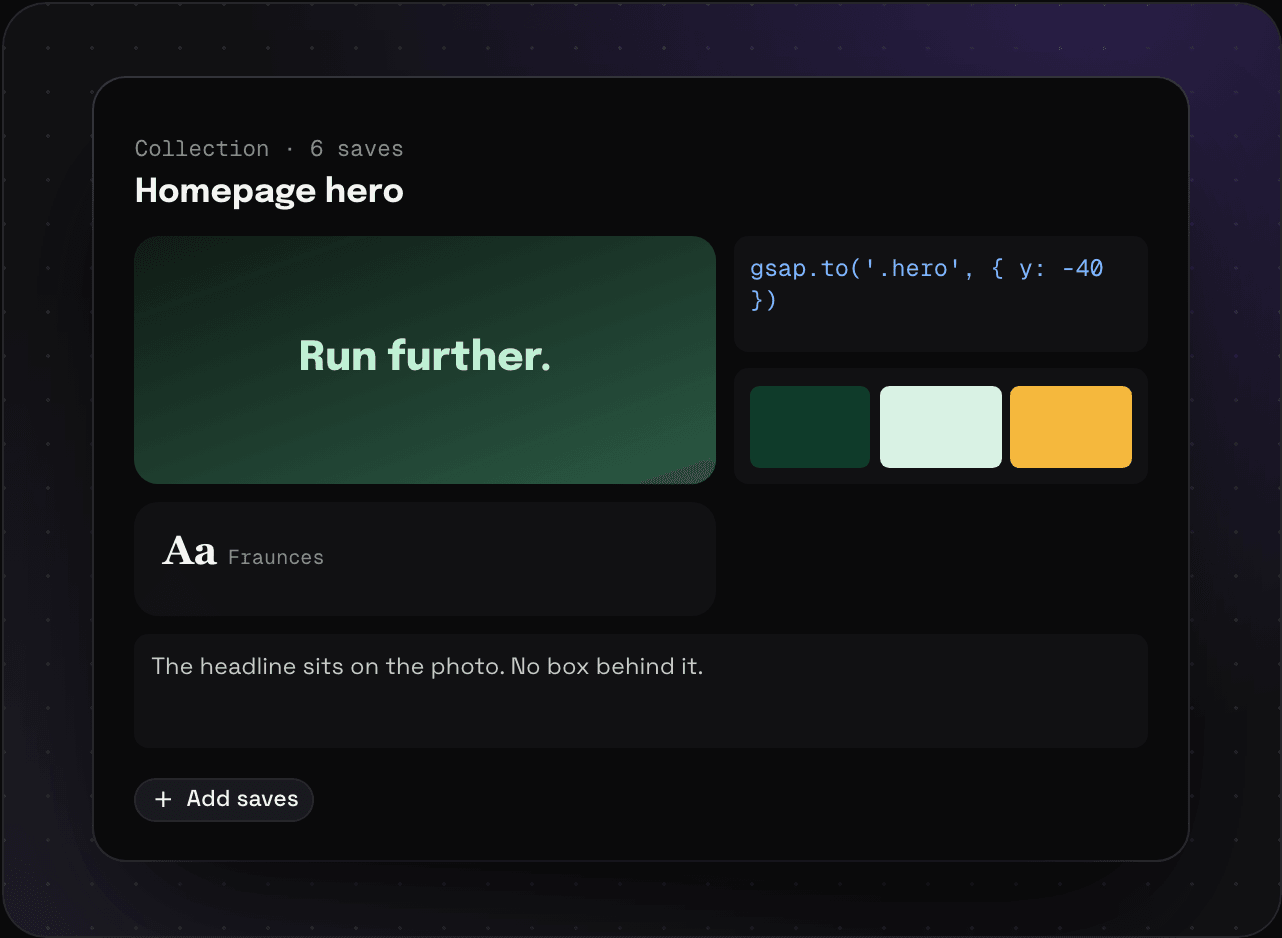
Every piece stays a normal save too. The snippet still shows up when you search for the snippet.
Collections, sequences, or folders?
- Folder: a place to keep lots of saves. A save can be in as many as you like. See spaces, folders, and tags.
- Collection: a handful of saves that make up one thing.
- Sequence: saves in a specific order.