Sequences
Keep saves in order as one save: an onboarding email flow, a checkout, a launch across ads and emails. On Light and Ultra Pro Max Plus.
Nobody steals just ONE onboarding email. You want the whole flow: day 0, the push on day 1, the “your trial ends Friday” on day 12. A sequence keeps saves in order, as one save. Sequences are on Light and Ultra Pro Max Plus.
Make a sequence
- Press N for the save dialog.
- Under Or pick what it is, pick Sequence.
- Name it (“Lumen trial onboarding”), pick a folder, and press Make it.
Put saves in it
- Open the sequence and press Add saves. Search your library and pick as many as you like.
- Or open any save and use Add to a sequence or collection from its menu.
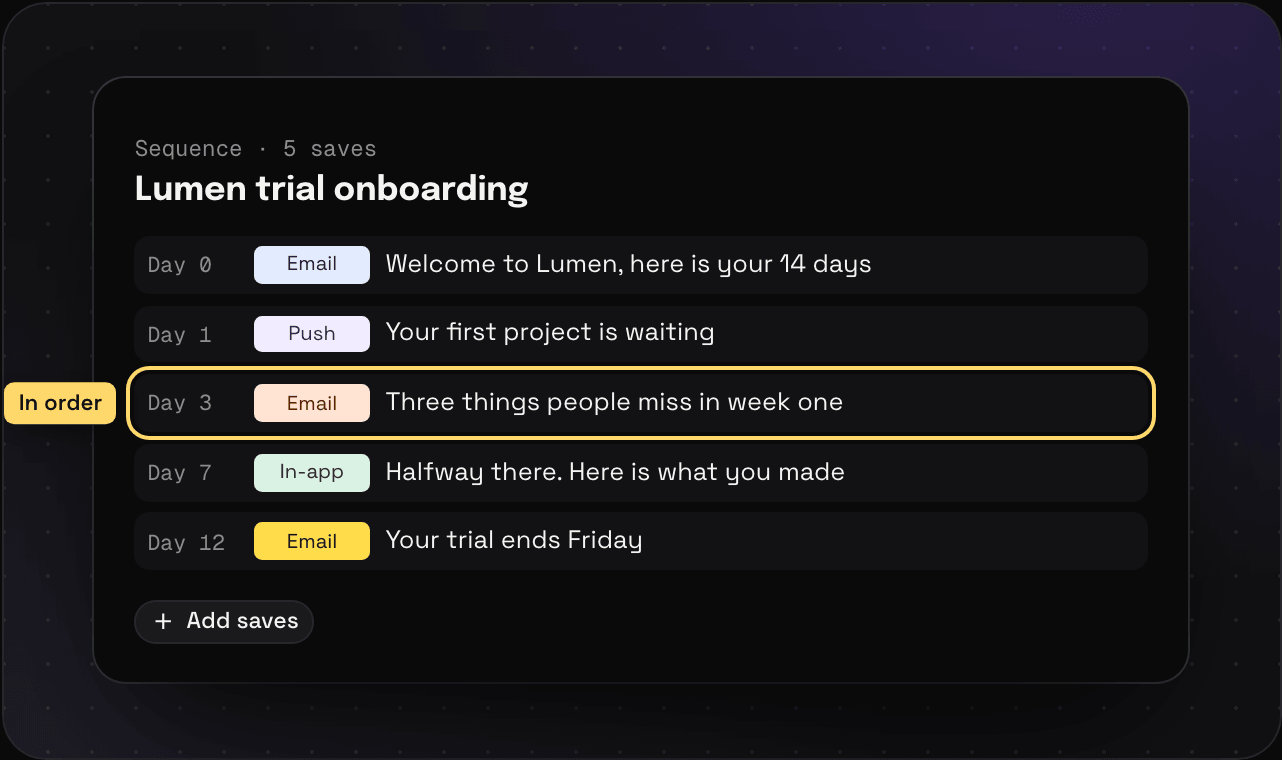
Each save stays a normal save too. The day 3 email still shows up when you search for it on its own, and in its own folder.
Good for
- Onboarding and welcome flows
- Cart and checkout flows, screen by screen
- A launch: the teaser, the announcement email, the ads, the follow-up
- A signup flow, screenshot by screenshot
Want saves together without an order? That’s a collection.