Export your library
Download everything, files included, as a ZIP, HTML, CSV, JSON, or Markdown, whenever you want.
Where to find it
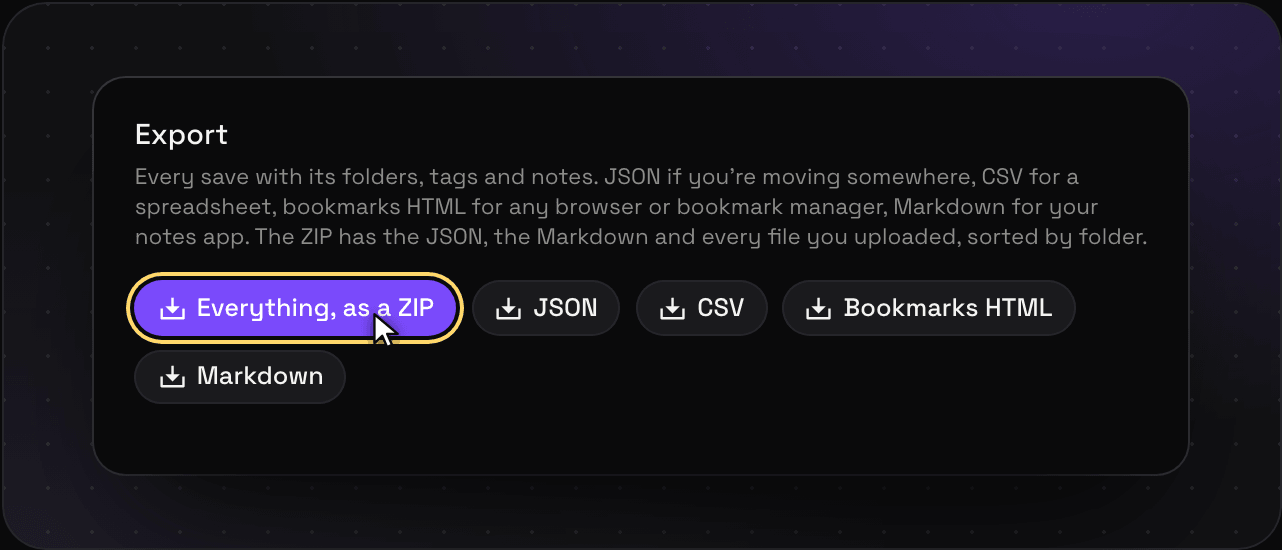
Go to Settings > Import and export and pick a format. Everything downloads straight away. The ZIP has every file you ever uploaded in it, so on a big library it can take a minute. Leave the tab open till it’s done.
The formats
| Format | What’s in it | Good for |
|---|---|---|
| ZIP | Everything: every save as JSON and Markdown, and every file you uploaded, sorted into your folders | A full backup, or moving to another app |
| HTML | Your links, with folders and tags | Importing into a browser or Raindrop |
| CSV | One row per save | Spreadsheets |
| JSON | Every save with every field | Scripts and your own tools |
| Markdown | Every save as a list, notes quoted under each one | Notes apps like Obsidian |
Export works on every plan, as often as you like. No export tax.
Leaving for good?
Export first, then delete your account in Settings > Account. Everything is purged, backups included. Need a GDPR wipe-out? Ping us at [email protected].