Keyboard shortcuts
Every keyboard shortcut in Savepad, for saving, moving around, selecting, filing, and tagging without the mouse. ⌘ on a Mac, Ctrl everywhere else.
Savepad works fine with a mouse. But if you’d rather keep your hands on the keys, almost everything has a shortcut. Press ? anywhere in Savepad to see them.
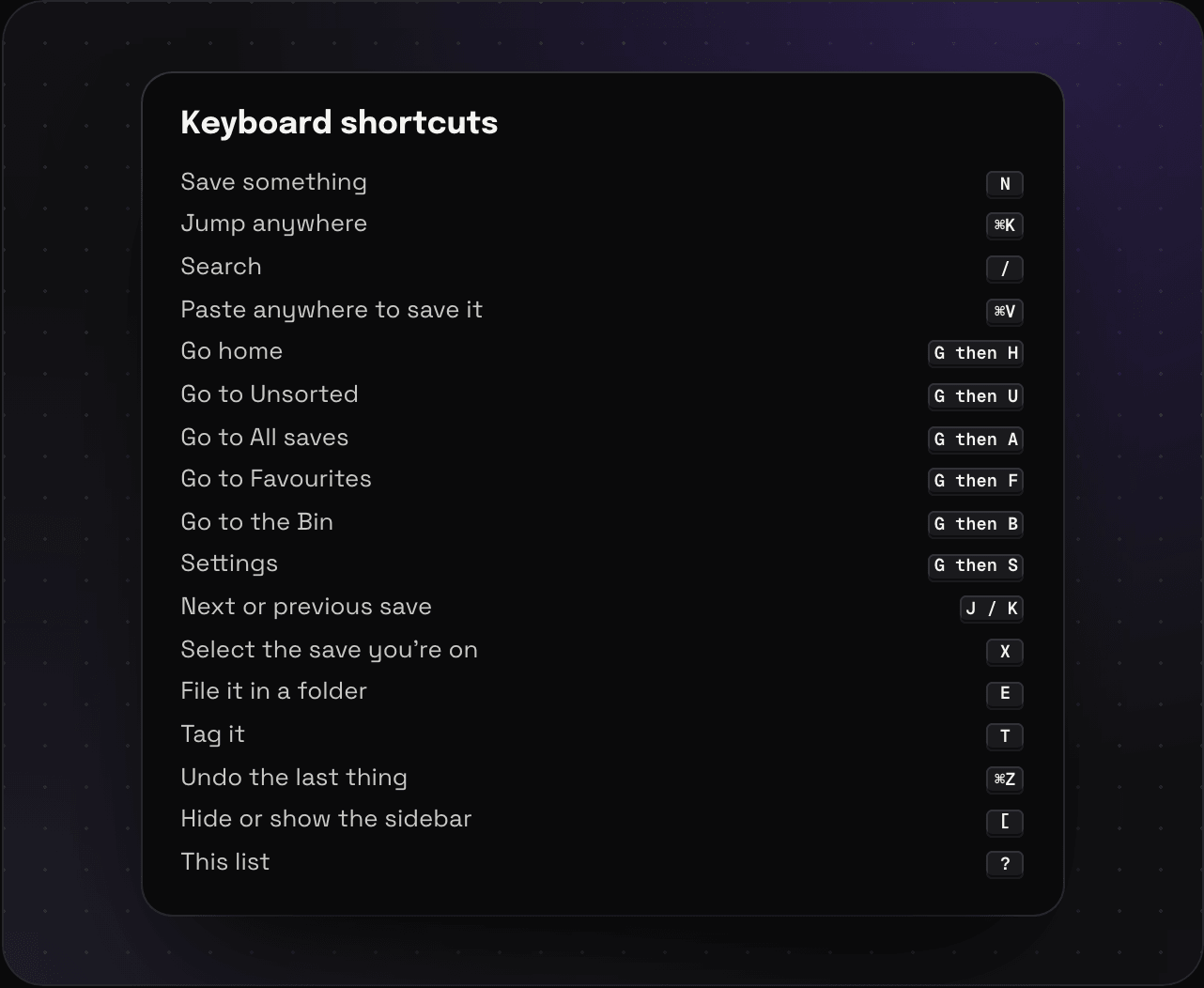
On Windows and Linux, use Ctrl where it says ⌘.
Saving
| Keys | What it does |
|---|---|
| N | Save something |
| ⌘V | Paste anywhere to save it |
| ⌘↵ | Save, in the save dialog |
Moving around
| Keys | What it does |
|---|---|
| ⌘K | Jump anywhere: saves, folders, tags, spaces, and actions |
| / | Search |
| G then H | Home |
| G then U | Unsorted |
| G then A | All saves |
| G then F | Favourites |
| G then B | The bin |
| G then S | Settings |
| [ | Hide or show the sidebar |
In a list
| Keys | What it does |
|---|---|
| J / K | Next or previous save |
| X | Select the save you’re on |
| E | File it, or everything selected, in a folder |
| T | Tag it |
| ⌘Z | Undo the last thing |
| ? | Show all of this |
In triage mode
Number keys 1 to 9 file the save into a folder. Triage mode has its own list.
Selecting and filing a batch from the keyboard is covered in selecting lots at once.