Notes
Write notes in Savepad with headings, checklists, and links. And add a note to any save to remember why you kept it.
Notes in Savepad come in two flavours. Every save has a note, for why you kept it. And a note can be a save of its own, for the idea that isn’t attached to anything yet.
A note on a save
Open any save and write in Why you saved it. It saves as you type. What made you go hmmm? Future you will want to know.
Notes are searchable, and they show up on your public page only if you tick Show my note on public pages under it.
A note as its own save
- Type it into the save dialog (press N). Anything that isn’t a link, a hex code, or code becomes a note.
- Paste text anywhere with ⌘V.
- Email it to your Savepad address. A mail that’s just words becomes a save with the words in it.
- Ask your assistant: “save this as a note in Onboarding”.
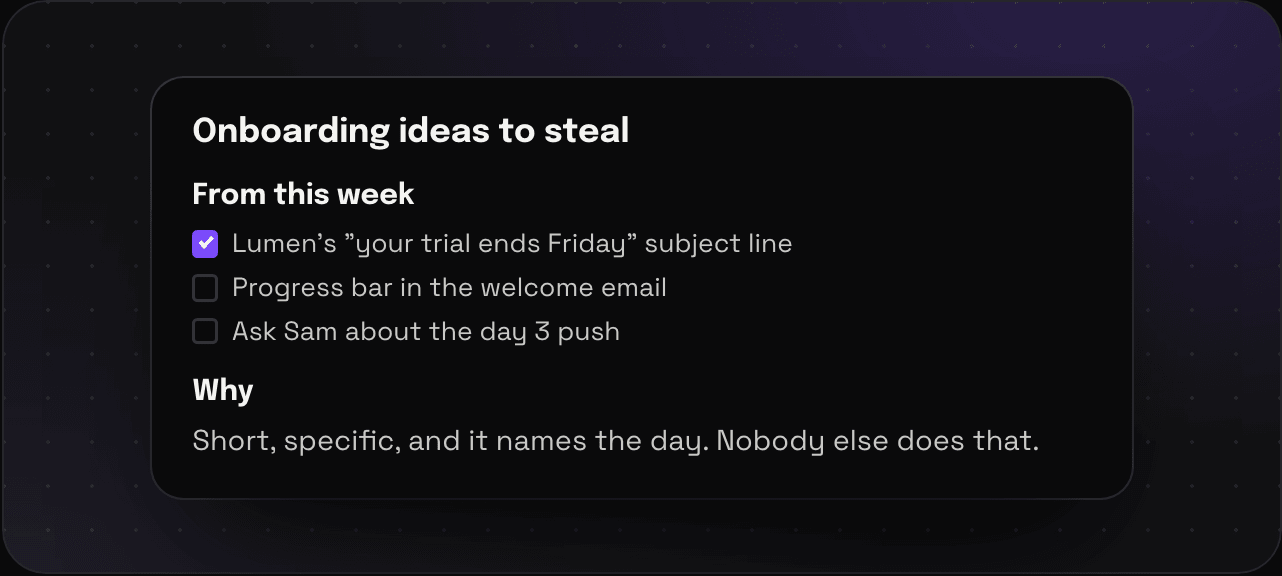
Notes get a proper editor: headings, bold, lists, checklists, quotes, code, and links.
Tips
- The first line becomes the title. Make it a good one.
- Ramen party menu? Biryani night shopping list? Also notes. You do you.
Other things you write straight into Savepad: code snippets and colours and palettes.