Videos
Save YouTube, Vimeo, Loom, TikTok, and Wistia videos with their thumbnail and title, or upload your own clips on Light and Ultra Pro Max Plus.
Ads, launch films, a Loom someone sent you that you’ll definitely need again. Save the link and Savepad keeps the frame, the title, and where it’s from.
How to save a video
- Paste the link. Links from YouTube, Vimeo, Loom, TikTok, Wistia, Twitch, and Dailymotion become videos by themselves.
- Email the link from your phone.
- Upload a clip (MP4, MOV, WebM) by dragging it in, on Light and Ultra Pro Max Plus.
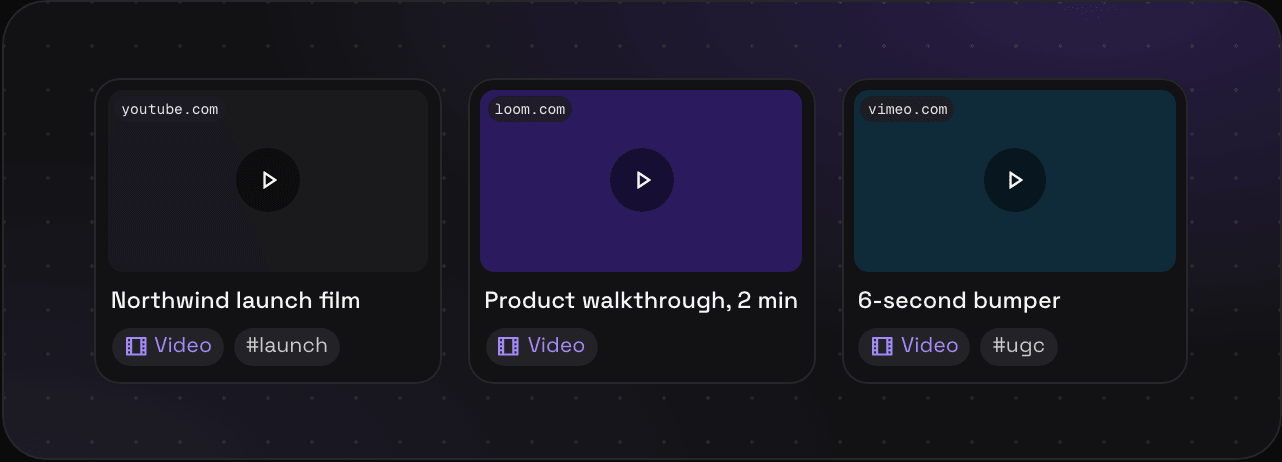
What you get
- The thumbnail, the title, and the site
- A play button on the card, so you can tell videos apart at a glance
- Open goes to the video on its own site
Plans
Video links work on every plan. Each one counts as a save, but not against your file storage. Uploading your own videos needs Light (50 MB a file, 30 minutes kept in all) or Ultra Pro Max Plus (250 MB a file, two hours in all). They play back in up to 1080p, sized to your screen. The plans page has the full table.
Tips
- Write the timestamp you care about in the note: “the hook is at 0:04”.
- Saving a lot of ads? Ad library links keep the advertiser too.