Fonts
Save font files (TTF, OTF, WOFF, WOFF2) next to the work that uses them, and find them again by name.
That font you found on a studio’s site and swore you’d use. Save the file next to the screenshots of where you saw it. Fonts are on Light and Ultra Pro Max Plus.
How to save a font
- Drag and drop the file:
.ttf,.otf,.woff, or.woff2. - Email it as an attachment.
- The save dialog: press N and drop it in.
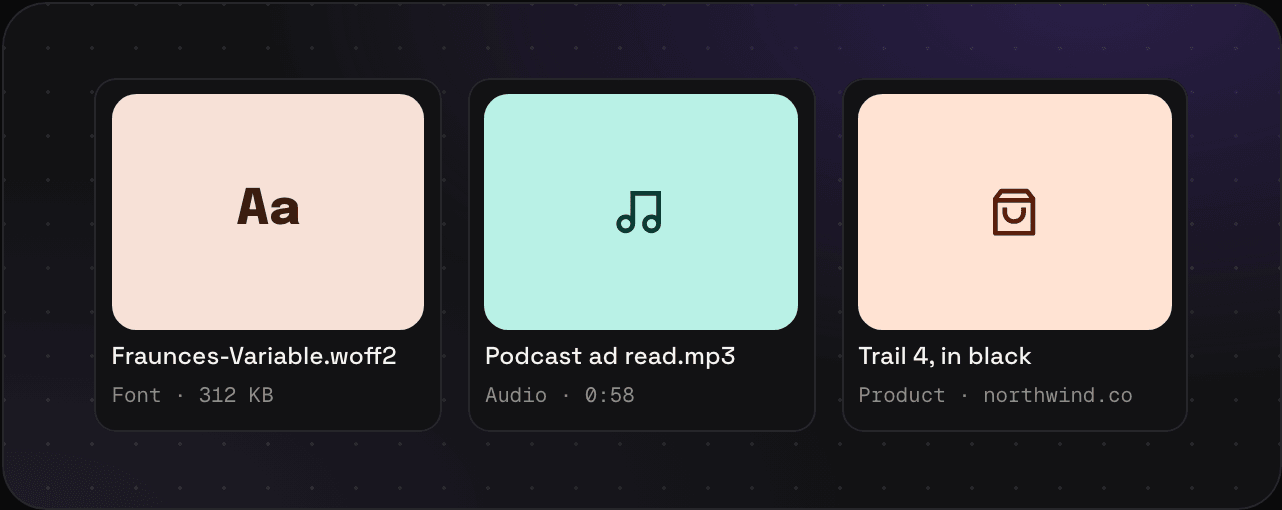
What you get
- A card with the font’s name
- The file itself, kept as it is and downloaded with your export
Tips
- Keep the font, the screenshots of it in use, and the colours that went with it together in a collection.
- Check the licence before you use a font you found. Savepad keeps it, it doesn’t license it to you.