Private links
Share one save or one folder with one person through a private link, with an optional password and expiry. Turn it off whenever.
Want to show one person one thing without making it public? Planning Mexico City with your partner? Send them the folder. A private link opens just that save or folder, for whoever has the link, and nothing else.
Make a private link
- Open the save, or the folder.
- Press Private link.
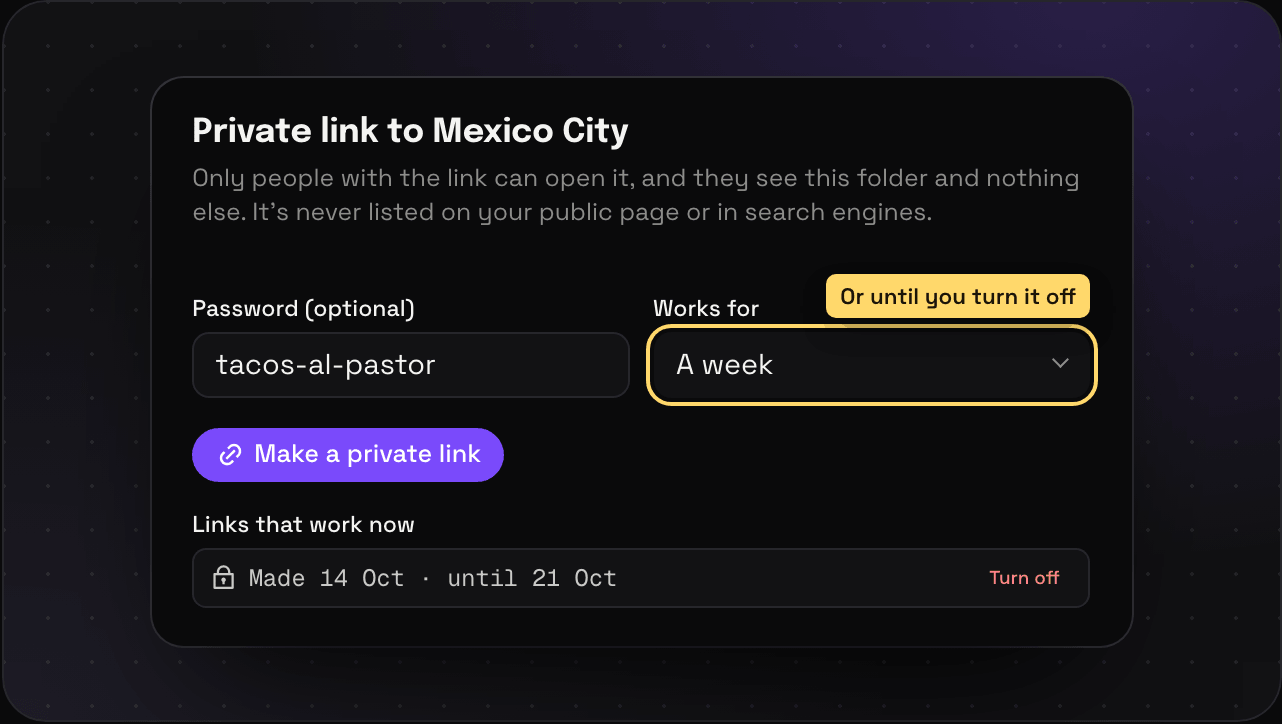
- Add a password if you want one (8 characters or more), and pick how long it works for: Until I turn it off, A day, A week, or 30 days.
- Press Make a private link and copy it. It’s only shown once.
What they see
The save or the folder, and nothing else. They can browse and open things. They can’t edit, they can’t see the rest of your Savepad, and the link is never listed on your public page or in search engines.
Turn it off
Every link that works now is listed under Links that work now in the same place. Press Turn off and it stops opening.
How many
Free has 3 private links at a time, Light 20, and Ultra Pro Max Plus as many as you want. Turned-off links don’t count.
Want something open to everyone instead? That’s your public Savepad.