Audio
Save podcast ad reads, jingles, radio spots, and voice memos. MP3, M4A, WAV, OGG, FLAC, and OPUS. On Light and Ultra Pro Max Plus.
A podcast ad read worth copying, a radio spot, the voice note you sent yourself on the train. Audio is on Light and Ultra Pro Max Plus.
How to save audio
- Drag and drop the file: MP3, M4A, WAV, AAC, OGG, FLAC, or OPUS (that’s WhatsApp and Telegram voice notes).
- Email it as an attachment.
- The save dialog: press N and drop it in.
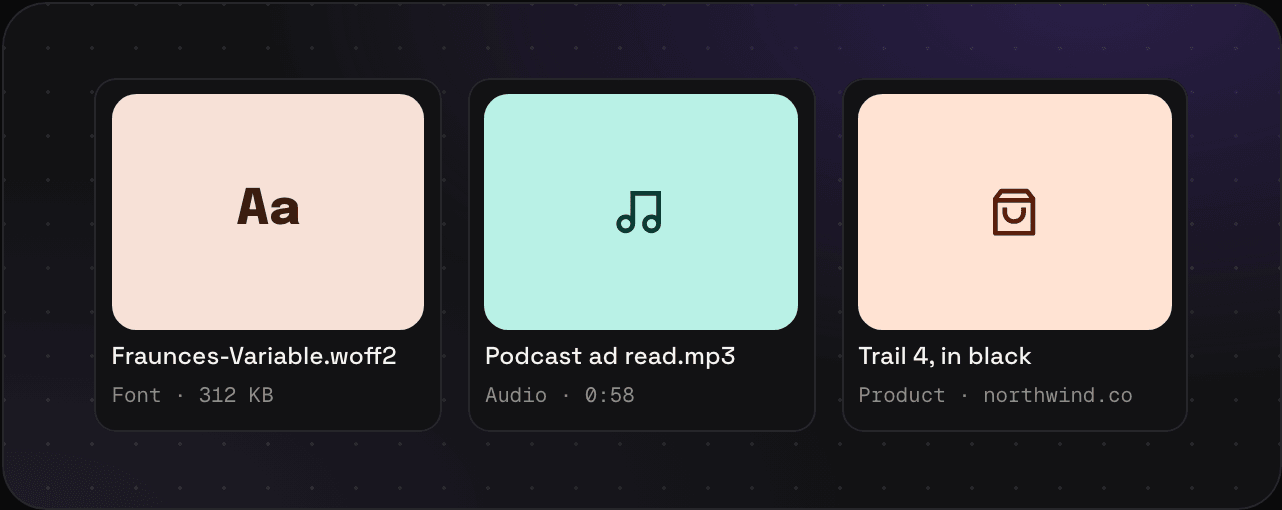
What you get
- A card with the file name and length
- The file, kept as it is and in your export
No transcripts
Savepad doesn’t turn audio into text, because that needs an AI model and Savepad doesn’t use any. Write what matters in the note: “the offer lands at 0:40, listen to how she says free”. Notes are searchable.
Other files you can drop in: fonts, documents, and videos on paid plans.