Colours and palettes
Save a hex code or a whole palette, copy colours in one click, and search your library by colour.
A brand purple, the five colours from a moodboard, that one green from a billboard. Save them as colours and they’re one search away.
How to save colours
- Paste a hex code, like
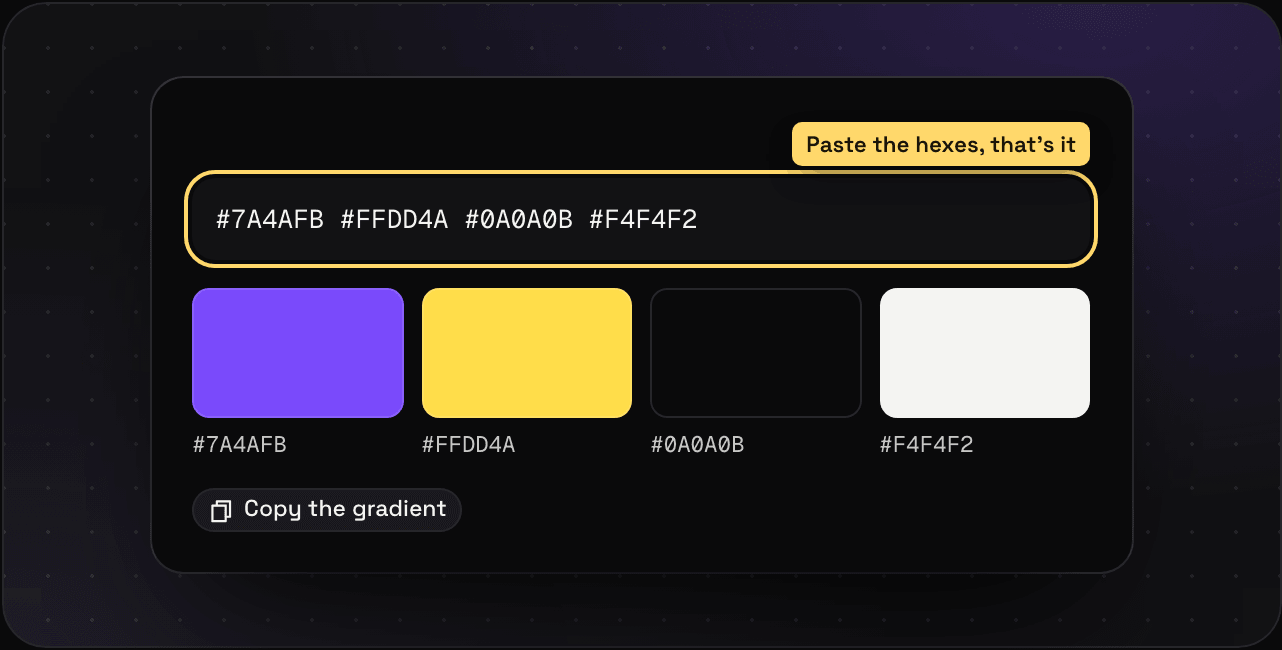
#7A4AFB, with ⌘V anywhere. - Paste several separated by spaces, commas, or new lines, and you get a palette of up to 24 colours.
- The save dialog: press N, paste them, or pick Colour.
What you get
- Big swatches with their hex codes. Click one to copy it.
- Copy the gradient for a CSS gradient of the palette.
Colours from everything else
You don’t have to save colours by hand to search by them. Savepad pulls the colours out of every image, and out of every link’s preview picture. Every list has a Colour button: pick a swatch and you only see saves with that colour in them. Or sort a folder By colour for rainbow order. Search by colour has the details.