Products
Save product pages from any shop with their pictures and details, to track a competitor launch, packaging ideas, or that thing you are not buying.
A competitor’s launch pricing, packaging you want to steal, the shoes you’re definitely not buying. Products are on Light and Ultra Pro Max Plus.
How to save a product
- Copy the product page’s link.
- Press N for the save dialog and paste it.
- Under Or pick what it is, pick Product, then save.
Pasting a product link without picking Product saves it as a normal link, which is fine too.
What you get
- Everything a link gets: the picture, the title, a full-page screenshot the way the page looked that day, and the text
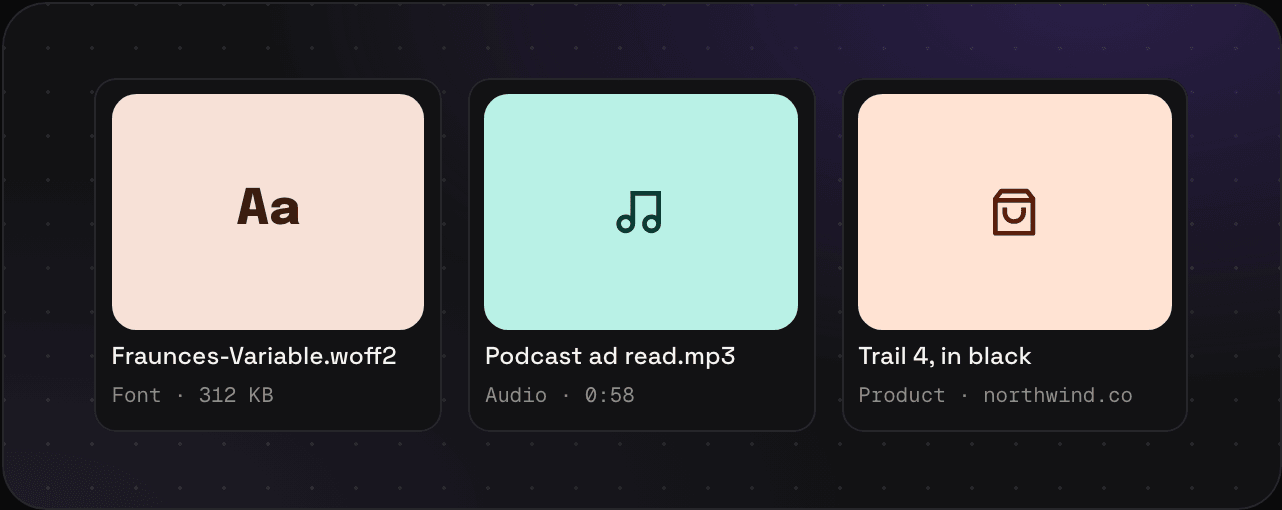
- A product card, so products stand apart in a busy folder
type:productin search to see only products
Tips
- Write the price and the date in the note. Prices change, and that’s often the point.
- On Ultra Pro Max Plus, page history keeps a new version of the page every month, so you can see when the price moved.
Saving a competitor’s whole site? Keep the pricing page as a link and the launch emails in a sequence.