Documents and files
Save Word, PowerPoint, Excel, Keynote, Pages, CSV, Markdown, and text files. Kept as you sent them, filed and tagged like everything else.
Whatever the client sent. Word docs, Keynote decks, a spreadsheet of competitor prices. Savepad keeps the file as it is, next to the rest of your references.
How to save a document
- Drag and drop it in.
- Email it as an attachment to your Savepad address.
- The save dialog: press N and drop it in.
Word (.doc, .docx), PowerPoint (.ppt, .pptx), Excel (.xls, .xlsx), Keynote, Pages, Numbers, OpenDocument, RTF, CSV, Markdown, and plain text all save as documents.
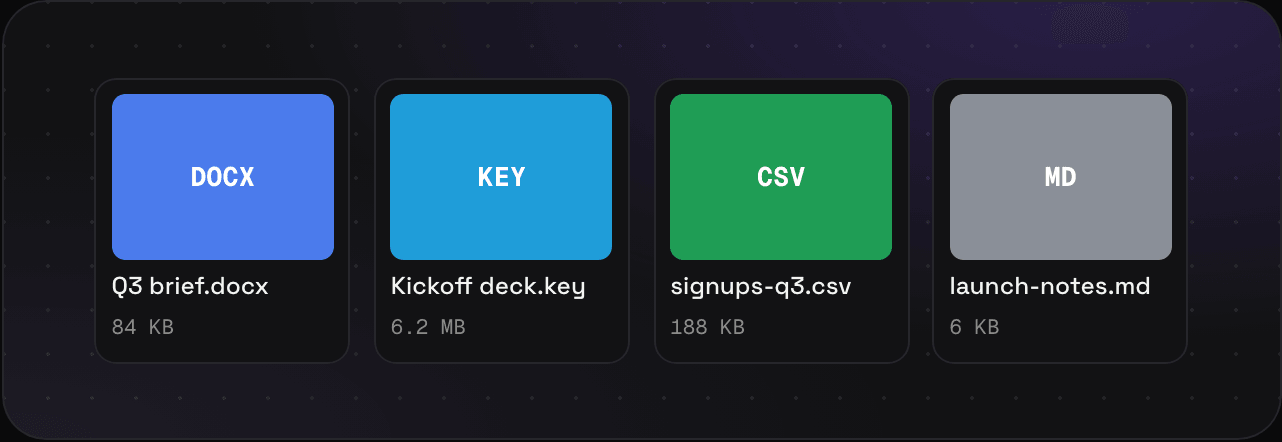
What you get
- A card with the file’s name and size
- The file itself, downloaded with your export
- A note, folders, tags, and custom properties like any save
Files are stored, never opened or run on our side.
Sizes
Documents are on Light and Ultra Pro Max Plus. Light takes them up to 50 MB, and Ultra Pro Max Plus up to 250 MB.
Tips
- A PDF is a PDF, and gets its text searched page by page. If you want to search inside a deck, export it to PDF first.
Other files you can drop in: fonts, audio, and emails as .eml.